
Meta Introduces AI Collage and Editing Tool on Facebook
Meta has launched new AI-powered collage and photo editing tools on Facebook, making it easier for users to customize and enhance their photos with creative layouts and smart edits.

- Meta’s AI photo tool arrives on Facebook: The new AI feature automatically generates creative collages and themed edits from your camera roll to simplify photo sharing.
- How Facebook’s AI editing works: You can activate the tool to receive custom collages, recap videos, and event-based edits that appear in your Feed or Stories.
- Privacy and data use limits: Meta says your photos aren’t used for AI training unless they’re publicly shared or directly edited with its AI tools.
- Stronger privacy control for iPhone users: You can disable camera roll access in iPhone settings to prevent Facebook from scanning or processing your stored media.
- Meta’s wider AI expansion starts December: The company plans to use AI chats to personalize ads and content across U.S. accounts, with no option to opt out.
Meta has begun rolling out a new AI-based photo feature on Facebook that can automatically turn your camera roll into creative collages and themed edits. The optional tool scans through your stored photos and videos, uploads them to Meta’s servers, and uses artificial intelligence to generate suggested content.
How the New AI Feature Works
Once activated, Facebook’s AI will periodically surface recommendations such as photo collages, recap videos, restyled images, or themed edits for occasions like birthdays, trips, and graduations. These suggestions stay private unless you choose to share them. Shared creations appear in the Feed or Stories, and Meta may use them to train its AI models.
Privacy and Control
Users in the United States and Canada can access the feature starting today. To enable or disable it, head to Settings & Privacy → Settings → Preferences → Camera Roll Sharing Suggestions within the Facebook app.
Meta says that camera roll media won’t be used for AI improvement unless you post or edit with its AI tools. Those who prefer not to participate in data training are advised not to opt in. An extra layer of privacy can be added by fully revoking camera roll permissions through iPhone settings.
Expanding AI Personalization
The new feature arrives as Meta prepares for a broader AI push. Beginning in December, the company will use generative AI conversations to personalize posts, ads, and recommendations in the U.S. Text and voice interactions with Meta AI will be analyzed for this purpose, and there won’t be an option to opt out.
Share your thoughts on Meta’s new AI feature in the comments below.
Topics

Written by
VikhyatVikhyat has a bachelor's degree in Electronic and Communication Engineering and over five years of writing experience. His passion for technology and Apple products led him to the tech writing space, where he specializes in writing App features, How-to guides, and troubleshooting guides for fellow Apple users. When not typing away on his MacBook Pro, he loves exploring the real world.
View all posts →More from News
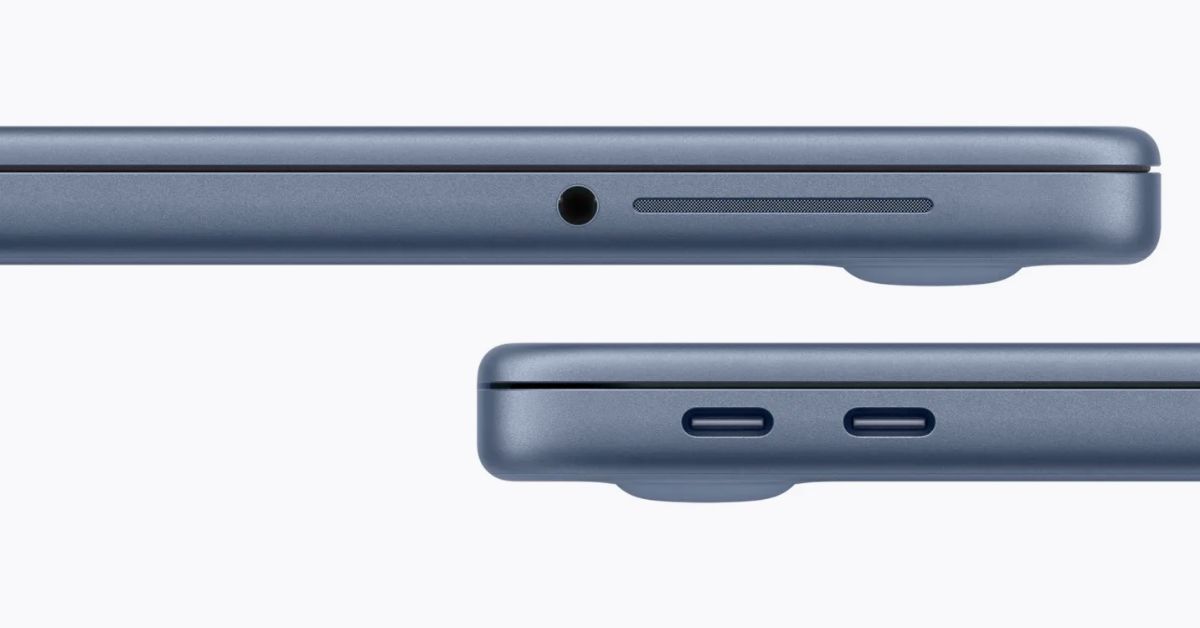
macOS Will Flag the Slower USB-C Port on MacBook Neo
The MacBook Neo includes two USB-C ports with different capabilities. The left port supports faster speeds and external displays, while the right port is limited to USB 2 speeds for charging and basic accessories.
VikhyatMarch 5, 2026
Apple Launched Studio Display and Studio Display XDR: Full Specs, Features, and Price
Apple launches Studio Display and Studio Display XDR built for creators with Thunderbolt 5, stunning visuals, and pro-level performance. Here’s all the specs, features, and price.
 Ava BiswasMarch 4, 2026
Apple Pre‑Orders Now Live for iPhone 17e, MacBook Neo, M5 Macs and More
Apple has opened global pre-orders for iPhone 17e, MacBook Neo, M5 Macs, and new Studio Displays. Here are the start times, products, and release date.
 Ravi Teja KNTSMarch 4, 2026