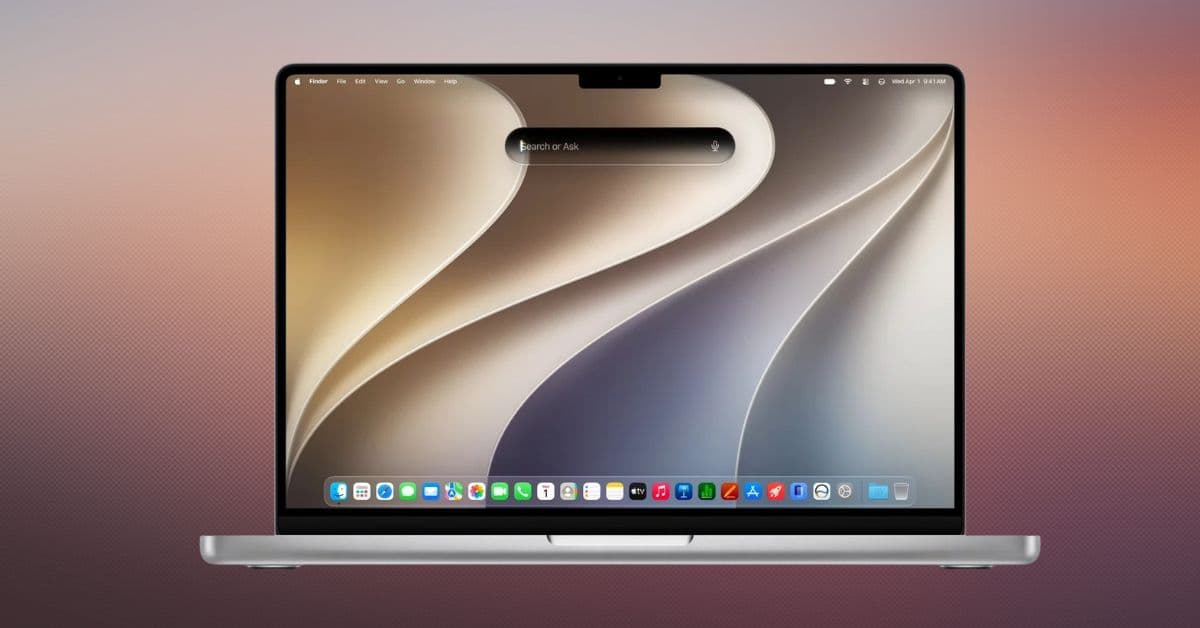
Apple has officially unveiled macOS 27, now called macOS Golden Gate, at WWDC 2026. Alongside its new Liquid Glass design and Apple Intelligence upgrades, Apple has also confirmed which Macs are eligible for the update.
The biggest change this year is the end of support for Intel Macs. Apple announced last year that macOS Tahoe would be the final major macOS release for Intel-based machines, and macOS Golden Gate makes that transition official. To install macOS Golden Gate 27, you’ll need a Mac powered by Apple silicon.
Here’s the complete list of Macs compatible with macOS Golden Gate.
macOS 27 Golden Gate supported Macs
- MacBook Neo (2026)
- MacBook Air with Apple silicon (2020 and later)
- MacBook Pro with Apple silicon (2020 and later)
- iMac with Apple silicon (2021 and later)
- Mac mini with Apple silicon (2020 and later)
- Mac Studio with Apple silicon (2022 and later)
- Mac Pro with Apple silicon (2023 and later)
Intel Macs that are no longer supported
macOS Golden Gate officially drops support for the final Intel Macs that could run macOS Tahoe.
The following models do not support macOS 27:
- MacBook Pro (16-inch, 2019)
- MacBook Pro (13-inch, 2020, Four Thunderbolt 3 ports)
- iMac (2020)
- Mac Pro (2019)
These Macs can continue running macOS Tahoe but won’t receive future major macOS upgrades.
What happens if your Mac isn’t compatible?
If your Mac is one of the Intel models dropped this year, it won’t stop working. Apple is expected to continue providing security updates for macOS Tahoe, allowing affected Macs to remain secure and usable.
However, new features introduced in macOS Golden Gate and future macOS releases will require an Apple silicon Mac.
What’s new in macOS Golden Gate?
Compatibility isn’t the only story this year. macOS Golden Gate introduces Apple’s new Liquid Glass design language, deeper Continuity integration, updates to core system apps, and several productivity improvements across the operating system.
Should you upgrade your Mac?
That depends on the Mac you’re using.
If your Mac appears on the macOS Golden Gate compatibility list, you can install the update without changing hardware. For owners of the four Intel Macs losing support, macOS Tahoe is the end of the road for major software updates.
If you plan to keep your Mac for several more years and want access to future macOS releases, an Apple silicon Mac will eventually become the only path forward.
macOS 27 release timeline
Apple released the macOS 27 Golden Gate on 14 september 2026.
The end of the Intel Mac era…
macOS Golden Gate marks the beginning of Apple’s Apple silicon-only future. While Intel Macs will continue receiving security updates, all future macOS releases will require an M-series Mac.
Are you still using an Intel Mac, or have you already upgraded to Apple silicon? Let us know in the comments.