
How to enable dark mode on Apple TV
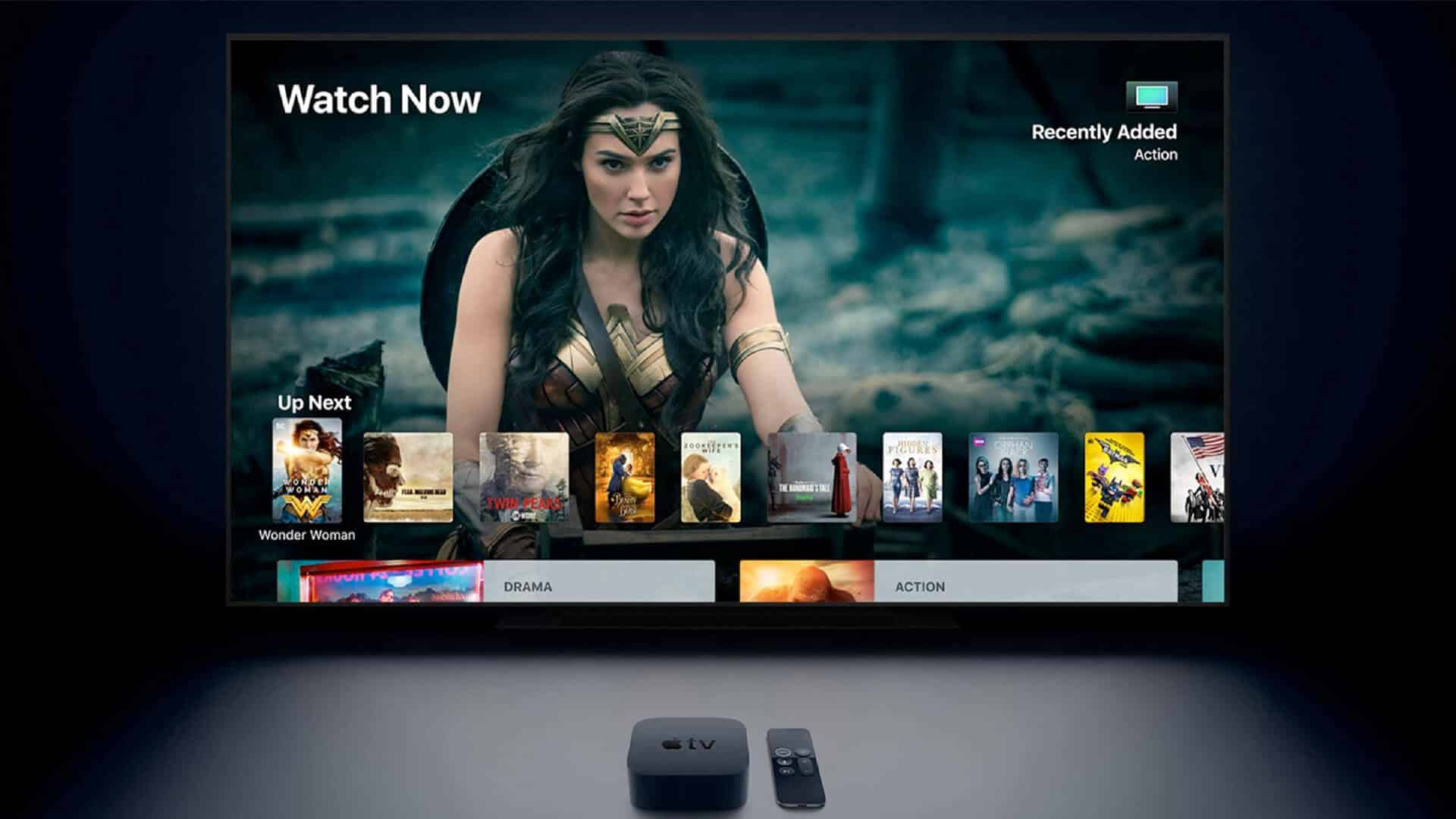
I am fond of movies and TV Shows. With the launch of Apple TV+ now, I have my eyes set on some more great additional programs. After a day of work, I enjoy watching these or the new Netflix movies at night. This is where the dark mode on Apple TV plays a significant role. It makes the TV background appearance dark and thus comfortable on the eyes.
On the other side, the light background appears to pierce the eyes when the room lights are off, and the TV screen is at considerable brightness. So, enabling dark mode on Apple TV is a godsend. Here is how to turn it on.
Turn on dark mode in settings app on Apple TV
Step #1. Launch the Settings app on your Apple TV.
Step #2. Now, go to General → Appearance.
Step #3. From here, out of Light, Dark or Automatic, select Dark.
To disable Dark Mode on Apple TV, select Light from here.
Pro Tip: You may also set it to Automatic. Apple TV will ask for your location, and then it will automatically switch between Light and Dark mode. During the day, it will be Light, and at night it will change to Dark. Convenient. Right!
Turn on dark mode on Apple TV Using Siri
Siri is a smart assistant. It can perform a number of tasks quickly, conveniently and effortlessly just by voice command. You can use Siri to turn on dark mode on your Apple TV.
To do so, launch Siri on your Apple TV and ask it ‘Turn on Dark mode.‘
You may also ask Siri to turn it off by saying ‘Turn off Dark Mode.‘
That’s it!
Wrapping up…
These were the two easy ways to enable and disable Dark mode on Apple TV. People had been asking for this mode on iPhone and Mac too. Finally, every Apple Product has this dark appearance. It makes using the device comfortable at night. I hope you have a pleasant experience of watching Apple TV. Share your thoughts in the comments below.
Topics

Written by
Jignesh PadhiyarJignesh Padhiyar is the co-founder of iGeeksBlog.com, who has a keen eye for news, rumors, and all the unusual stuff around Apple products. During his tight schedule, Jignesh finds some moments of respite to share side-splitting content on social media.
View all posts →More from Apple TV

New Shows and Movies Coming to Apple TV in March 2026
Apple TV is packed this March! Explore all the new movies and shows releasing in March 2026 and what’s coming next on the streaming platform.
 Ava BiswasFebruary 25, 2026
How to Sign Out of Netflix: A Step By Step Guide
Secure your Netflix account by signing out of all devices you don’t use.
 Anoop VargheseFebruary 12, 2026
Best 4K TVs for Apple TV 4K in 2026
Upgrade your home cinema with the best 4K TVs. Explore top-rated models featuring stunning OLED displays, high refresh rates, and smart features for gaming and movies.
 Dhvanesh AdhiyaDecember 26, 2025