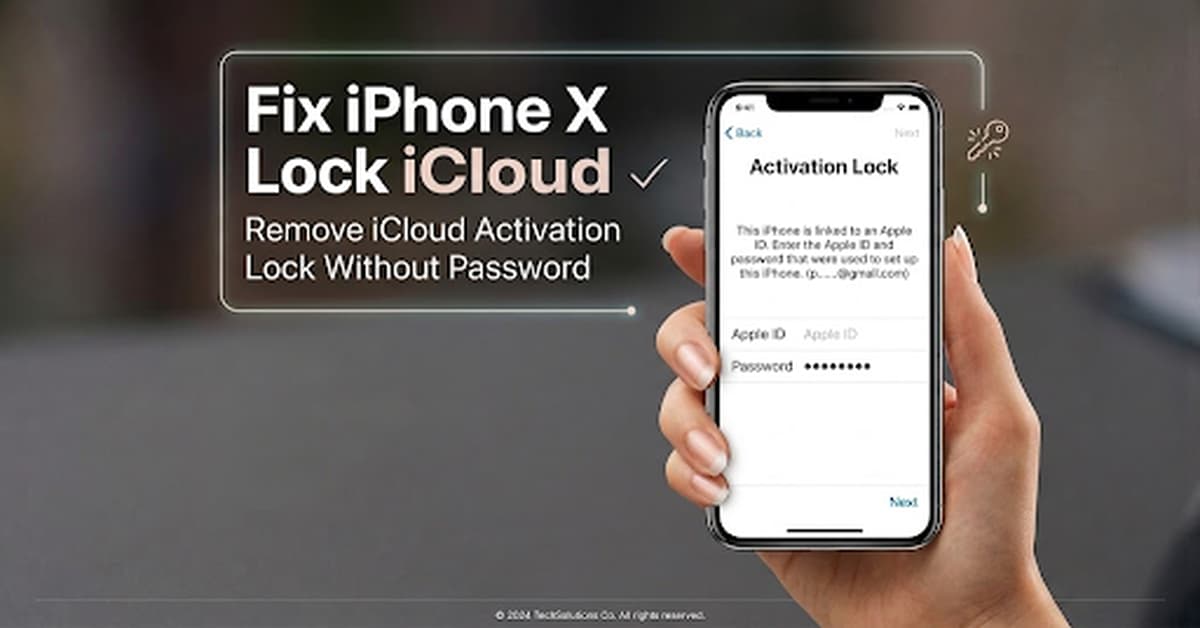
Resetting an iPhone X erases personal data and prepares it for a new setup. However, some users may see “iPhone Locked to Owner” after the reset. The device then asks for the previous owner’s Apple ID and password.
This happens because iCloud Activation Lock is linked to Apple’s Find My iPhone service. A factory reset does not remove this security feature, so unauthorized users cannot activate the device.
If you forgot your Apple ID password or bought a used iPhone X linked to another account, setup may be difficult. This article will guide you to remove iCloud Activation Lock without password.
What Is iCloud Activation Lock?
iCloud Activation Lock is an Apple security feature that protects lost or stolen iPhones. It works with Find My iPhone and links the device to the owner’s Apple ID.
Even after the iPhone is erased or restored, it still requires the original Apple ID and password to activate.
Why Does an iPhone Show “iPhone Locked to Owner”?
The “iPhone Locked to Owner” message usually appears in the following situations:
- The previous owner did not remove the device from their iCloud account before selling it.
- A second-hand iPhone was purchased but is still connected to another Apple ID.
- The device was reset without disabling Find My iPhone.
- The owner forgot their Apple ID credentials.
How to Remove iCloud Activation Lock Without Password?
Method 1: Ask the Previous Owner to Remove the Device
The easiest method is to ask the previous owner to remove the iPhone from their iCloud account.
The previous owner can:
- Sign in to their Apple ID account.
- Open the Find My service.
- Select the iPhone.
- Remove the device from their account.
Method 2: Contact Apple Support
If you own the iPhone but cannot remove Activation Lock, contact Apple Support. Apple may ask for proof of purchase or ownership. If approved, Apple can help remove the lock.
This option may not work for second-hand devices without valid purchase documents.
Method 3: Use an iCloud Bypass Tool – iToolab UnlockGo
When users cannot contact the previous owner or recover the Apple ID information, they may look for an iCloud bypass tool to handle Activation Lock-related issues.
iToolab UnlockGo is designed to help users solve different iPhone lock-related problems, including supported iCloud Activation Lock situations. It supports a wide range of iPhone models and helps users check device compatibility before starting the process.
UnlockGo provides a step-by-step workflow designed to make the process easier.
Steps to Remove iCloud Activation Lock with iToolab UnlockGo
Step 1: Install iToolab UnlockGo
Download and install iToolab UnlockGo on your computer, then connect your iPhone using a USB cable.
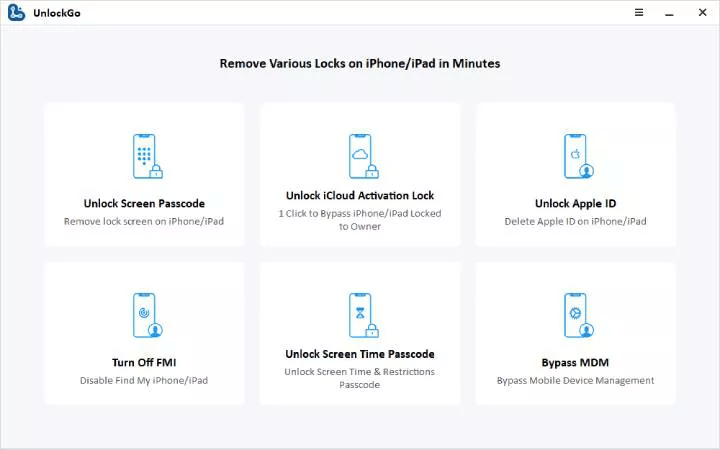
Step 2: Select Activation Lock Removal
Open UnlockGo and choose the Unlock iCloud Activation Lock option.
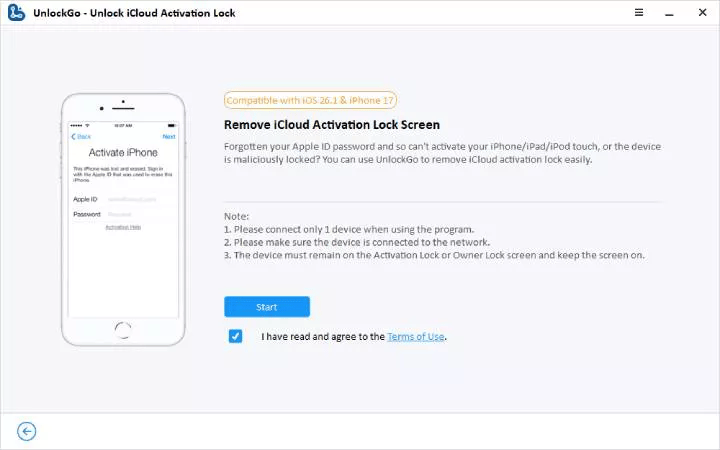
Step 3: Start the Removal Process
Click to start the removal process and keep the iPhone connected throughout the process,
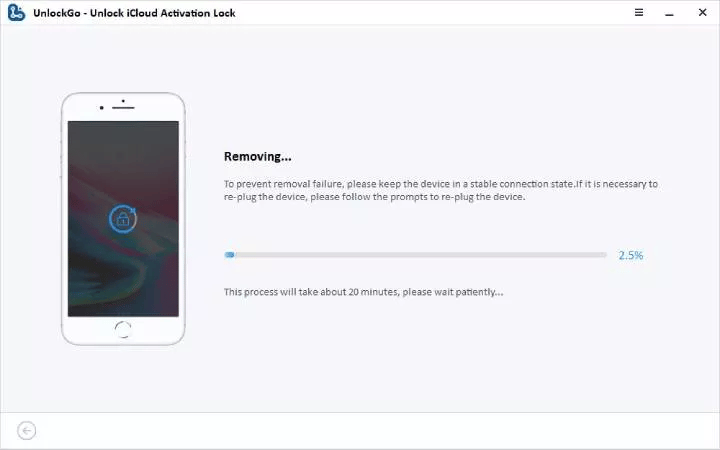
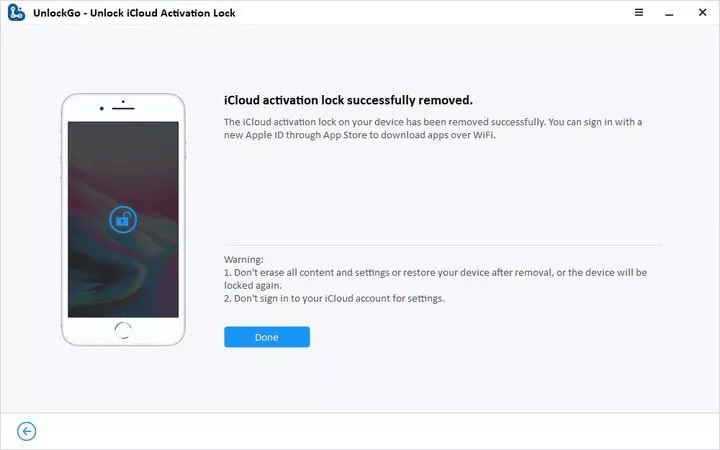
Step 4: Complete the Removal Process
After completion, restart your iPhone and check whether you can continue the setup process.
Conclusion
Seeing “iPhone Locked to Owner” after resetting an iPhone X means that iCloud Activation Lock is still active. A factory reset removes the device’s data and settings but does not unlink it from the original Apple ID.
The appropriate solution depends on your situation. You can ask the previous owner to remove the device from their Apple ID, contact Apple Support with proof of ownership, or use a trusted iCloud bypass tool such as iToolab UnlockGo on supported devices.