
Your texts, emails, notes, and reminders are probably all on your Mac right now. Grok Bot can now work with every one of them, but only after you allow each app.
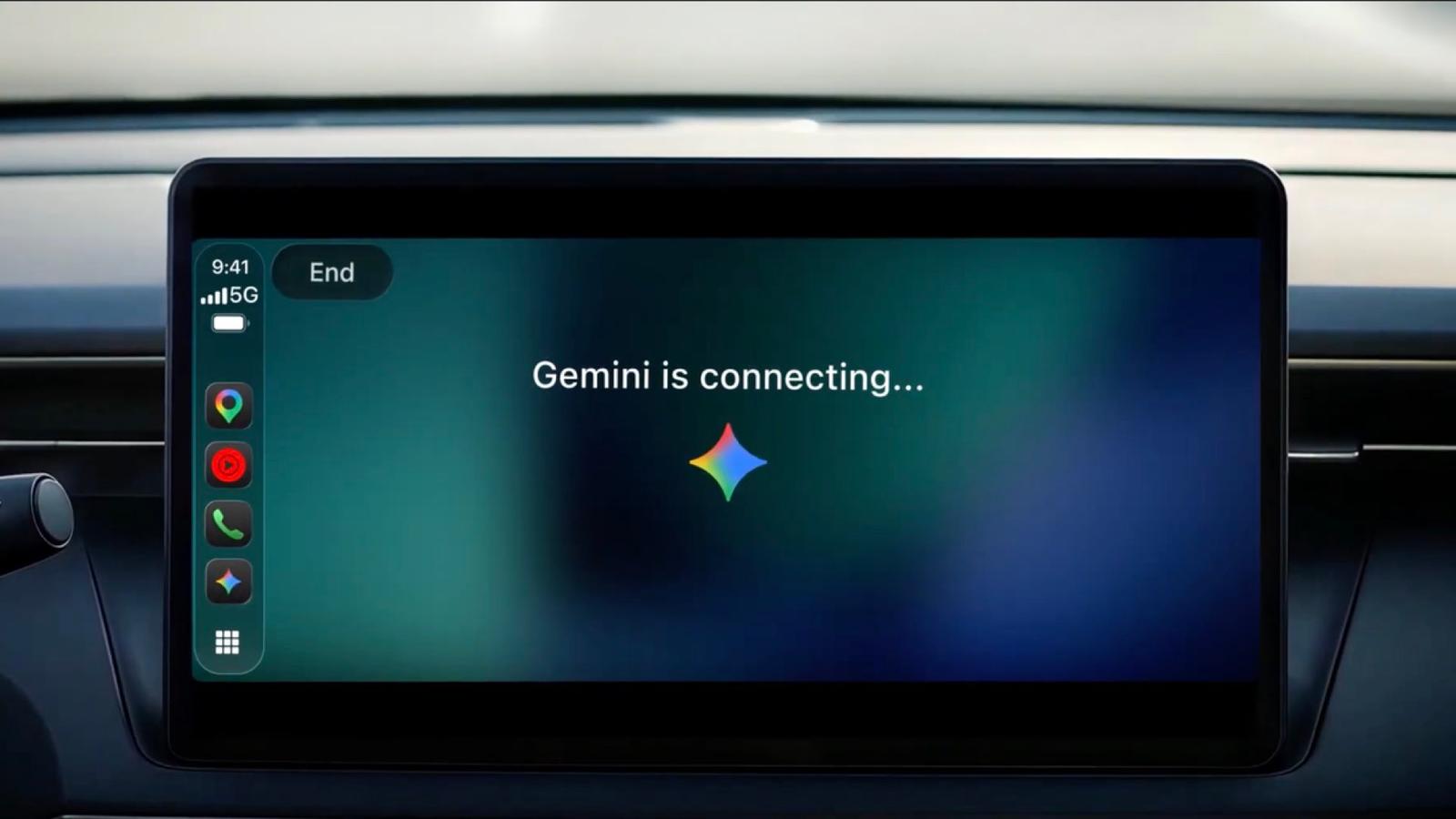
Grok Bot’s official X account posted the update on November 12. It names six Apple apps, Messages, Mail, Notes, Reminders, Calendar, and Contacts, plus Location. The access runs through your Mac, and Grok Bot developer Evan Bacon says you can use it from Grok Bot on your phone, on the web, or in a Tesla.
Mail and Notes are new on the Mac
On iPhone, Grok Bot’s support page lists Calendar, Reminders, Contacts, Location, and Home, plus alarms and timers. Mail, Messages, and Notes are not on that list, even though the October iPhone permission screen showed a Messages row. On iPhone, Grok can only read your contacts. The Connect Apps screen says Grok can find and add contacts, which is a wider description than that.
The Mac list is longer than the iPhone list: seven items against six. Mail and Notes hold a lot of private writing, so they deserve a closer look than Calendar or Reminders before you turn anything on.
What each app can do
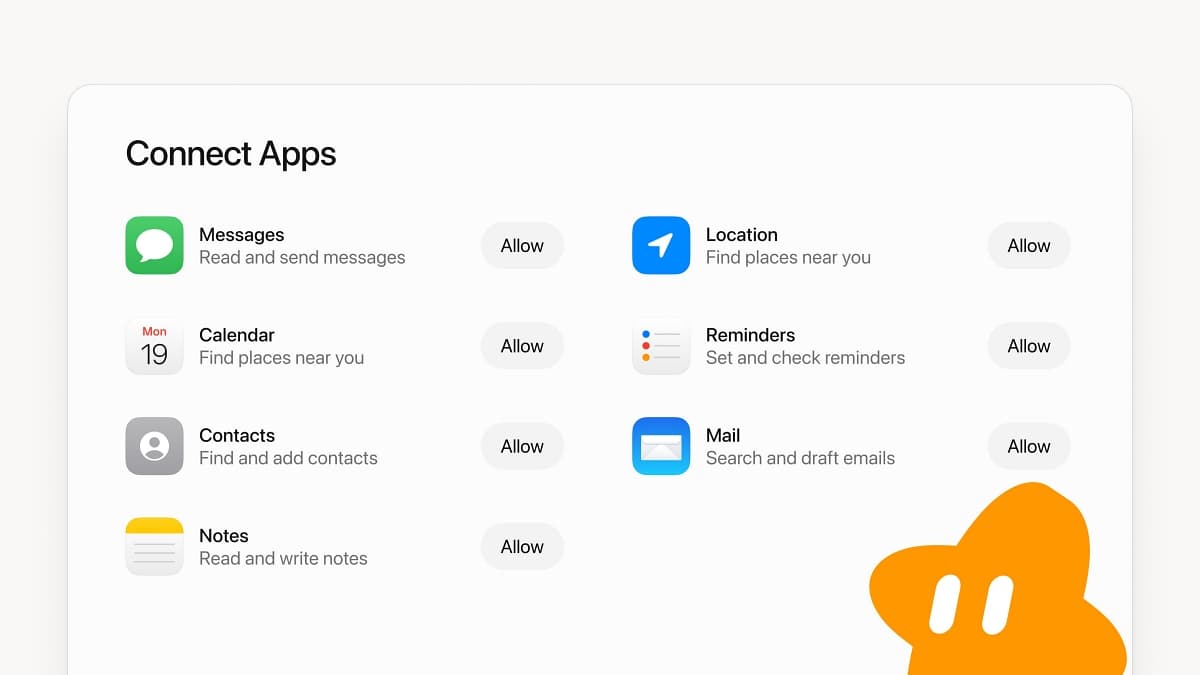
The Connect Apps screen gives each app one short line and its own Allow button, so you choose the apps one at a time.
- Messages: read and send messages. This is the one that can send for you.
- Mail: search and draft emails. The screen does not say Grok can send them.
- Notes: read and write notes.
- Reminders: set and check reminders.
- Contacts: find and add contacts.
- Location: find places near you.
The Calendar line repeats the Location wording, so the screen does not say what Calendar access covers. If you want to test the feature first, Reminders is the lowest-stakes row.
Two requirements are still missing
- It does not name a macOS version. The iPhone app needs iOS 18 or later.
- It does not say whether a paid plan is required. The iPhone app requires a specific paid plan, such as Premium, Super, or Ultra on The X Subscription, or a legacy Cursor plan. The Mac post doesn’t say whether the same rule applies.
How Grok Bot got here
Grok Bot launched in August as an always-on AI agent for Mac and iPhone. On October 22, the iPhone version added access to Calendar, Reminders, and Contacts.
Grok Bot 1.0 followed on November 2. That release focused on AI teammates for teams, with Slack and Microsoft Teams support and improved connections to Gmail, Google Calendar, and GitHub. Team Bots need a Team or Enterprise plan. The 1.0 announcement does not name any Apple app.
Grok’s Gmail and Google Calendar connections run as plugins.
Mac permissions are the bigger question
Apple said it plans to require more explicit steps before any app can get Full Disk Access on the Mac. That permission lets an app reach protected files. Apple hasn’t shipped the change or named a macOS version for it, so Mac permissions still work as they do now.
If you try it, allow only the apps Grok needs for the job, and read each permission line before you allow it.