
With iOS 27 now available, Gentler Streak 5.13 and The Outsiders 1.8 add support for Apple’s new Siri AI, letting users ask about workouts, training readiness, body metrics, and sleep without opening either app. Gentler Stories CEO Katarina Lotrič described the updates in a September 14 report from 9to5Mac.
Users should include the app’s name in a request, such as "Show today’s workouts in Gentler Streak." Gentler Streak can answer questions about activity status, Go Gentler suggestions, daily body metrics, and the previous night’s sleep. The Outsiders can also report training readiness, today’s workouts, body metrics, and sleep.
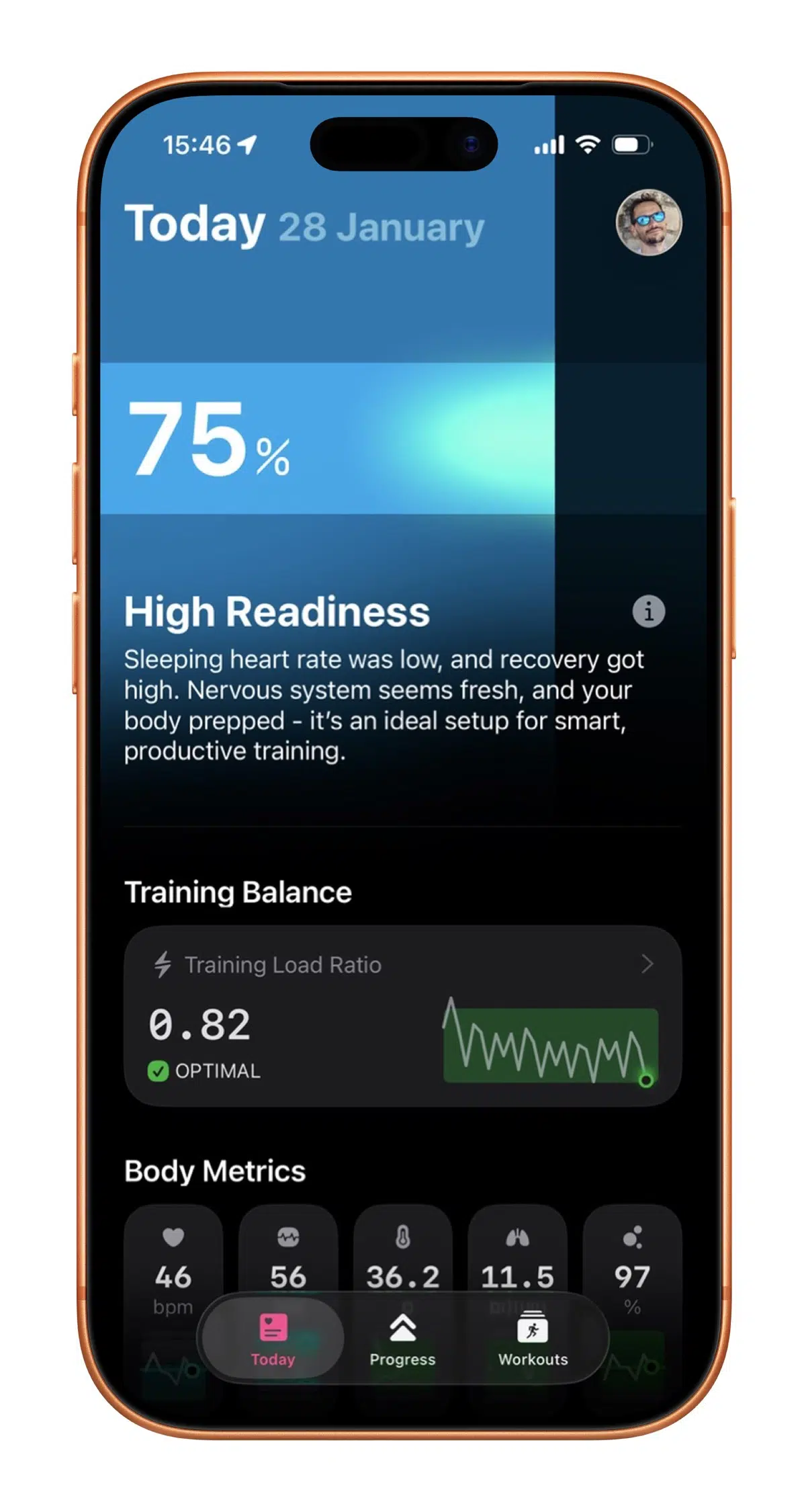
Siri can explain what’s on screen
With either app open, users can ask Siri to explain a workout summary, health chart, or another screen. Apple’s App Intents framework and View Annotations API let developers connect app content and actions to Siri, then give the assistant context about what’s visible.
The updates also add on-device AI workout-title suggestions, refreshed icons with a Liquid Glass look, and layouts that adjust to different screen sizes and window positions, including iPad windows and iPhone Duo.
Apple says Siri AI is rolling out in English and is limited to Apple Intelligence-compatible devices. Installing the app updates alone will not unlock the feature for every iPhone running iOS 27. If Siri AI has not appeared yet, check the device and rollout requirements.