
I tested the best NFL Apps, these are worth using in 2026
iGeeksBlog is supported by its readers. When you buy through links on our site, we may earn an affiliate commission. This doesn't affect our editorial independence.
Looking for the best NFL apps? I tested the top options for watching games, tracking scores, and managing fantasy teams. These are the only apps you need in 2026.
If you want to follow the NFL properly in 2026, you don’t need cable, you need the right apps. I’ve tested most of the popular options over multiple seasons, and a handful of them genuinely change how you watch, track, and react to games.
Right now, my setup is simple: one app for watching, one for scores, one for fantasy, and one for real-time reactions. Once you get that mix right, you’re not just watching games, you’re fully plugged into everything happening around the league.
There was once a time when being an NFL fan meant arranging your Sundays around the TV schedule. Now, your entire football experience lives in your pocket. Whether it’s live scores, fantasy leagues, breaking news, or watching games on the go, the right apps make a huge difference.
As someone who’s followed the league obsessively for years and tested these apps during real games, here are my must-have picks across every category. So, let’s get started!
Official NFL experience apps
Before anything else, I always start with the official apps. They’re usually the most reliable when it comes to accurate stats, schedules, and league updates.
1. NFL App: Central NFL hub without overcomplication
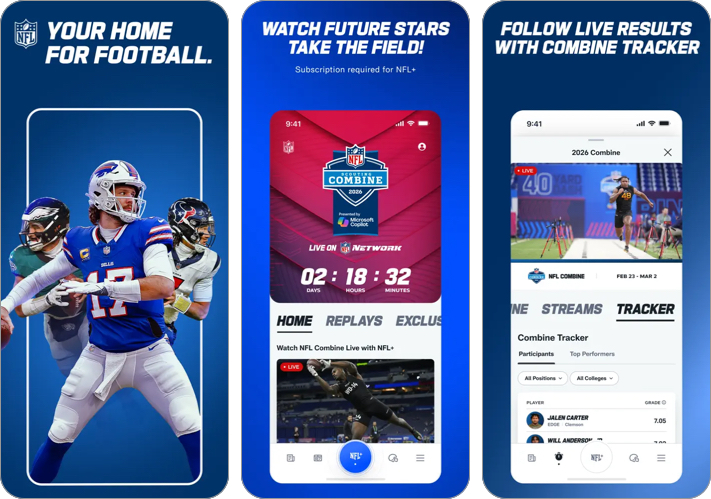
I install this app at the start of every season, and it rarely leaves my home screen. It’s quick, reliable, and doesn’t try to do too much.
You can watch free NFL content via the NFL Channel 24/7, and I often use it for quick highlights or checking what’s trending around the league. During games, the real-time stats, drive charts, and play-by-play are fast enough that I don’t feel behind.
With the NFL app, you can access:
- Live local and primetime games on mobile
- Real-time stats, drive charts, and play-by-play
- Breaking news and highlights
What I personally like most is the clean, no-nonsense interface. When a game is on, I just want quick updates without digging through menus, and this app delivers that consistently.
- Watch live games on mobile
- Stats, highlights, and news in one place
- Free core features
- Live games are limited to mobile devices
- Blackout restrictions for some games
Price: Free (get NFL+ at $6.99/month to watch pre-season and post-season games)
2. NFL OnePass: Your ticket to NFL events
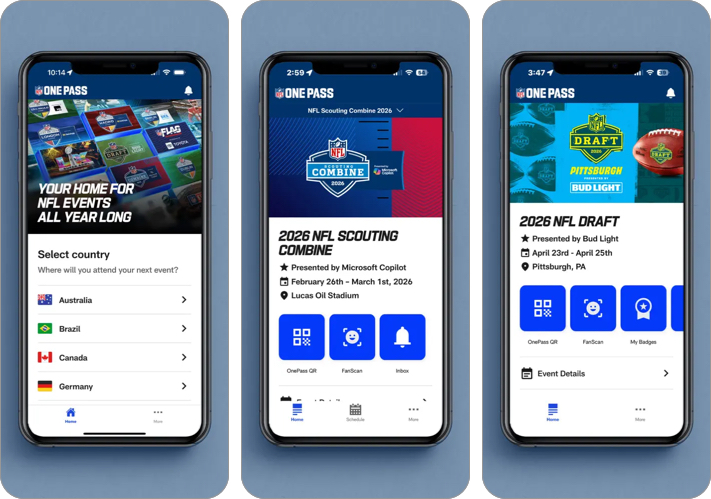
I’ve only used this app when following major NFL events, but when you need it, it becomes essential. NFL OnePass acts as your ticket, access pass, and event guide all in one place.
If you’re attending the NFL Draft, Super Bowl events, or international games, this app handles everything from entry to schedules. I like how it keeps everything centralized instead of juggling emails or screenshots.
It also includes a virtual assistant called Vince, which helps answer basic event-related questions.
- Digital access to NFL events
- QR code check-ins for activities and experiences
- Event schedules, maps, and alerts in one place
- Ticket integration
- Not useful unless you’re attending events
- Occasional ticket access delays
Price: Free
Live streaming & watching games
Watching NFL games on your phone used to feel like a backup option. Now, it’s how I watch a lot of games, especially when I’m not near a TV.
I’ve tried different setups over the years, and what matters most is reliability. You don’t want buffering during a key drive or switching apps just to keep up with multiple games.
3. YouTube TV: Enjoy sunday matches altogether
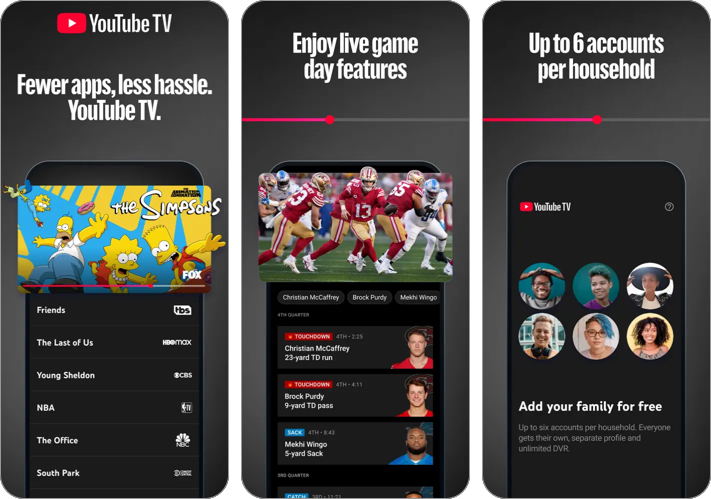
This is my go-to when I want a full game-day experience without cable. YouTube TV includes major NFL broadcasters like CBS, FOX, NBC, and ESPN, so it covers most games.
I’ve used the multiview feature during Sunday games, and it genuinely changes the experience. Being able to watch multiple games at once without switching streams makes a big difference.
You can also record games and watch them later, which I rely on when schedules overlap.
- Watch out-of-market games (with add-ons)
- Unlimited DVR
- Multiview support
- Up to 6 accounts + 3 simultaneous streams
- Expensive, especially with NFL Sunday Ticket
- Requires a stable internet connection
Price: Free
4. ESPN: Live Sports & Scores: For monday nights
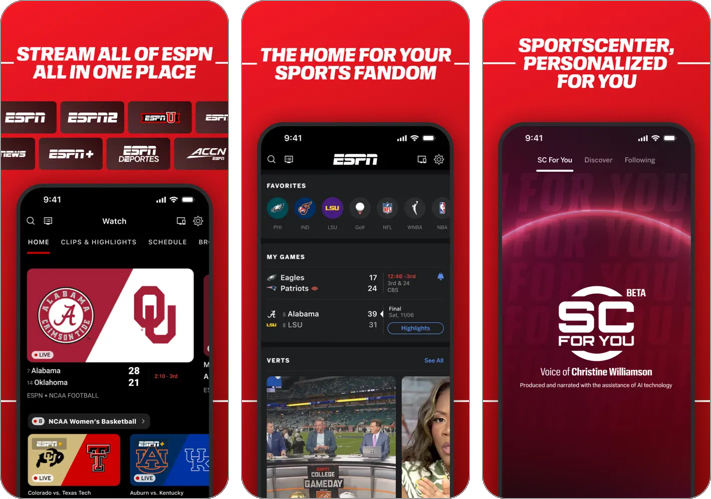
If Monday Night Football matters to you, ESPN is essential. I usually open this app for live games, but I also use it regularly for analysis and breaking news.
It feels like having a full sports newsroom in your pocket. Shows like SportsCenter and NFL Live add context before and after games, which I find useful.
- Live streaming of Monday Night Football
- Real-time scores, breaking news, and personalized alerts
- Personalized experience with features such as custom highlight feeds and multi-view
- Many live games require a TV provider login or an ESPN+ subscription
- The interface can feel overloaded with content
Price: Free (ESPN+ Monthly subscription starts at $12.99)
5. Amazon Prime Video: Access thursday night football
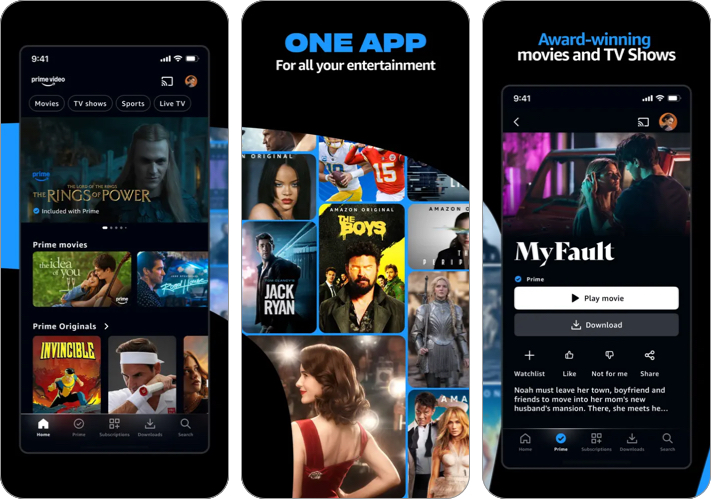
Thursday Night Football has become a regular part of my weekly routine, and this is where I watch it.
The streaming quality is consistently solid, and features like X-Ray stats and alternate feeds actually add value instead of feeling distracting. I’ve found the overall presentation more modern compared to traditional broadcasts.
- Streams 15–16 regular-season TNF games + special games like Wild Card
- High-quality streaming with X-Ray stats, alternate feeds, and AI insights
- Ability to record games and watch replays anytime
- Only allows games played on Thursdays
- Requires an Amazon Prime subscription
Price: Free (Prime Video Monthly starts at $0.99)
Fantasy football apps
Fantasy football completely changes how you experience the NFL. I’ve found myself following games I normally wouldn’t care about just because of my fantasy lineup.
6. NFL Fantasy Football: Start your fantasy journey
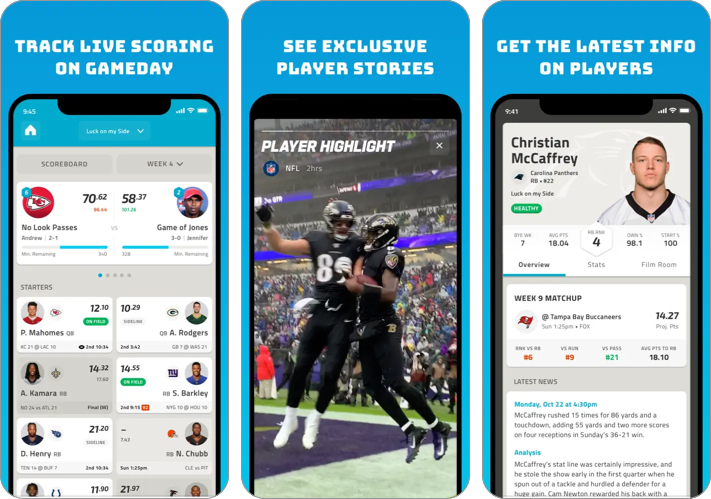
If you’re new to fantasy football, this is one of the easiest apps to start with. I’ve used it for casual leagues, and it keeps things simple.
The real-time scoring and official stats integration make it feel closely tied to the league itself. You can also adjust your lineup quickly before kickoff, which is helpful on busy days.
- Easy to use interface
- Ideal for beginners
- Integration with the official league
- Can lag or crash during peak game times
- Fewer customization options than competitors
Price: Free (NFL+ Monthly starts at $6.99)
7. ESPN Fantasy Sports & More: Play fantasy football your way
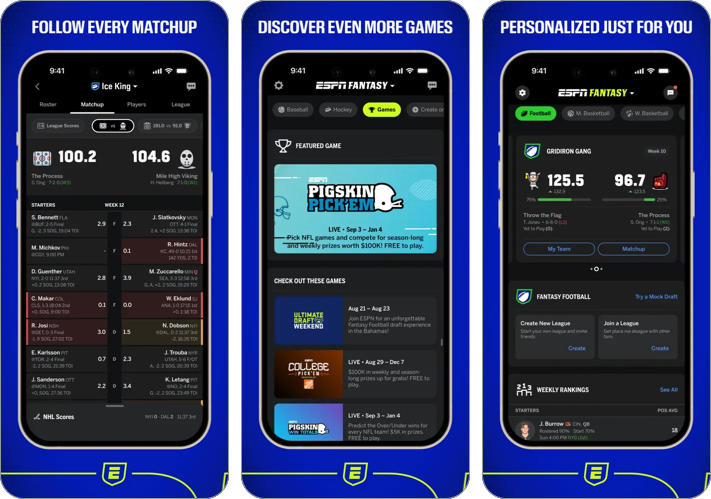
When I’m in competitive leagues, this is the app I rely on. The biggest reason is simple: notifications are fast and reliable, which matters a lot during injuries or last-minute changes.
It also gives you flexibility with league settings and lets you interact with league members easily.
- Advanced stats, projections, and player rankings
- Clean UI
- Reliable notifications
- Recent changes to the UI have mixed reactions from users
- Can feel basic for hardcore fantasy players
Price: Free (ESPN+ subscription starts at $12.99)
8. Madden NFL 26 Mobile Football: Show your football skills
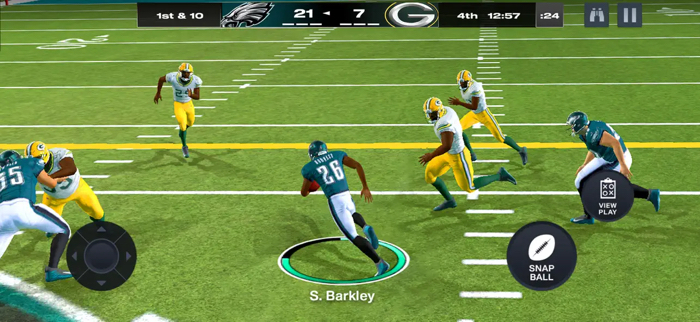
I usually turn to this app during the offseason. It keeps the NFL vibe going when there are no live games.
You can build your own team and play PvP matches, which adds a different kind of engagement compared to fantasy apps.
- Build & upgrade your own NFL roster
- Fun, fast-paced gameplay with solid graphics
- PvP modes + events keep things competitive
- Can feel pay-to-win in competitive modes
- Lag, ads, and occasional glitches reported
Price: Free (In-app purchases start at $1.99)
Related: Apple Sports App Gets Widgets, Expands to 8 New Countries
Scores, stats & analytics apps
Once you’ve sorted how to watch games, the next step is staying updated in real time. These apps help you track everything without missing key moments.
9. theScore: Sports News & Scores: Stay Ahead with Latest Info
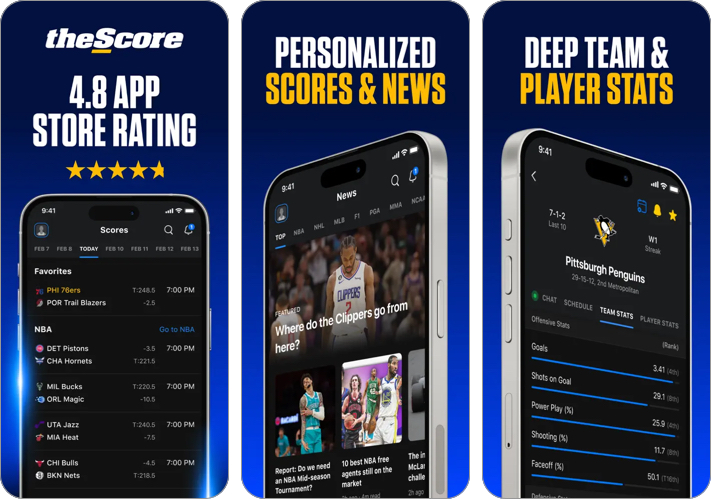
This is one of the fastest apps I’ve used for score updates. When something big happens, I usually see the notification here first.
The interface is clean, and I like how easy it is to follow multiple teams without clutter.
- Lightning-fast notifications
- Clean score tracking
- Personalized feeds
- Ads can be a little too intrusive for some users
10. CBS Sports App: Scores & News: Live fan reactions
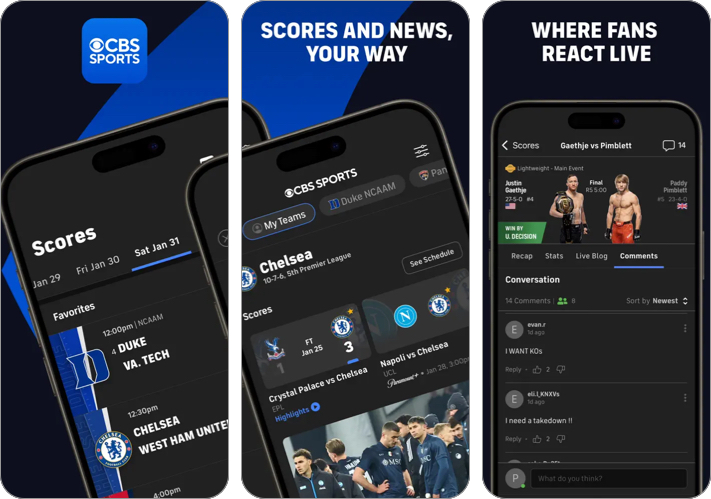
I check this app when I want to see how fans are reacting in real time. The live comments section adds a social layer that most apps don’t have.
It’s also useful for expert picks and additional coverage.
- Live scores, news, and highlights across major sports
- Personalized news and scores for your favorite teams and leagues
- Easy-to-use interface with detailed stats and coverage
- Some live content requires a TV provider/Paramount+ login
- Not always the best for international coverage
11. Flashscore: Live Score & News: Deep stats for predictions
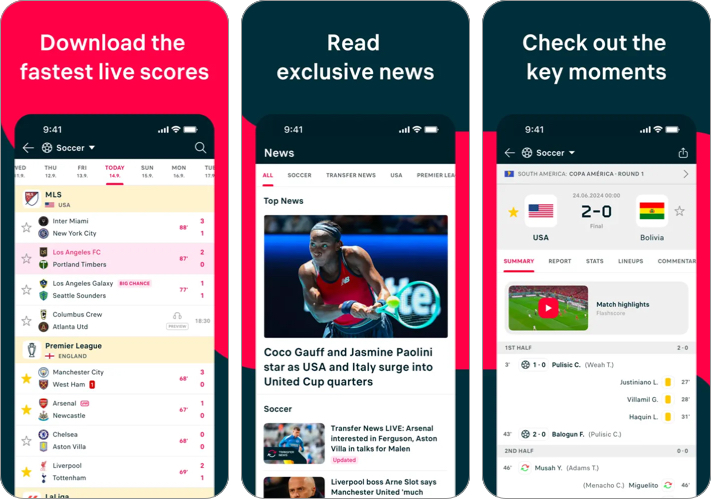
If you want detailed stats, this app goes deeper than most. I’ve used it when I want more context beyond just scores.
It covers multiple sports, but the level of detail for matches and player data stands out.
- Super fast live scores & instant updates
- Live text commentary
- Exclusive interviews and transfer news & rumors
- Personalized alerts for teams & matches
- UI can feel a bit cluttered for new users
- Some sports/leagues lack detailed coverage
For me, this adds a social layer that traditional apps don’t fully provide.
Bonus:
How to pick the right NFL apps for you
Not every app is necessary. You just need the right combination based on how you follow the NFL.
Here’s how I’d break it down:
- Casual Fan → NFL App + YouTube TV + CBS Sports
- Hardcore Fan → NFL+, theScore + Team-specific apps like Houston Texans, Detroit Lions, etc.
- Fantasy Player → ESPN Fantasy + Flashscore + X
My personal setup: NFL App + YouTube TV + ESPN Fantasy + theScore + X
This combination covers everything from watching games to tracking stats and reacting live.
My final take
Being an NFL fan today feels completely different from a few years ago. I don’t rely on just one platform anymore. I switch between a few apps depending on what I need at that moment.
Once you find your mix, game days become much more engaging. You’re not just watching, you’re tracking every play, managing your fantasy team, and reacting in real time.
The key is not downloading everything, but building your own setup. Start with a few apps from this list, use them during live games, and you’ll quickly figure out what works best for you.
Which NFL apps do you use? Let us know in the comments below!
Topics

Written by
Ava BiswasAva is a die-hard Apple aficionado and seasoned writer with a knack for breaking down complex tech concepts into easily digestible content. Having honed her writing and editing skills over 4 years at renowned media houses like TechBurner, Ava crafts informative and engaging articles including troubleshooting guides, product reviews, editorials at iGeeksBlog. When not typing, you can find her exploring the latest Apple releases or pondering the future of tech innovation.
View all posts →More from Apps
Today’s Apps Gone Free on The App Store
Snag top paid apps now FREE on the App Store: Games, tools, and more! Hurry before the deals disappear!
 Dhvanesh AdhiyaMarch 24, 2026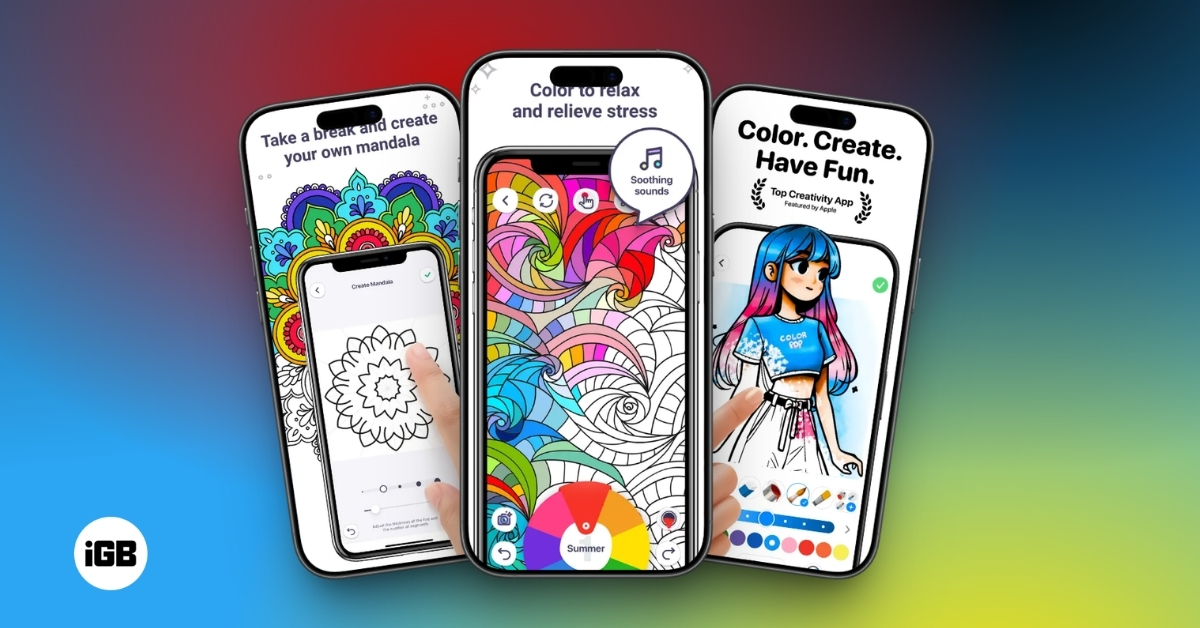
I Tested These Coloring Apps and Ditched Paper (Best Picks for iPhone and Android)
I tested popular coloring apps to find the ones truly worth your time. Whether you want to relax or just pass time, these apps offer a smooth, mess-free experience.
Dhvanesh AdhiyaMarch 20, 2026
Best Weather Apps for iPhone and Android You Can Use Right Now
Never get caught in bad weather again. These weather apps for iPhone and iPad give you forecasts, alerts, radar maps, and daily updates.
 VikhyatMarch 20, 2026