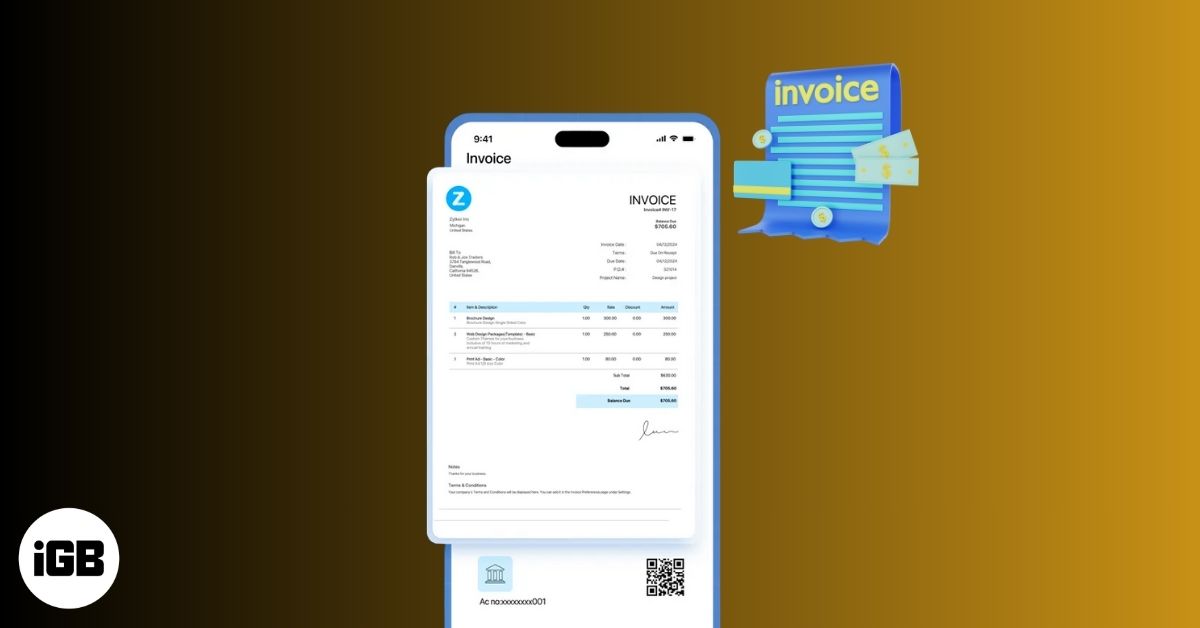
Invoicing is no longer something you do at a desk at the end of the week. Today, most freelancers and small business owners work on the move, and mobile invoicing apps make it easy to create, send, and get paid from anywhere. It also reduces late payments with reminders and looks professional.
In this guide, I’ll share the best invoice apps for iPhone and Android. Whether you’re a freelancer, consultant, small business owner, service provider, or anyone who wants simple invoicing on their smartphone.
Table of Contents
- How We Tested and Ranked the Best Invoice Apps
- Invoice App Comparison Table: Top Picks at a Glance
- 6 Best Invoice Apps for iOS and Android
- 1. Invoice Simple: Best for Beginners and Solo Freelancers
- 2. Square Invoices: Best for Accepting Payments Instantly
- 3. Invoice2go: Best for Expense Tracking for Small Businesses
- 4. Zoho Invoice: Free Invoicing with Advanced Features
- 5. Invoice Fly: Best for Custom Invoice Design
- 6. FreshBooks: Best for Professionals and Small Teams
- Key Features to Look for in an Invoice App
- Common Mistakes When Choosing an Invoice App
- Final Verdict: Which Invoice App Should You Choose?
How We Tested and Ranked the Best Invoice Apps
We tested each app using the following criteria:
- Platform support: Works on both iOS and Android.
- Ease of use: Simple setup, clean interface, minimal learning curve for people with no accounting knowledge.
- Invoice customization: Brand-specific logos, colors, taxes, discounts, and notes.
- Payment integrations: Cards, bank transfers, PayPal, Apple Pay, etc.
- Pricing and hidden limits: Free plan restrictions, invoice caps.
- Offline support: Ability to create invoices without internet.
- Customer support quality: Help docs, chat, email, and response speed.
We have included apps that balance usability, pricing, and reliability.
Invoice App Comparison Table: Top Picks at a Glance
| App Name | Best For | Free Plan | Starting Price | Key Feature |
|---|---|---|---|---|
| Invoice Simple | Beginners | Yes (limited) | $6.99/month | Clean, fast invoicing |
| Square Invoices | Instant payments | Yes (payment processing fees applied) | $19.99/month | Built-in payment processing |
| Invoice2go | Growing businesses | 30-days trial only | $7.99/month | Client & expense tracking |
| Zoho Invoice | 100% free invoicing | Yes | Free | Timesheets and sales report |
| Invoice Fly | Custom branding | Limited | $5.99/weekly | Modern templates |
| FreshBooks | Professionals | Trial only | $20.99/month | Full accounting features |
6 Best Invoice Apps for iOS and Android
Here, I have listed the top 6 invoice apps based on their use cases.
1. Invoice Simple: Best for Beginners and Solo Freelancers
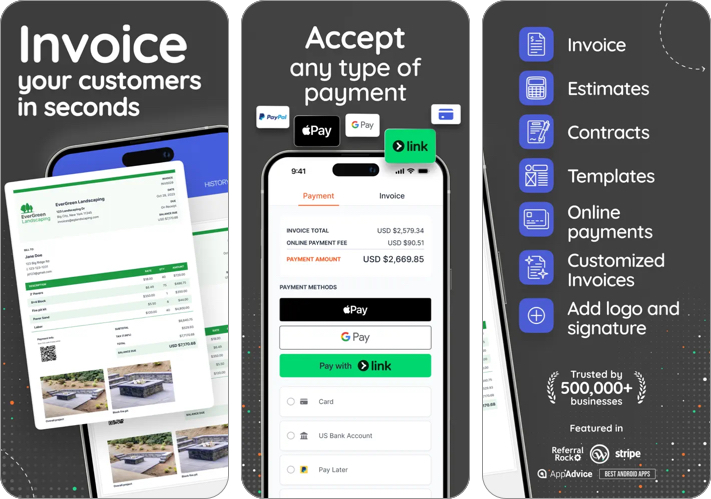
Invoice Simple offers easy invoice creation in minutes and accepts any type of payment. You can add your custom logo, signature, and basic branding to the preset templates. The app sends PDF invoice directly to your customers via email and tracks the status.
Pricing
- Free plan with limited invoices
- Paid plans start around $6.99/month
Who should use it: If you want no learning curve and fast invoicing, Invoice Simple is one of the easiest apps to start with. However, the annual subscriptions are expensive than others.
2. Square Invoices: Best for Accepting Payments Instantly
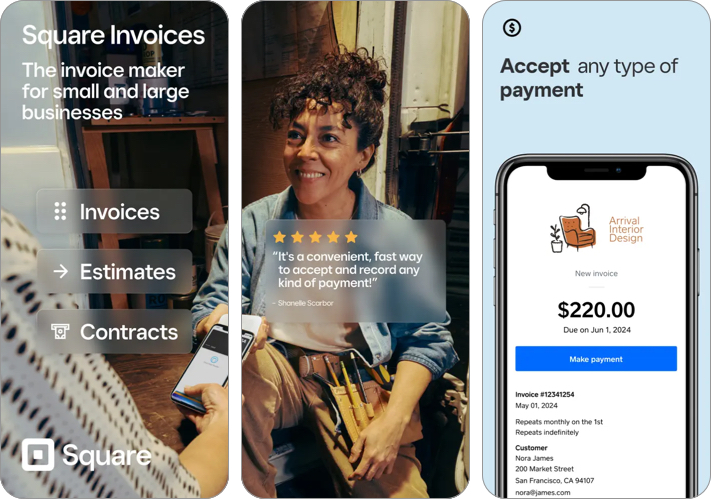
The biggest hurdle for solopreneurs and startups is managing invoices and payments together. Square Invoices solves this issue by integrating Square POS into the app so you can accept card payments directly from invoices.
It also sends automatic payment reminders and real-time payment notifications. You can access your business funds using Square Checking in the app. I liked its recurring invoices and estimates maker.
Pricing
- Free invoicing
- Payment processing fees will apply (Tap, dip, or swipe: 2.6% + 15¢ and Online: 3.3% + 30¢)
Who should use it: Perfect for service businesses that want invoices and payments in one app without monthly fees. You can buy Square Plus plans for custom invoice templates, payment schedules, and lower processing fees.
3. Invoice2go: Best for Expense Tracking for Small Businesses

If you regularly send estimates to your clients, get Invoice2go. It offers several estimate templates that can be converted to invoices later. You can create a custom logo or add your own and personalize accent colors. The best part is the app integrates client management and express tracking tools.
Pricing
- No permanent free plan
- Paid plans start around $7.99/month
Who should use it: Ideal for businesses that need more than just invoices, including client and expense tracking.
4. Zoho Invoice: Free Invoicing with Advanced Features

Zoho Invoice is made keeping small businesses and service providers in mind. You can send customized invoices and track your receivables and quotes status. The app also has built-in timesheets, expense tracking, and sales reports.
Your customers can log into a portal to view credits, pay invoices, accept/deny estimates, and download statements. However, each invoice will have a “Powered by Zoho Invoice” branding.
Pricing
- Completely free up to 500 invoices per year.
Who should use it: If you want a powerful invoice app without paying anything, Zoho Invoice is hard to beat. If your business need more powerful solution, you can contact them for a paid plan.