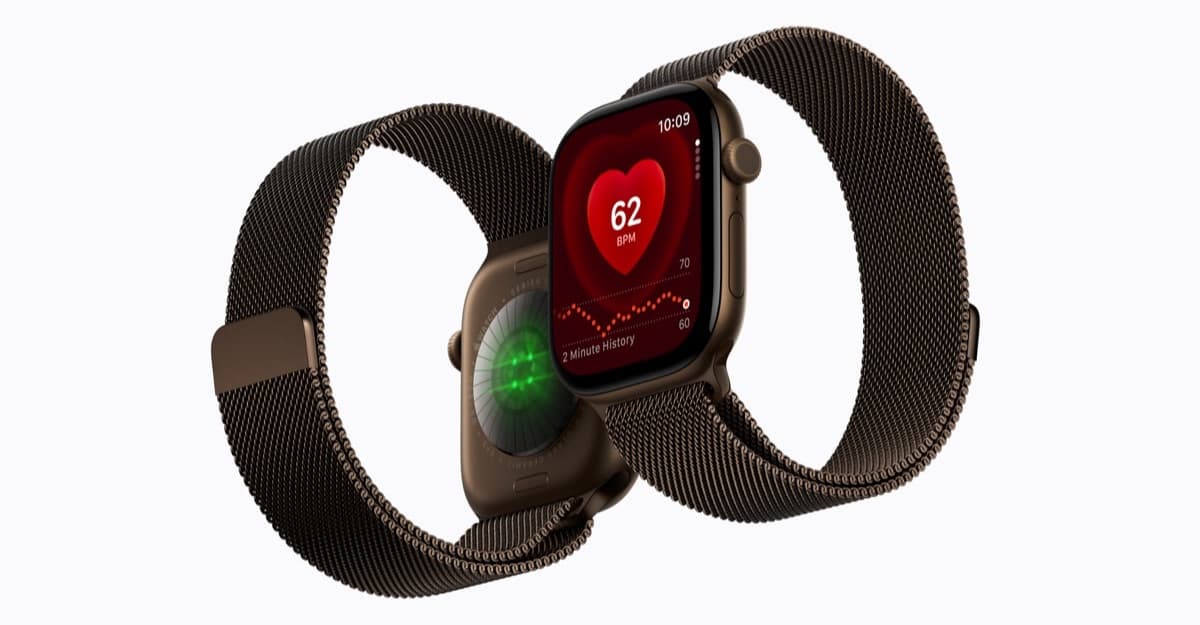
Apple is bringing Siri Recap to the Apple Watch Series 12 and Apple Watch Ultra 4. The Apple Intelligence feature can listen for the moments you choose, turn a conversation into a short summary, and save the result in the Siri app so you can check it later.
Apple says Siri Recap is designed to help you stay present during meetings, classes, or everyday conversations. The feature will arrive in beta later this year, starting in English, and it will not be available on every Apple Watch.
Siri Recap creates notes, not a full transcript
When enabled, Siri Recap uses the Apple Watch microphone to capture the substance of a conversation and generate a title and key points. Apple describes the result as a high-level summary rather than a word-for-word transcript.
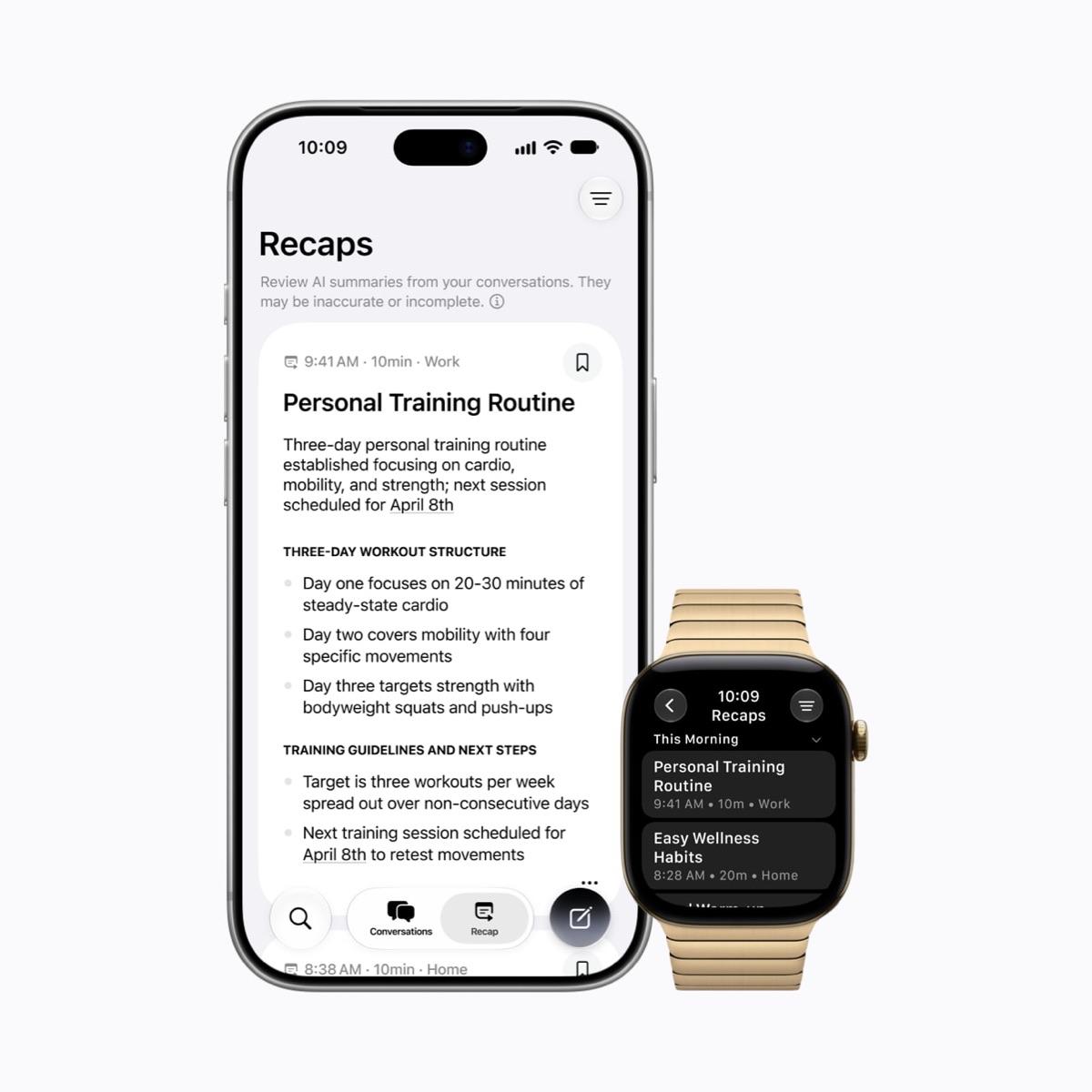
The summaries can be reviewed, edited, deleted, or exported from the Siri app. If you do not save them, Apple says Siri Recaps automatically delete after seven days.
The feature does not identify who said each line. It may still include a person’s name if that name comes up in the conversation, but it does not label people as "Speaker A" or "Speaker B." That makes Siri Recap more like quick personal notes than a meeting recorder.
Apple also warns that summaries can be incomplete or inaccurate. Important details may be left out or misunderstood, so Siri Recap should not replace checking an important instruction, appointment, or agreement with the people involved.
Siri Recap is opt-in and can be scheduled
Siri Recap only runs when you turn it on. Apple says you can control it from the Watch app on your iPhone, set a schedule based on time or location, and switch it off from Control Center at any point.
Apple says the watch does not create or store an audio recording. Audio is processed through the Secure Exclave in the S11 chip, then deleted after processing. The final summaries use Private Cloud Compute when needed, and saved summaries sync through iCloud with end-to-end encryption.
That privacy design will matter to anyone who finds an always-listening summary feature uncomfortable. It does not remove every social question around recording a conversation, but Apple has at least made activation deliberate and visible rather than automatic.
You need a new Apple Watch and a supported iPhone
Apple’s current support requirements list:
- Apple Watch Series 12 or Apple Watch Ultra 4
- iPhone 16 or later, including iPhone Air and iPhone Duo
- Apple Intelligence and Siri AI beta support
- English at launch, with more languages to follow
Siri Recap and the related Live Rewind feature will be available in beta later this year. Live Rewind is separate from Siri Recap. It shows a text snippet from the previous 15 seconds when you double-press the Digital Crown, which is useful when you missed a sentence and do not need a full summary.
The feature is part of the larger watchOS 27 update, which also brings Siri AI closer to the wrist. Apple Watch users who still rely on the older Siri experience can review this guide to using Siri on Apple Watch while waiting for the beta.
Siri Recap sounds useful for people who leave meetings with a vague memory of the important parts. Its real test will be whether the summaries are accurate enough to trust and unobtrusive enough to use around other people.