Whether an artist, a corporate employee, or a student, Apple Pencil, and iPad are a perfect combo to work efficiently. However, like most gadgets, Apple Pencils don’t last a lifetime. Their tips wear out or stop responding over time. Luckily, Apple offers Pencil tip replacements that you can change by yourself.
But while changing the tip, you need to be cautious as it might damage your Pencil. If you aren’t sure about when and how to do it, read this article explaining the same. Let’s start with the basics.
How long does it take for an Apple Pencil tip to wear out?
The life of an Apple Pencil tip depends on your usage and how well you maintain it. If you are a heavy user, you should replace the tip within 6 months. On the other hand, if you don’t use the Pencil often, it will last you more than a year without any replacement.
When to replace the Apple Pencil tip?
Here are some instances that hint it’s time to replace the tip of your Apple Pencil.
It feels jagged
The tip of the Apple Pencil is round and smooth. But after using it for some time, the tip gets jagged and won’t be that smooth while gliding over the screen. If you feel the same while using your Apple Pencil, it’s time to change the tip.
Other than that, if you see the metal inside the tip showing up, you should replace the tip as soon as possible since the metal end can damage the screen of your iPad.
Your iPad won’t respond to it
If your iPad fails to respond to the Apple Pencil, it could be because of an old tip. But before you jump to a conclusion, unpair, pair, and charge Apple Pencil and see if your iPad responds to it. If it doesn’t work, change the tip and see. Replacing the tip should be the last resort.
It’s been a long time
If you are a light user, the tip will last for a long time. But that doesn’t mean it will last for an eternity. It’s better to change the tip after a year or two, whether you use it or not.
Where to find Apple Pencil replacement tips?
The Apple Pencil tips are available on the official website. Other than that, the tips are available through many online and offline retailers but make sure to buy genuine tips to ensure your experience isn’t ruined. Hence, ordering it from the Apple Store or website is the most reliable option.
How do you replace an Apple Pencil tip?
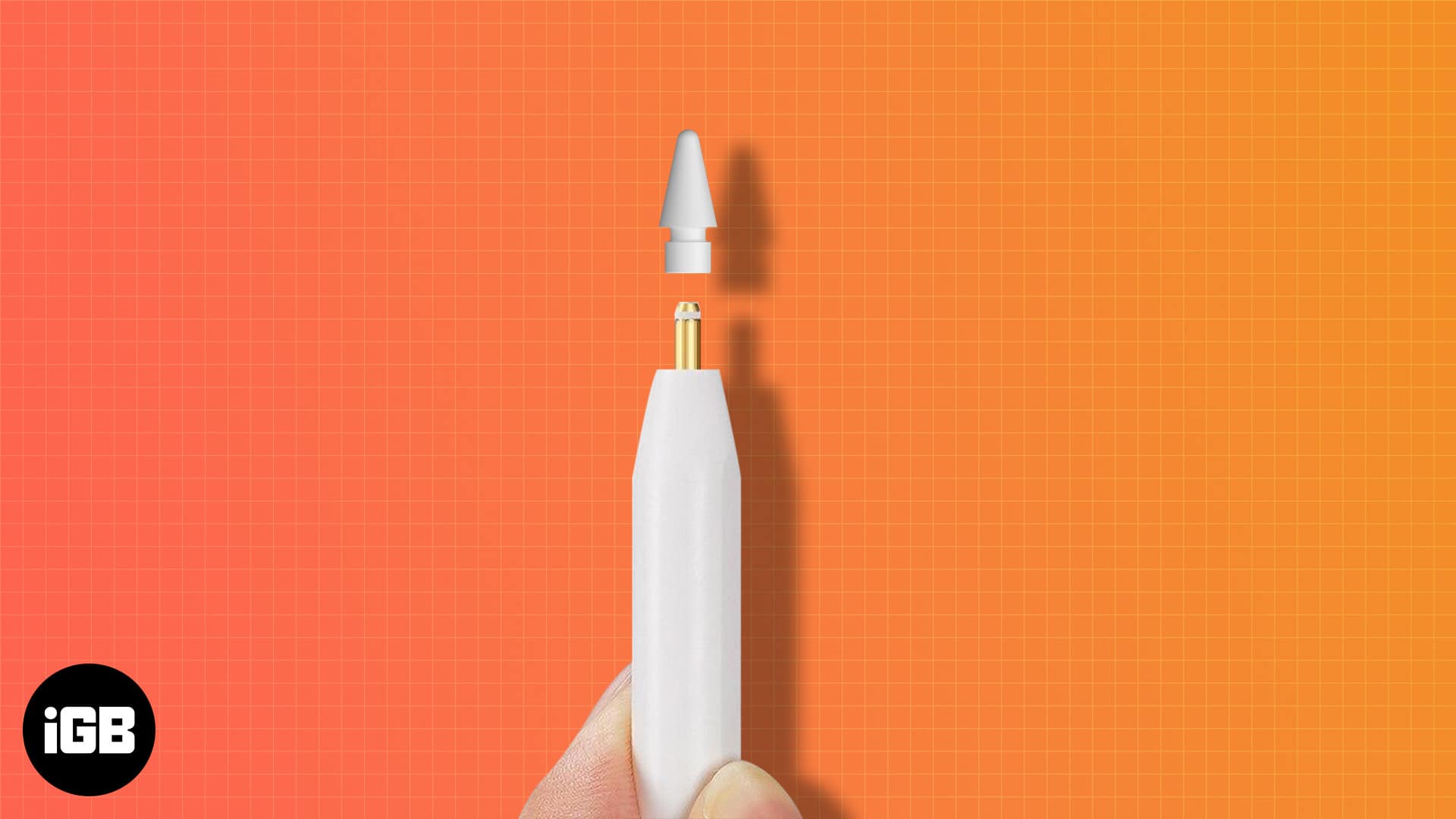
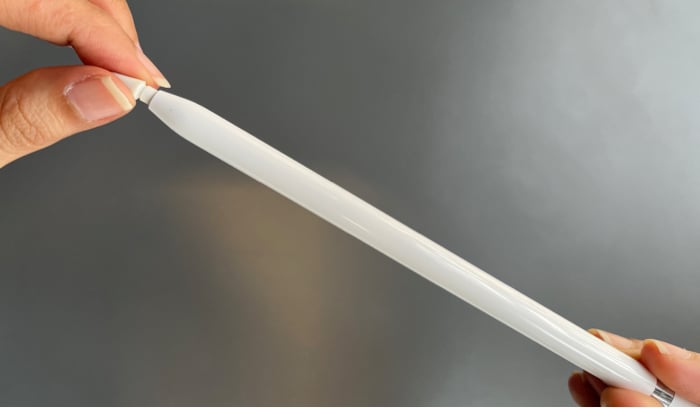
To replace the Apple Pencil, you have to unscrew the current tip. To do it:
- Squeeze the current tip between two fingers.
- Turn it counterclockwise to unscrew it.
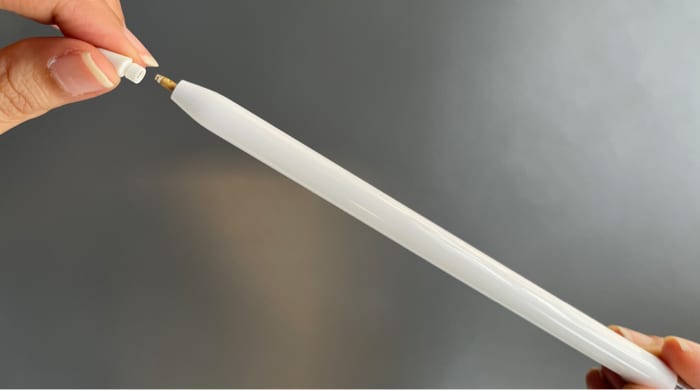
Now that the old tip is out, place the new tip back:
- Place the new Pencil tip on the metal prong.
- Screw the tip by turning it clockwise until it’s tight.
That’s it! You have successfully replaced the tip to your new Apple Pencil. Now, get started with your work.