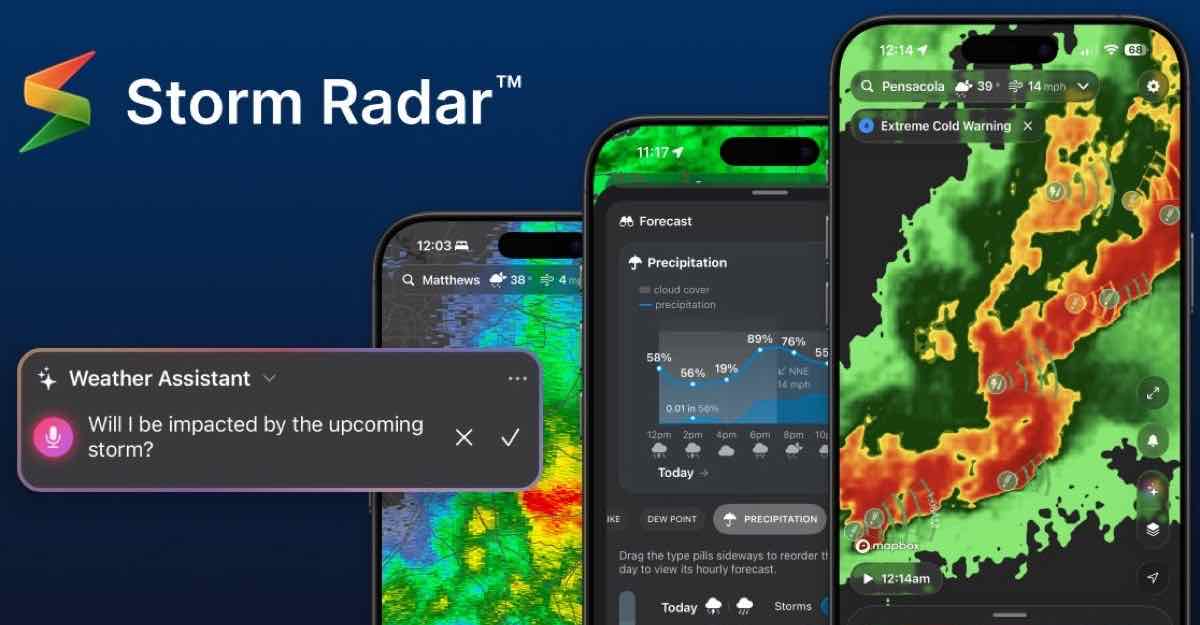
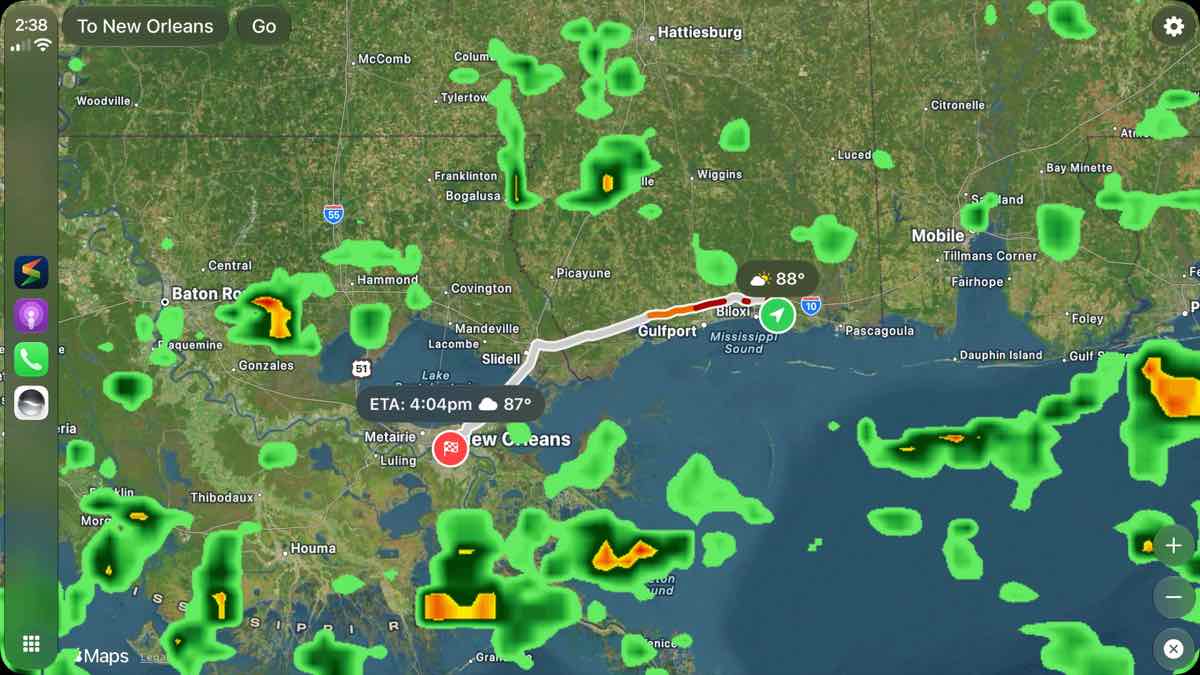
Storm Radar version 4.0.19, released August 30, is now live on the App Store, where The Weather Channel’s release notes list CarPlay support with a preview of weather en route, turn-by-turn navigation with automatic rerouting, and weather alerts along the route that refresh while you drive.
That puts route weather on the car display instead of leaving you to check your phone before the trip. Storm Radar runs as a third-party CarPlay app from the connected iPhone, so the car must support CarPlay.
Apple Weather still has no dedicated CarPlay app
This update does not bring Apple Weather to the dashboard. Apple’s CarPlay support guide says Siri can access Weather in CarPlay, while compatible third-party apps downloaded to the iPhone appear on CarPlay Home. As of August 31, Apple still does not offer a dedicated Weather app screen there.
That distinction is easy to miss because Apple Weather’s iOS 27 update adds separate precipitation and wind views on the iPhone. Those improvements stay in Apple’s Weather app. Storm Radar is the one bringing a route-focused weather interface to CarPlay in this update.
The update also refreshes Storm Radar elsewhere
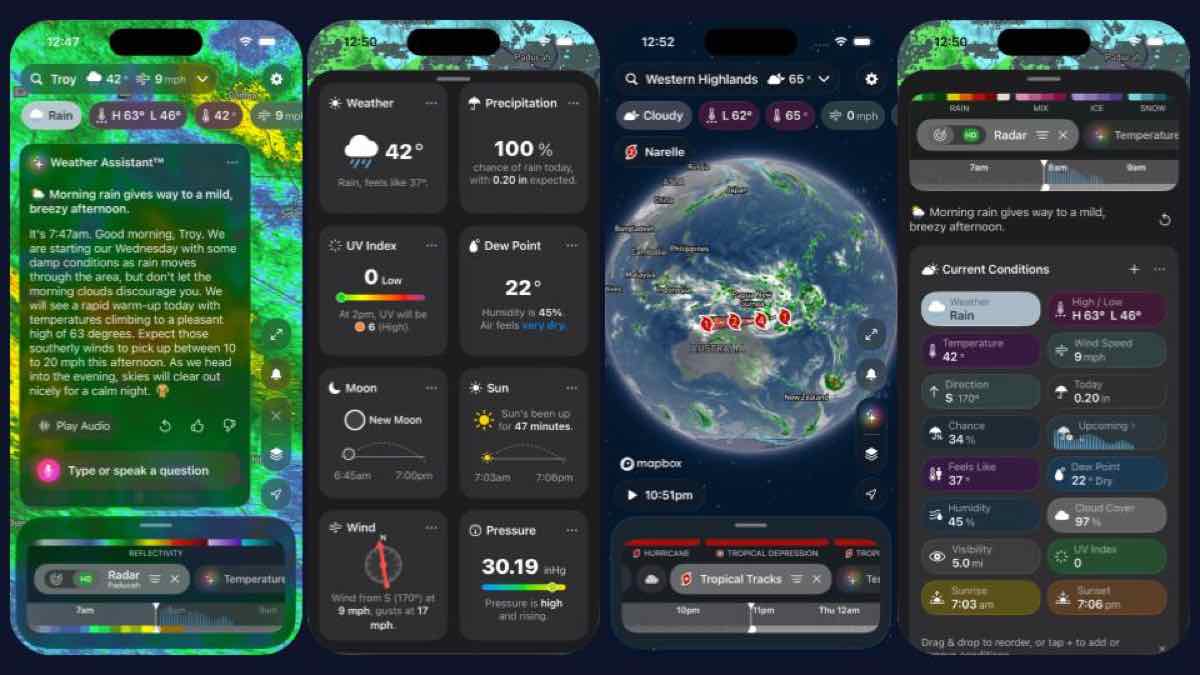
Version 4.0.19 is broader than the CarPlay addition. It adds lock-screen widgets for current conditions, a metric gauge, a 12-hour forecast chart, next-hour rain, and lightning. The Apple Watch app gets a redesigned interface with a full-screen map, new weather layers, playback controls, and circular complications. On iPhone, iPad, and Mac, the update adds 72-hour global radar and a smoke layer.
How to get Storm Radar in CarPlay
Update:
Storm Radar to version 4.0.19, connect your iPhone to a CarPlay-compatible vehicle, and look for the app on the CarPlay Home screen. If it does not appear, open Settings > General > CarPlay > your car > Customize and tap the plus button beside Storm Radar. This guide to customizing CarPlay apps shows where that setting lives.
Storm Radar is free to download with in-app purchases. The U.S. App Store listing requires iOS 17.2 or later on iPhone, but the release notes do not say whether CarPlay or route alerts require a subscription. For a wider look at the dashboard software you can use alongside it, this CarPlay app roundup covers navigation, parking, audio, and messaging options.