
Update:
Verified the latest Raise The Biggest Family codes on November 26, 2026
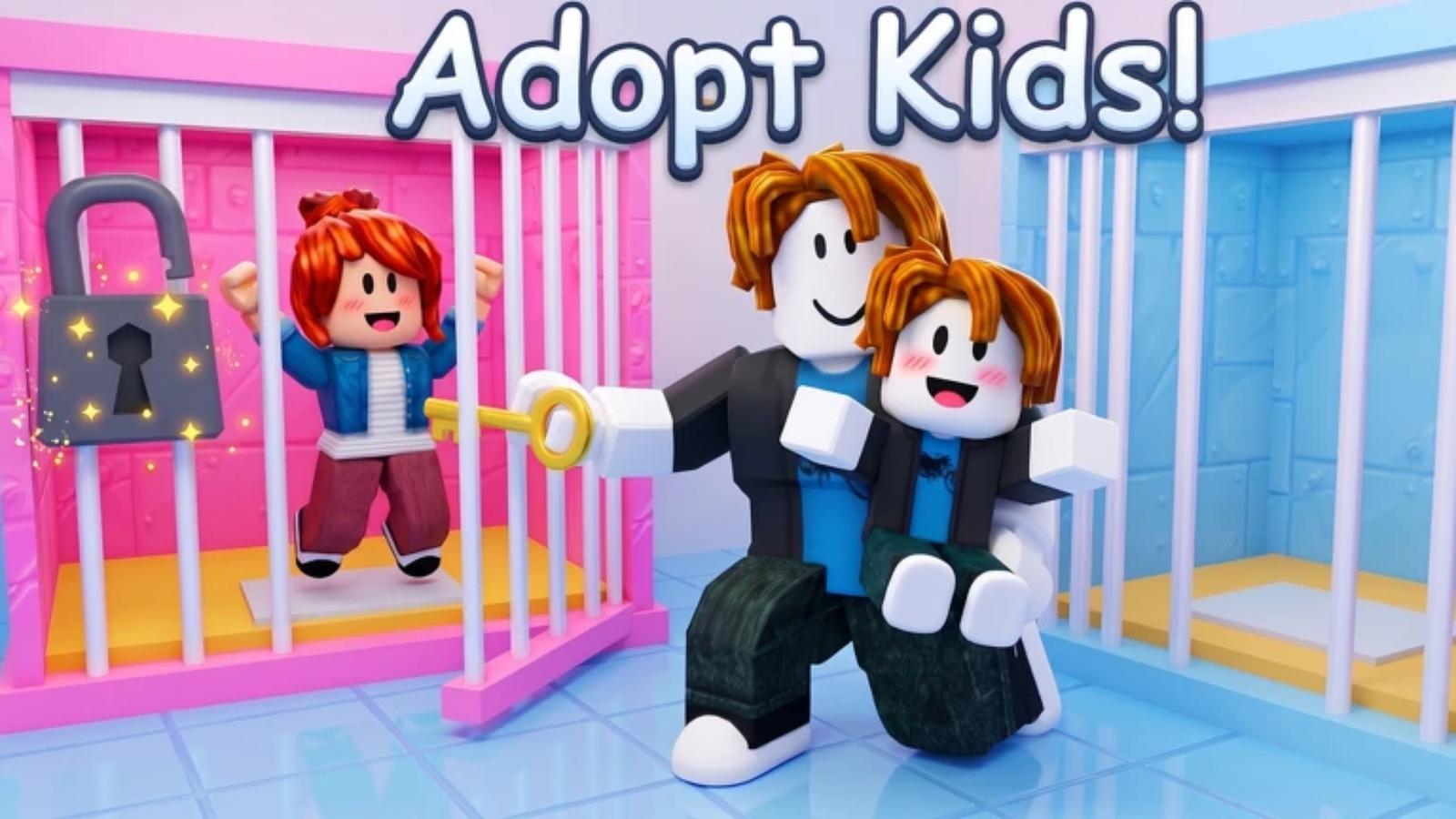
Raise the Biggest Family is a Roblox life sim from Novkod X Level0Expert where you adopt babies, puppies, kittens, and bunnies, then feed, bathe, and raise them. Every adoption earns Coins, which you can spend on house upgrades, furniture, and items from the supermarket and yard updates.
Codes give you free Coins and Diamonds, making it easier to grow your family without waiting for your in-game earnings to build up. Your children also keep aging while you’re offline, so claim the available rewards whenever you return for your daily check-in.
All working Raise The Biggest Family codes
- RELEASE: 250 Coins and 1 Diamond
- PETS: 200 Coins and 50 Diamonds
All codes: RELEASE, PETS
Expired Raise the Biggest Family codes
SUPERMARKET
How to redeem Raise The Biggest Family codes
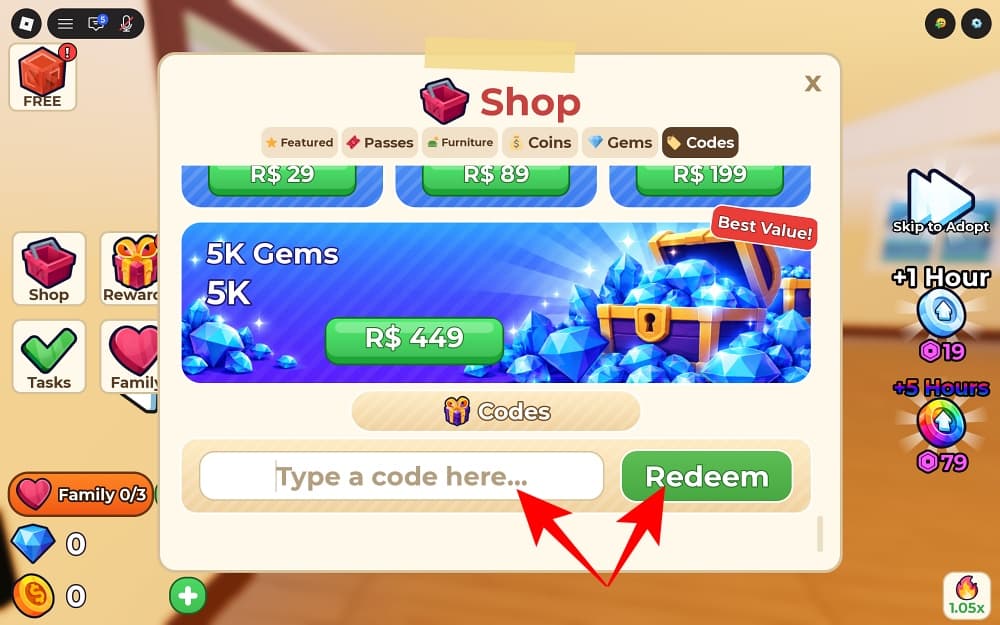
The code box sits at the bottom of the Shop menu, so you only find it if you scroll all the way down. You’ll need to be inside your house, not on the loading screen.
- Launch Raise The Biggest Family on Roblox and wait until you’re inside your house.
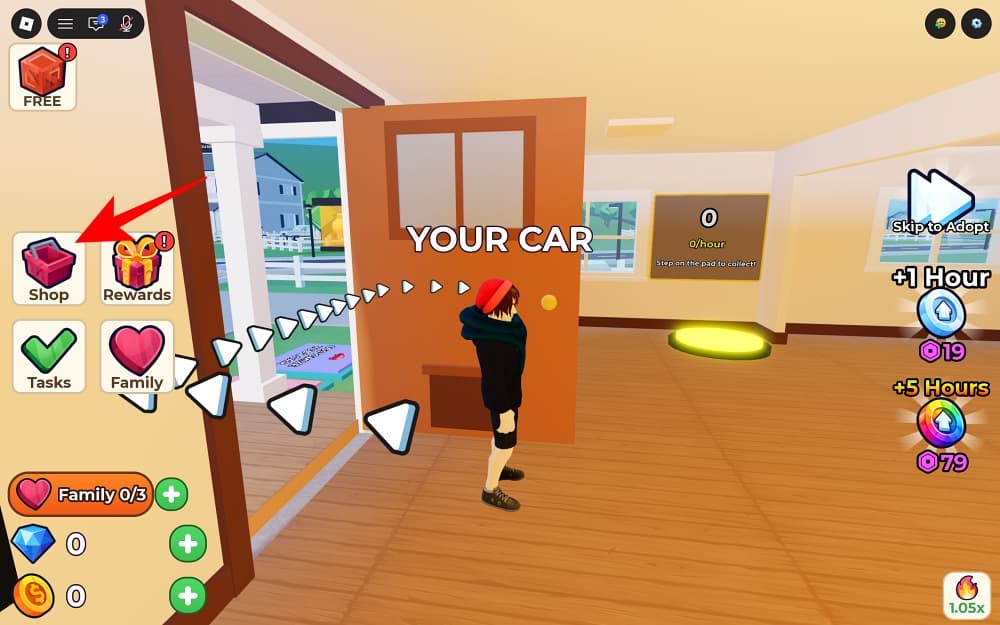
- Click the Shop button on the left side of the screen.
- Scroll to the bottom of the Shop menu. If it doesn’t scroll all the way down, click the white text box anyway.
- Type a code exactly as it appears in the list above.
- Click the green Redeem button to collect your Coins and Diamonds.
Why your Raise The Biggest Family code is not working
Most failed codes come down to one of a few simple problems. Check these before you assume the code is dead:
- The code has expired: Developers can deactivate codes without warning. Make sure you’re using one from the working list.
- You entered a typo: Codes may be case-sensitive, so copy and paste the exact spelling.
- You already redeemed it: Each code can generally be claimed only once per account.
- You aren’t inside your house: Wait until your character has spawned inside the house before opening the Shop menu.
- The code hasn’t been confirmed: Some code trackers list newly discovered codes before their rewards or in-game status are independently confirmed. If one fails, try again later.
Where to find more Raise The Biggest Family codes
The developer hasn’t posted codes in the game description so far, so that isn’t the place to look. Join the Novkod X Level0Expert Roblox group instead, and check it after big updates like the pets and supermarket drops, since new codes tend to follow those. We’ll add new codes here as they show up, so bookmark this page and check back between feedings.
If you like Raise The Biggest Family, check out our Punch Walls To Escape codes and The Mimic codes, or browse our complete list of all Roblox game codes.