
Perplexity Brings Comet AI Browser to iPhone
Perplexity’s Comet AI browser lands on iPhone, offering answer-first browsing with built-in AI summaries and voice support.
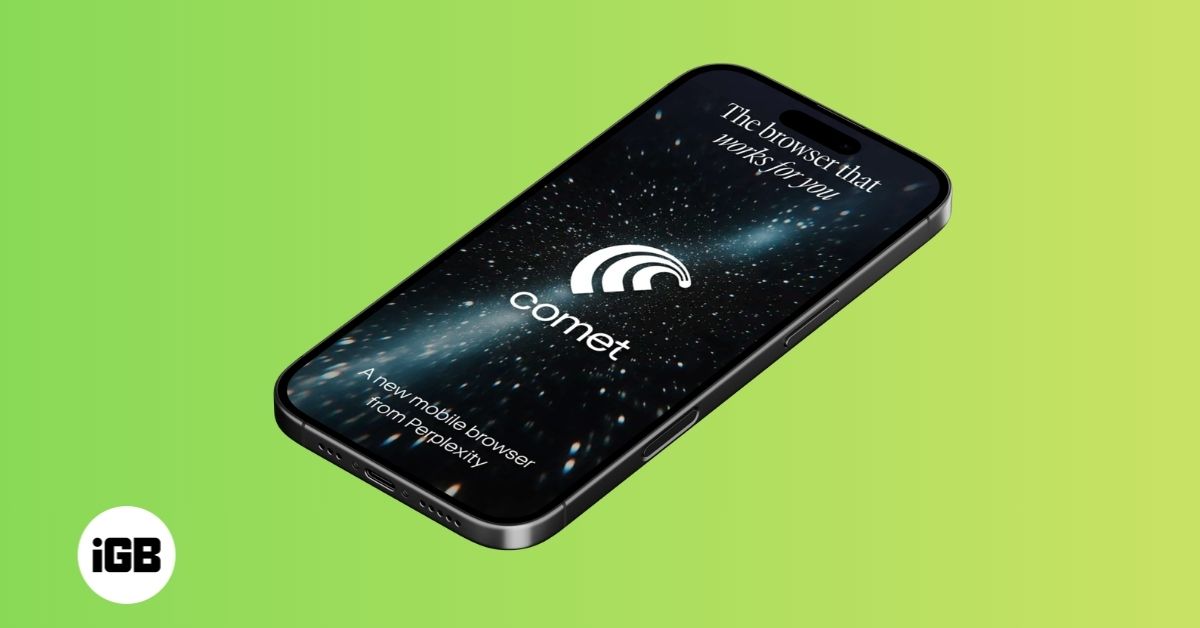
Perplexity has officially launched its Comet AI browser for iPhone, bringing its assistant-powered browsing experience to iPhone users. The app aims to rethink how people search and navigate the web by putting AI at the center of the experience.
A Browser That Answers, Not Just Searches
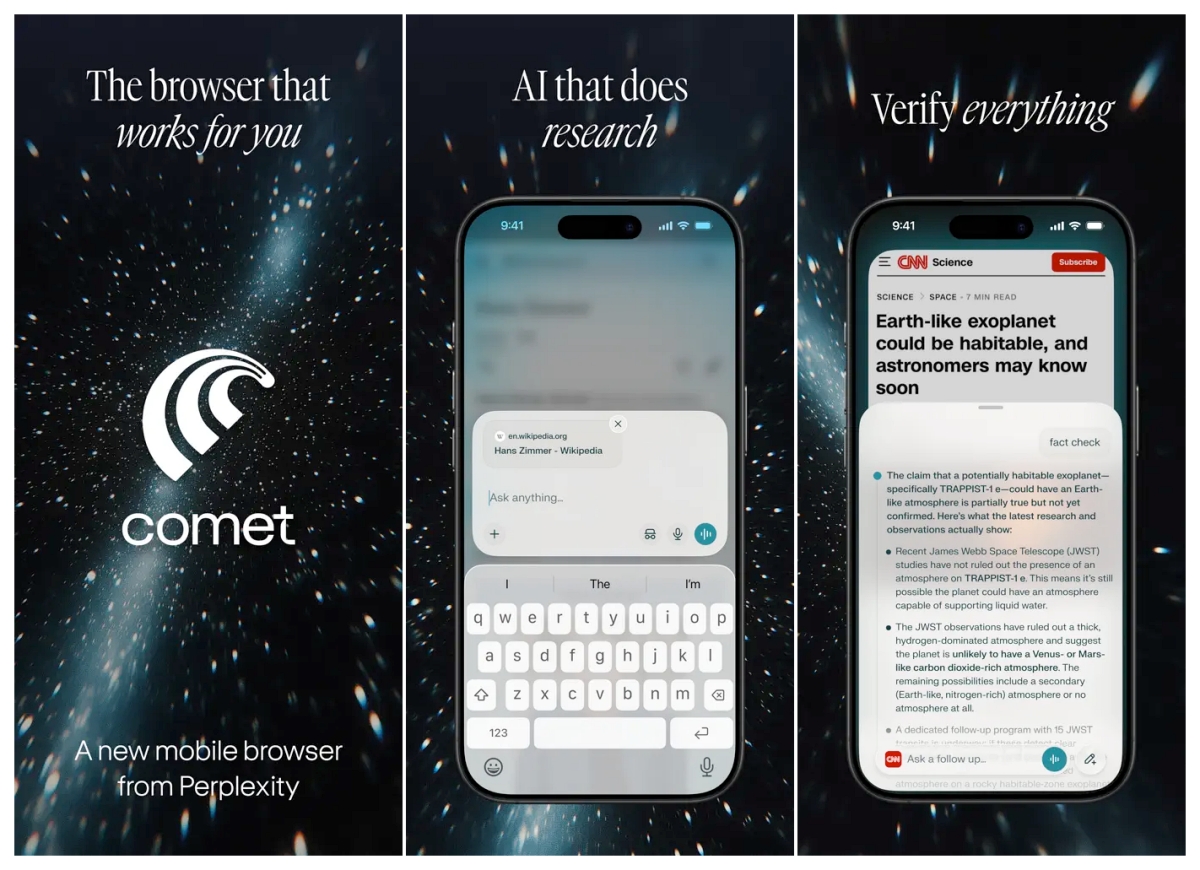
Unlike traditional browsers that rely on tabs and manual searches, Comet blends web results with AI-generated answers. This reduces the need to jump between pages, making browsing more direct and efficient.
The idea is simple: you ask a question, and the browser does more of the work instead of sending you across multiple tabs.
Comet Assistant Does the Heavy Lifting
At the center of the experience is the Comet Assistant, which goes beyond traditional search. It can summarize long articles, answer detailed questions, and help with research, turning the browser into an active tool rather than a passive one.
Voice Support Adds a Conversational Layer
The iPhone version also includes voice-based interaction. Users can speak their queries and receive responses in a conversational format, making the experience more natural and hands-free.
This further blurs the line between a browser and a digital assistant.
Not a Full Replacement Yet
As with most early AI browsers, Comet still has limitations. There is no support for extensions on iOS, and the app does not yet offer a dedicated iPad version.
For now, it works best as a secondary browser rather than a complete replacement for Safari or Chrome.
Part of a Bigger Shift
With this launch, Perplexity joins a growing list of companies pushing AI into the core of web browsing.
The launch reflects a broader shift toward assistant-driven web browsing, where the browser not only shows information but actively helps users interact with it.
Have you tried the Comet browser on iPhone yet? Share your experience and let us know if you’d switch from Safari or Chrome.

Written by
VikhyatVikhyat has a bachelor's degree in Electronic and Communication Engineering and over five years of writing experience. His passion for technology and Apple products led him to the tech writing space, where he specializes in writing App features, How-to guides, and troubleshooting guides for fellow Apple users. When not typing away on his MacBook Pro, he loves exploring the real world.
View all posts →More from News

WhatsApp Introduces New ‘You’ Profile Tab on iPhone
WhatsApp is rolling out a new “You” profile tab on iPhone, replacing the Settings section and making it easier to manage your account and privacy settings in one place.
VikhyatMarch 18, 2026
Apple Releases Security Updates to Fix WebKit Bug in iOS 26, iPadOS 26, and macOS Tahoe
Apple has rolled out its first Background Security Improvements updates across iOS 26, iPadOS 26, and macOS Tahoe, addressing a critical WebKit vulnerability with faster security patch delivery.
 Ravi Teja KNTSMarch 18, 2026
Apple AI Model Reconstructs 3D Objects With Realistic Lighting From a Single Image
Apple researchers have introduced LiTo, an AI model that generates full 3D objects from a single image while maintaining realistic lighting and reflections across different viewing angles.
Ravi Teja KNTSMarch 17, 2026