Update:
Verified the latest Paint and Seek codes on August 03, 2026
Paint and Seek codes are worth redeeming before you jump into another hiding round, especially while the game is still new and rewards are being added around updates. Right now, the public code list is small, so start with the confirmed code below instead of wasting time on copied lists.
All working Paint and Seek codes
- UPDATE2: Free Coins NEW
- omg10kccu: 10000 Coins NEW
- UPDATE1: unspecified in-game reward
- SorryForRestart3: 2500 Coins
- ThanksForSupport: 2500 Coins
- 10kccutoday?: 2500 Coins
- SorryForDelay: 7500 Coins
All codes: UPDATE2, omg10kccu, UPDATE1, SorryForRestart3, ThanksForSupport, 10kccutoday?, SorryForDelay
Use this code exactly as shown. The developer has not publicly listed the reward, so treat it as a free in-game bonus and redeem it before the next update changes the code list.
If you want more free rewards, check out the latest Immortality Incremental codes, Anime Card Clash codes, and our complete list of all Roblox game codes.
Expired Paint and Seek codes
There are no confirmed expired Paint and Seek codes yet.
If UPDATE1 fails for you, do not assume every list is outdated right away. The code may need a fresh server, or the game may have changed its code system after an update.
How to redeem Paint and Seek codes
Paint and Seek advertises codes on its Roblox page, but the public page does not explain the exact menu path. Start with the main lobby UI and look for the Codes option before checking deeper menus.
- Open Paint and Seek on Roblox.
- Join a public or fresh server.
- Look for the Codes button on the main screen on the left side.
- Paste the code into the code box.
- Press the claim or the matching redeem button.
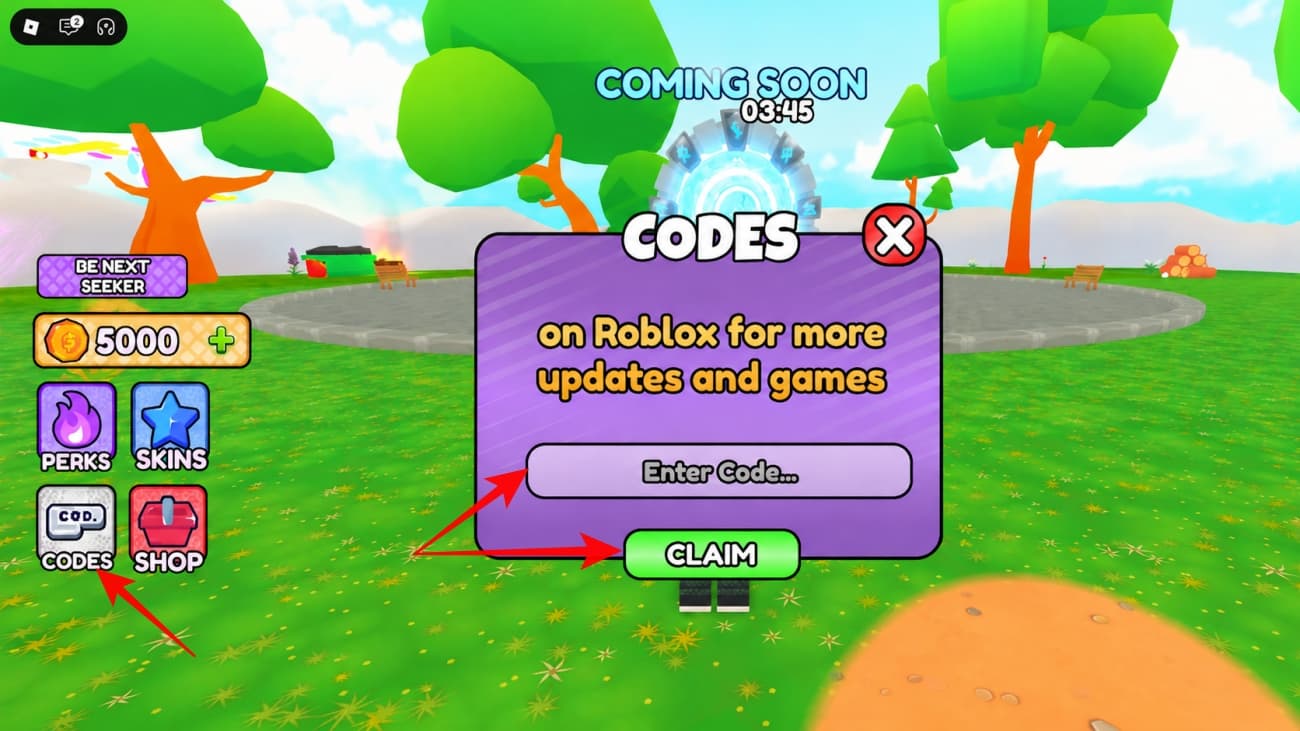
If you do not see the Codes option, leave and rejoin after the game finishes loading. New Roblox experiences sometimes move code buttons between updates.
Why is your Paint and Seek code not working
Most Paint and Seek code errors should come down to the usual Roblox code issues: the code expired, the server is old, or the code was entered with a typo.
- The code has expired after a new update.
- You typed the wrong capitalization or added an extra space.
- You already redeemed the code on your Roblox account.
- You are playing on an older server that has not synced the latest code list.
- The code menu has temporarily moved or failed to load.
- Roblox or Paint and Seek is having a server issue.
For now, copy and paste UPDATE1 instead of typing it manually. If it still fails, rejoin a fresh server once before crossing it off.
Where to find more Paint and Seek codes
Paint and Seek codes should appear around updates, server fixes, and player milestones. The official game description also says more codes are in the server, so the community channels are worth checking when a new update lands.
- Paint and Seek Roblox page
- Ikitai Studios Roblox community
- The in-game or linked server/community, if it appears for your Roblox account
The Roblox page is the cleanest public source right now because it lists the confirmed UPDATE1 code directly. Bookmark this page if you want a shorter working list without testing old or unverified codes yourself.
What is Paint and Seek?
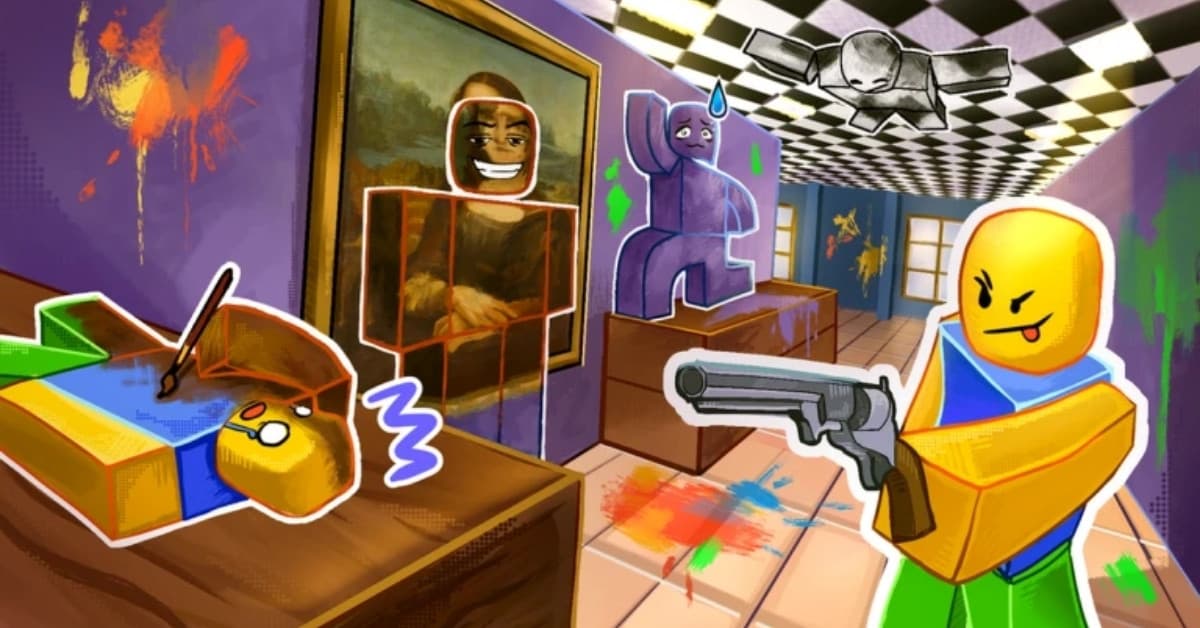
Paint and Seek is a Roblox hide-and-seek game by Ikitai Studios. Hiders paint themselves to blend into the map, while the seeker tries to spot and catch everyone before the round ends.
Codes are useful because the game is still early and update rewards can disappear quickly. Redeem the active code first, then spend your round learning which colors and hiding spots actually keep you alive.
Missed This? Check It Out: