
MacBook Neo vs MacBook Air: Full Comparison (Specs, Price, Features)
Compare MacBook Neo vs MacBook Air in this detailed guide covering specs, price, design, performance, and features to help you choose the right Apple laptop.
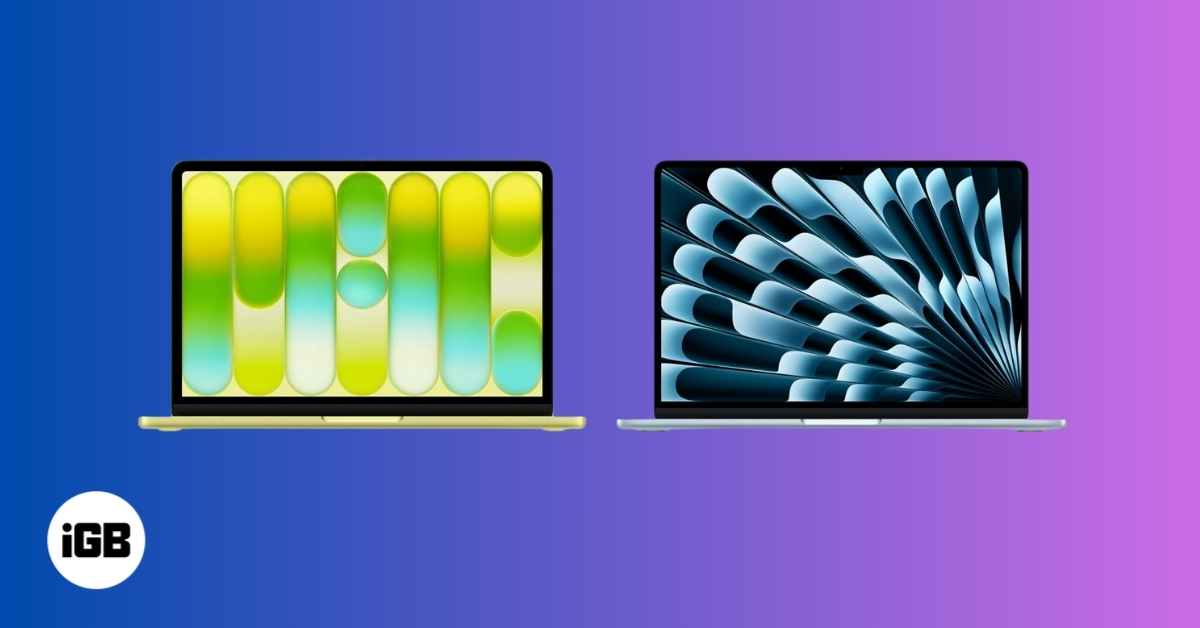
Apple’s Mac lineup now includes a wider range of laptops than ever before. At the entry level is the new MacBook Neo, a budget-friendly option to make the Mac experience more accessible. Above it sits the MacBook Air, which is the mainstream ultraportable Mac for the masses.
The MacBook Neo focuses on the basic everyday tasks like web browsing, streaming videos, writing documents, and light productivity work. However, the MacBook Air is built for users who need more performance, better hardware features, and stronger multitasking capabilities. As the Neo model is priced way lower than the Air, there are many tradeoffs.
In this guide, I’ll share a detailed comparison of MacBook Neo vs. MacBook Air, including their specs, design, performance, battery life, and price, so you can decide which is better for everyday use.
MacBook Neo vs MacBook Air: Quick Comparison
| Feature | MacBook Neo | MacBook Air |
|---|---|---|
| Starting Price | $599 | $1,099 |
| Chip | A18 Pro | Apple M-series (e.g., M5) |
| Display | 13-inch Liquid Retina | 13.6-inch Liquid Retina |
| RAM | 8GB (not upgradeable) | 16GB+ configurable |
| Storage | 256GB / 512GB | 512GB up to 4TB |
| Ports | 2 USB-C + headphone jack | 2 Thunderbolt + MagSafe + headphone jack |
| External Display Support | One 4K display | Up to two 6K displays |
| Battery Life | Up to 16 hours video | Up to 18 hours video |
| Wi-Fi | Wi-Fi 6E | Wi-Fi 7 |
| Target Users | Budget users, students | Mainstream and professional users |
The table makes the positioning clear: MacBook Neo is the budget Mac, while MacBook Air is the more powerful everyday laptop. Now let’s break it down further!
Design and Build Quality

In terms of overall look, both laptops follow Apple’s familiar minimalist design. They use aluminum bodies, slim profiles, and large trackpads.
The MacBook Neo looks similar to the Air but includes a few cost-saving changes. It has thicker display bezels and a slightly thicker body, although the overall size and weight are close to the Air. The laptop weighs about 2.7 pounds, which is nearly identical to the MacBook Air.
Apple also introduced more playful colors for the Neo, including Silver, Blush, Citrus, and Indigo, which gives it a slightly more casual and student-friendly look. These colors extend to its Magic keyboard as opposed to the black backlit keyboard on the Air.
The MacBook Air, by contrast, is built as a premium ultraportable device. It features thinner edges, a more refined chassis, and a slightly larger display in a similarly compact body. Apple positions it as the laptop most people should buy if they want a balance of portability and performance.
Overall, the build quality of both machines is excellent, but the MacBook Air feels more premium and refined, while the Neo focuses on affordability.
Performance: A-Series vs M-Series Chips
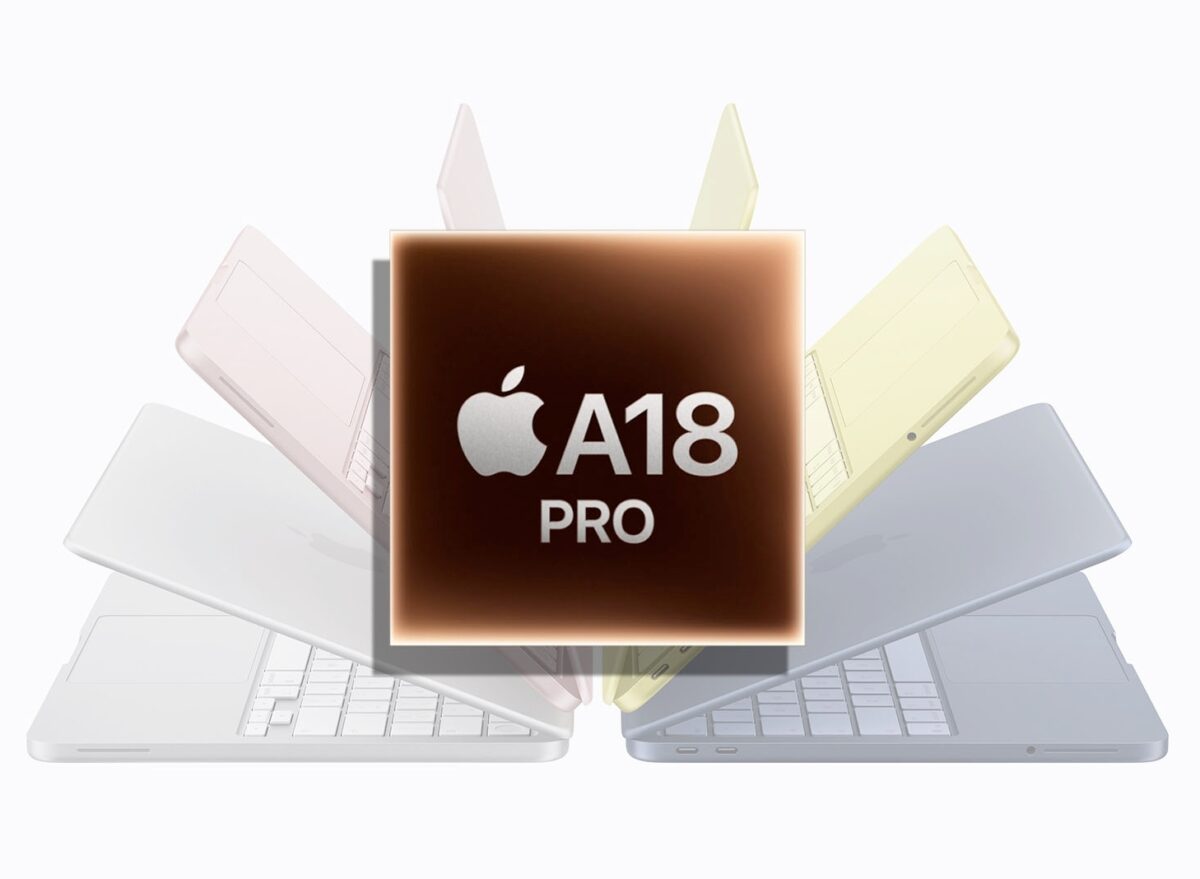
The biggest technical difference between the two laptops is the processor.
The MacBook Neo uses Apple’s A18 Pro chip, which originally debuted in the iPhone lineup. This chip includes:
- 6-core CPU with 2 performance cores and 4 efficiency cores
- 5-core GPU
- 16-core Neural Engine
- 60GB/s memory bandwidth
While that may sound impressive, the A-series chip is designed primarily for iPhones, not full computers. As a result, its performance is suitable for everyday tasks but not heavy workloads. Some of the tasks that the Neo can handle well include web surfing, streaming videos, writing documents, online classes, and basic photo editing.
On the other hand, the MacBook Air runs Apple’s M-series chips such as the M5. These chips are designed specifically for Macs and deliver much higher performance.
For example, the M5 chip can include:
- 10-core CPU with 4 super cores and 6 efficiency cores
- 8-core or higher GPU with integrated Neural Accelerators
- 16-core Neural Engine
- 153GB/s memory bandwidth
Therefore, it’s 20% faster for single-core tasks and 80% faster for multi-core tasks than A18 Pro chips. This makes the MacBook Air significantly better for tasks like video editing, programming, graphic design, large spreadsheets, and heavy multitasking.
So, in terms of performance comparison, the MacBook Neo is good for light computing, while the MacBook Air is built for demanding workloads.
Display Comparison
Both laptops use Apple’s Liquid Retina display technology, but there are still several differences.
The MacBook Neo features a 13-inch Liquid Retina display with a resolution of 2408 × 1506 pixels and brightness of about 500 nits. However, it lacks several advanced display technologies, including True Tone support and P3 wide color gamut.
Instead, it uses a more basic sRGB color range, which means colors are slightly less vibrant than on higher-end Macs. Also, the display bezels are slightly thicker for cost-cutting.
The MacBook Air offers a more advanced display. It’s available in larger 13.6-inch and 15-inch screen, 2560 by 1664 pixel resolution, wider P3 color support, and additional technologies that improve color accuracy and viewing comfort.
For everyday use, like watching videos or browsing the web, both screens look great. But for photo editing, design work, or color-sensitive tasks, the MacBook Air clearly has the better display.
RAM and Storage Options
Memory and storage options are another major difference between the two laptops.
The MacBook Neo is limited to 8GB of unified memory, and there is no option to upgrade it. Storage starts at 256GB and can be upgraded to 512GB. For light users, this configuration is usually enough. But for people who run many apps at once or work with large files, the limitation can become noticeable.
But the MacBook Air is far more flexible. It starts with 16GB of RAM and offers upgrade options such as 24GB or 32GB RAM, and has storage options up to 4TB. This means the MacBook Air can handle much heavier workloads and remain useful for many years.
Ports and Connectivity
Connectivity is another area where the MacBook Air offers more advanced features.
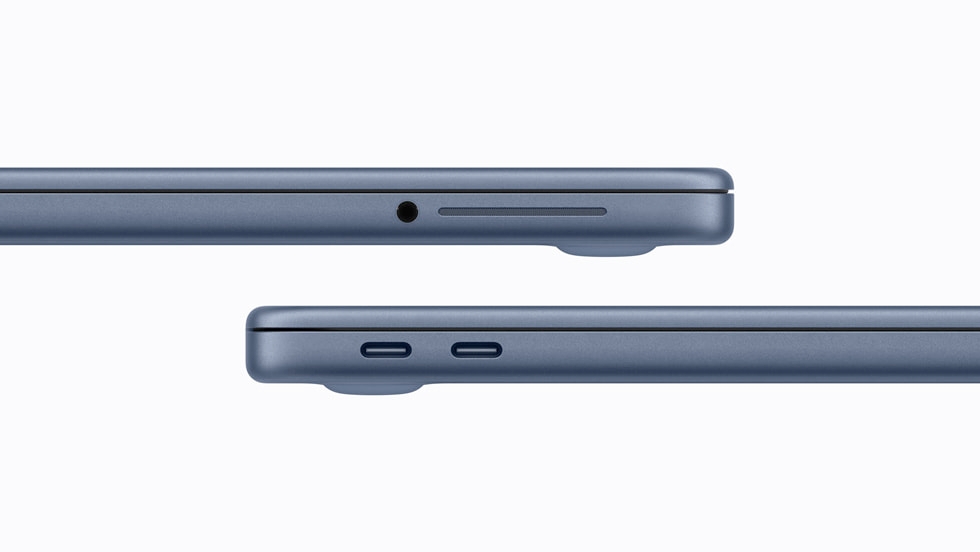
The MacBook Neo includes two USB-C ports and a 3.5mm headphone jack. However, these USB-C ports are limited in speed. One supports USB 3 (10 Gb/s) and the other only USB 2 speeds (480 Mb/s). It also supports only one external 4K display at 60Hz.
On the other hand, the MacBook Air offers a much stronger port setup:
- Two Thunderbolt 4 ports (40 Gb/s speeds)
- MagSafe 3 charging port
- 3.5mm headphone jack
It can also support multiple external displays, including up to two 6K displays, depending on the configuration. So, in everyday use, the MacBook Air works much better with docks, external monitors, and professional accessories.
Keyboard, Touch ID, Camera, Mic, and Speaker Specs
The MacBook Neo includes Apple’s Magic Keyboard and a large trackpad, but there are a few compromises to keep the price low.
For example:
- The keyboard does not include backlighting.
- The base model only has a Lock key. For Touch ID, you need the 512GB model.
- It uses a standard mechanical multi-touch trackpad instead of the Force Touch trackpad found in other Macs.
The Neo still includes useful hardware such as a 1080p FaceTime HD camera, dual microphones with voice isolation and directional beamforming, and dual stereo speakers with Spatial Audio and Dolby Atmos support. So, you can enjoy music and video streaming.
In contrast, the MacBook Air offers a more premium input and audio experience. It includes:
- Backlit Magic Keyboard
- Touch ID on all models
- Force Touch trackpad
- 12MP Center Stage camera with Desk View support
- LED webcam indicator light and Ambient light sensor
- Improved four speakers and a three-mic array
These upgrades make the MacBook Air better for video calls, music, movies, and long typing sessions.
Battery Life Compared
Battery life takes a major place in the MacBook Neo vs. MacBook Air comparison. Thanks to Apple’s efficient silicon chips, both laptops can survive day-to-day usage.
The MacBook Neo includes a 36.5-watt-hour lithium-ion battery and can last up to:
- 11 hours of web browsing
- 16 hours of video playback
The MacBook Air has a larger 53.8-watt-hour lithium-polymer battery and can reach:
- 15 hours of web browsing
- 18 hours of video playback
Both laptops easily last a full day for typical use, but the MacBook Air usually lasts slightly longer.
Another difference is charging. The Neo charges through 20W USB-C only, while the Air includes MagSafe charging, which frees up ports and disconnects safely if the cable is pulled. It supports a 40W Dynamic Power Adapter with a 60W Max.
MacBook Neo vs. MacBook Air: Price and Value
The biggest difference between the two laptops is price.
The MacBook Neo starts at $599, making it Apple’s cheapest MacBook ever, whereas the MacBook Air starts at $1,099, which is about $500 more expensive.
That price difference reflects the hardware improvements in the Air, including:
- Faster M-series processor
- Better display
- More RAM and storage options
- Thunderbolt connectivity
- MagSafe charging
- Longer battery life
So the choice really comes down to budget vs performance.
If you only need a simple laptop for everyday computing, the MacBook Neo offers excellent value. But if you want a more powerful laptop that will last longer and handle demanding tasks, the MacBook Air is worth the extra cost.
Final Verdict: Which MacBook Should You Buy?
The MacBook Neo and MacBook Air are designed for very different types of users.
The MacBook Neo is best for students, casual users, families buying multiple laptops, first-time Mac buyers, and basic everyday computing. It delivers the core macOS experience at the lowest price Apple has ever offered. The MacBook Air is better for professionals, creators and developers, heavy multitaskers, and users who want a long-term laptop.
If your needs are simple and budget matters most, the MacBook Neo is a great entry point into the Mac ecosystem. But if you want stronger performance, better features, and a laptop that can handle more demanding tasks over time, the MacBook Air remains the better overall MacBook for most people.
What’s your thoughts? Let us know in the comments below!

Written by
Ava BiswasAva is a die-hard Apple aficionado and seasoned writer with a knack for breaking down complex tech concepts into easily digestible content. Having honed her writing and editing skills over 4 years at renowned media houses like TechBurner, Ava crafts informative and engaging articles including troubleshooting guides, product reviews, editorials at iGeeksBlog. When not typing, you can find her exploring the latest Apple releases or pondering the future of tech innovation.
View all posts →More from Editorial

Buying iPhone in 2026: Which iPhone Should You Buy?
Expert advice on choosing the right iPhone for you.
Ava BiswasMarch 6, 2026
Upcoming Apple Products in 2026: Full List of What to Expect
Uncover the biggest Apple product launches coming in 2026, including new iPhones, Macs, smart home devices, and the company’s boldest innovations yet.
Ava BiswasMarch 6, 2026
A18 Pro vs M1: How Apple’s iPhone Chip Compares to the First Mac Silicon
Apple transitioned away from Intel to Apple Silicon in 2020 with the introduction of the M1 chip. Devices powered by the M1 chip, such as the MacBook Air and Mac mini, set a new benchmark for performance and efficiency. Fast forward four years, Apple introduced the A18 Pro chip in the iPhone 16 Pro, which […]
 VikhyatMarch 6, 2026