Apple has released iOS 26.3. Although this isn’t as expansive as some past updates, it focuses on fine-tuning the system and addressing regulatory demands, leaving major interface changes on the back burner. Besides the usual security and stability improvements, iOS 26.3 brings helpful new tools for switching phones, expanded personalization choices, greater privacy controls, and broader device compatibility.
Here’s everything new in iOS 26.3.
Simplified iPhone to Android Transfers
A standout feature in this iteration is a tool designed to simplify the transfer process from iPhone to Android. Throw away the third-party apps; now, positioning an iPhone near an Android device is all you need to kick off the data transfer.
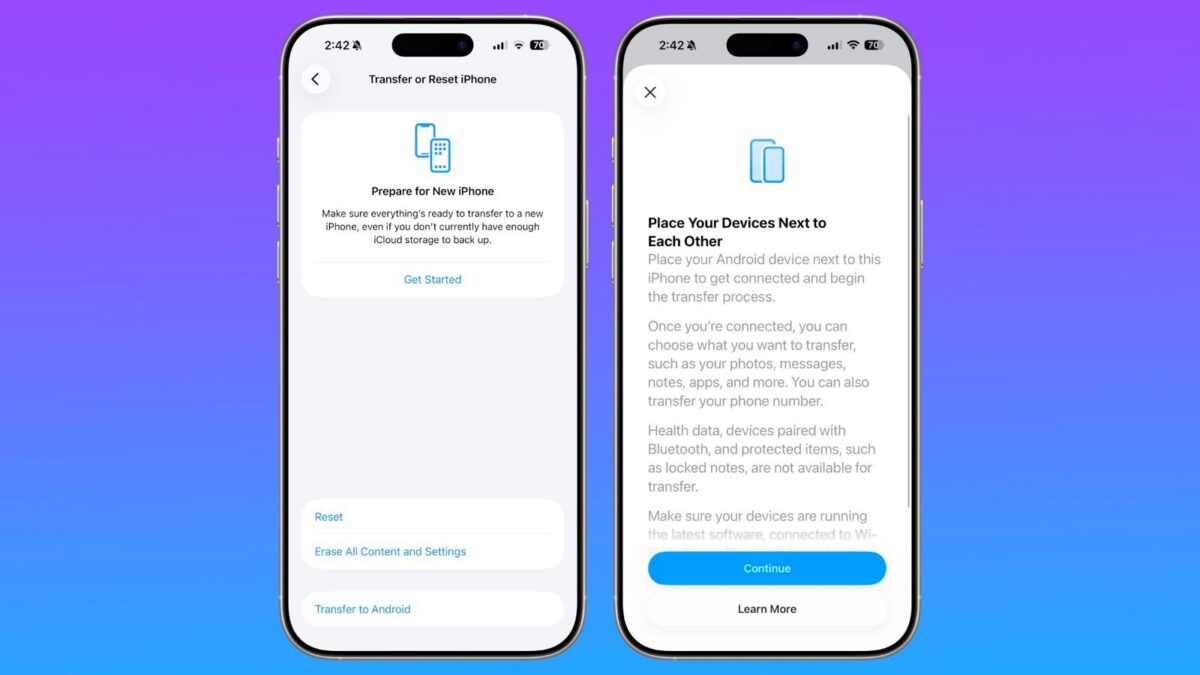
Users can transfer critical data types such as photos, messages, notes, apps, passwords, and phone numbers. However, data from the Health app, Bluetooth connections, and secured items like locked notes stay behind. Google’s similar offering for Android to iPhone transfers makes this a reciprocal feature across both operating systems.
Notification Forwarding for Third-Party Devices (EU Only)
Under Notifications in the Settings app, the new Notification Forwarding feature allows iPhone alerts to be directed to third-party wearables, including Android smartwatches.
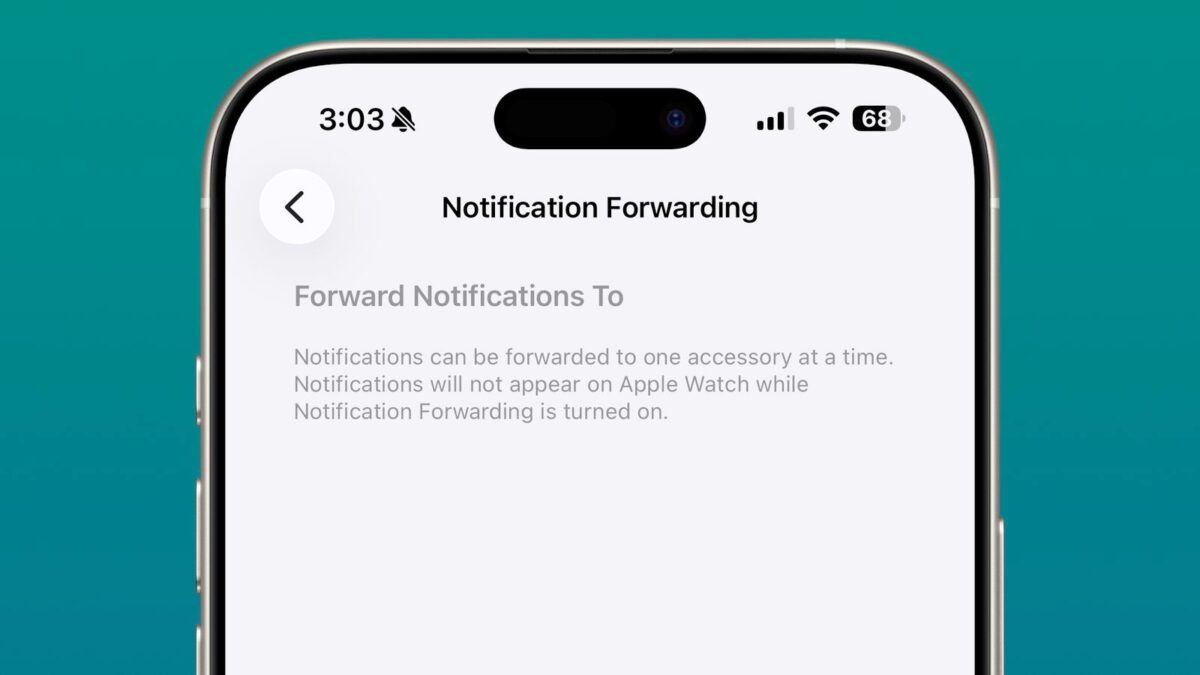
There is a limitation: only one device can receive notifications at any time. Once a third-party wearable is set up to receive them, Apple Watch notifications get temporarily switched off.
This adjustment from Apple seems aimed at easing antitrust scrutiny over platform exclusivity, which is why currently, it’s only available in the European Union. It aligns third-party wearables’ notification capabilities with those experienced by Apple Watch users.
Standalone Weather Wallpapers Category
In iOS 26.3, Weather wallpapers finally have a dedicated category when customizing the Lock Screen.
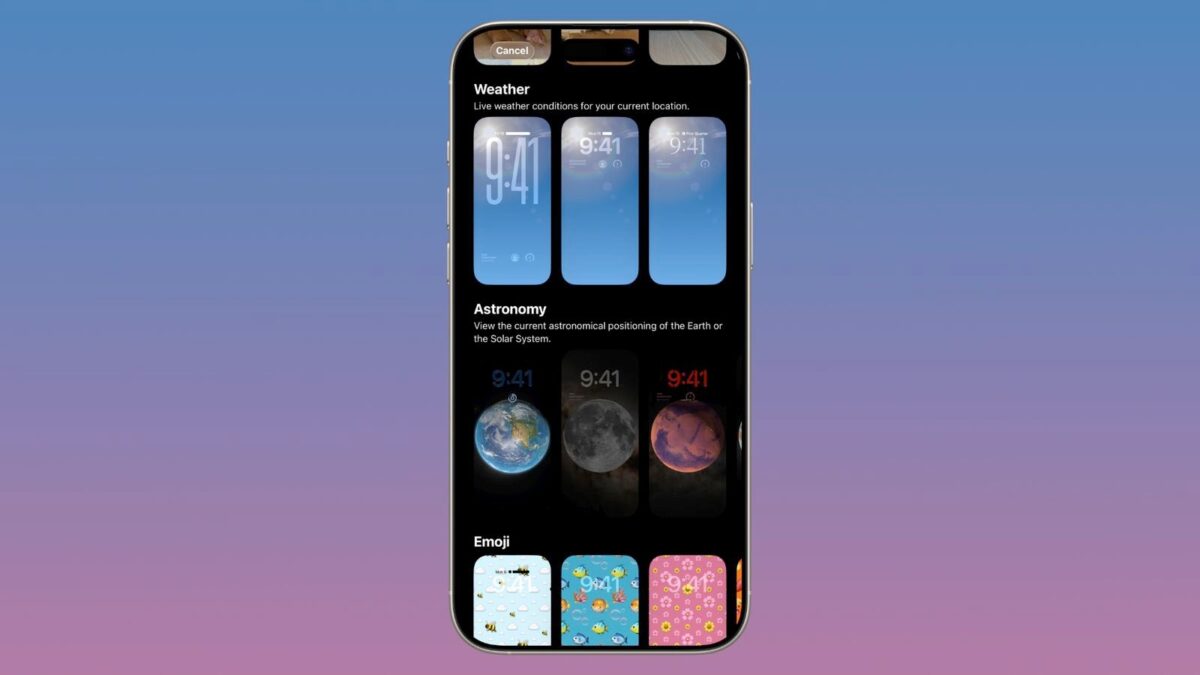
Previously lumped with the Astronomy group, they now stand alone, featuring three pre-set styles. Each design comes with varying clock fonts and Weather widgets, giving users a clearer preview of how dynamic Weather wallpapers enhance customization on the Lock Screen.
New Location Privacy Control
iOS 26.3 introduces a new privacy-focused setting that limits how much precise location data is shared over cellular networks. This feature gives users greater control over what location information is transmitted to apps and carriers. Instead of sharing exact coordinates, users can choose to share only approximate location data.
It is important to note that this feature is not available on all iPhone models. The setting works exclusively with Apple’s newer C1 and C1X cellular modems. These modems are currently found in the iPhone 16e and the iPhone Air.
Proximity Pairing for Third-Party Accessories (EU Only)
The update enables third-party accessories such as earbuds and fitness trackers to pair using a proximity-based interface that works like Apple’s AirPods pairing. Users can bring their accessory near the iPhone and follow a simplified pairing screen. This improves the experience of connecting non-Apple products to an iPhone without complex menus.
Security and System Improvements
As with most software updates, iOS 26.3 includes a range of fixes for vulnerabilities and improvements that make the system more stable and secure. These security updates protect core system components and reduce the chance of crashes or exploits.
Apple also made various under-the-hood refinements to improve performance and user experience across iPhone models.
Compatibility
iOS 26.3 is available for all iPhone models that support iOS 26. If your device is already running iOS 26, you can install this update.
How to Install the Update
You can install the update by heading to Settings → General → Software Update. The update should appear with a download and install option.
Make sure the phone is connected to WiFi and has sufficient battery or is plugged in.
Summing Up…
iOS 26.3 may not be the most visually appealing update Apple has released, but it delivers meaningful improvements. The new transfer to Android tool removes a longstanding barrier for people switching platforms. EU users receive expanded support for third-party wearables and pairing. Everyone gets richer wallpaper choices and stronger privacy controls. Combined with routine security enhancements, this update makes iPhones more flexible, personal, and secure.
Have you spotted anything in the iOS 26.3 that we haven’t covered? Share your discoveries in the comments!