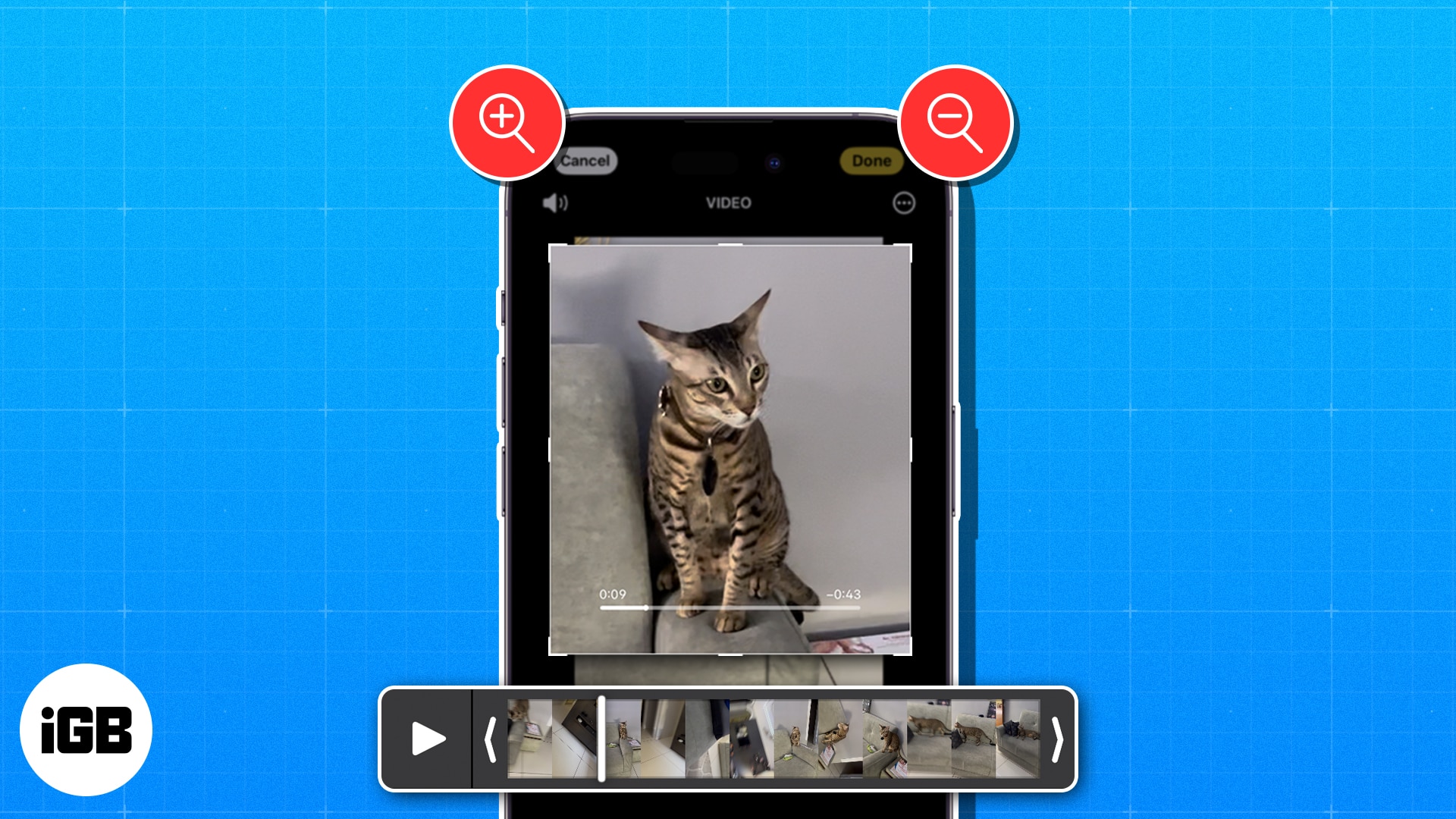
Video and photo tools on the iPhone and iPad are pretty incredible. Now, while you are watching a video inside the Photos app, you might want to zoom in and look at some finer details. Well, iOS allows you to do this very effortlessly. The steps to zoom into a video is similar to that of zooming a photo. Suppose you are watching a video of your kid’s birthday. Now, you want to zoom in and see her smile or her excitement while she is cutting the cake. Using the following steps, you can zoom a video to see things with a closer view.
How to zoom in or out of videos while watching them on iPhone or iPad
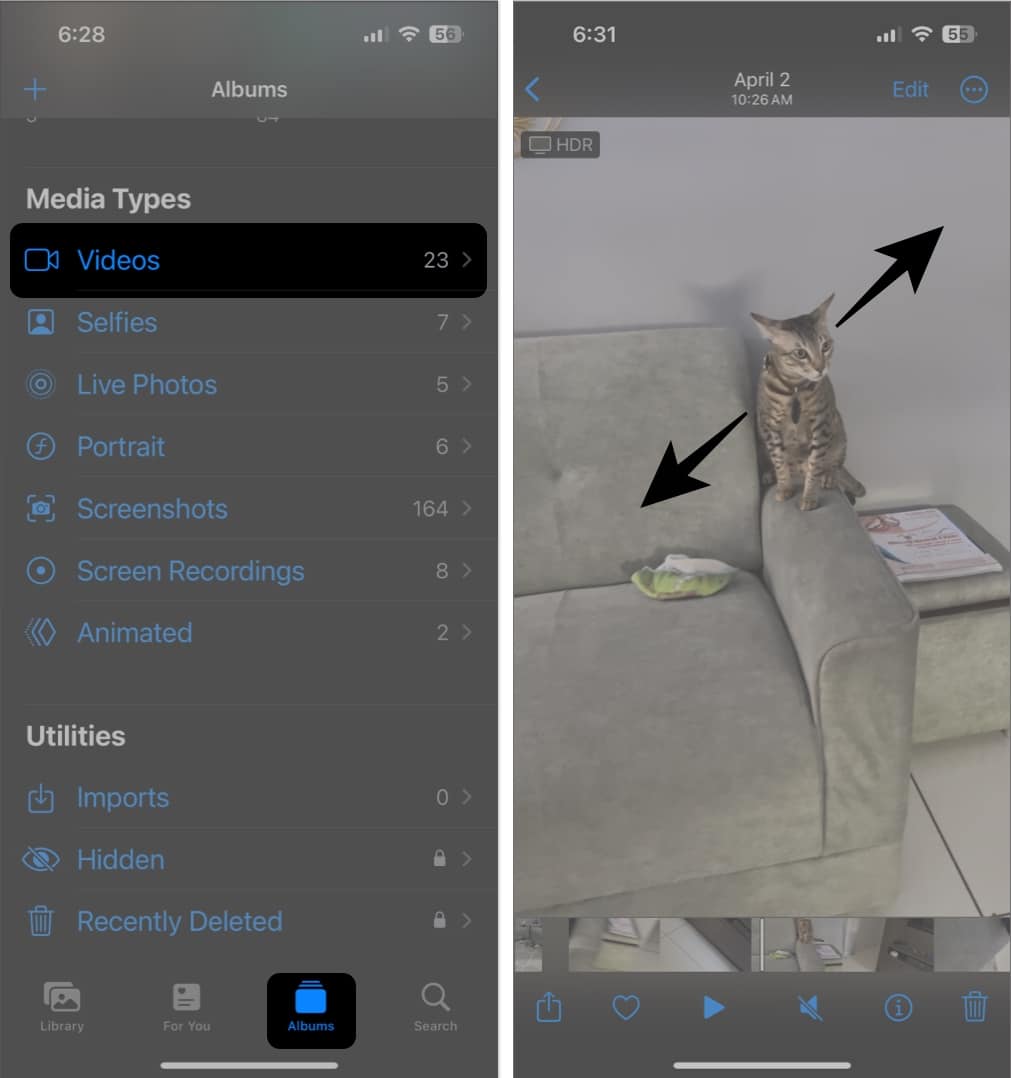
- Go to the Photos app → Open the video you want to zoom into.
- With the video playing, pinch out to zoom in or pinch in to zoom out.
Tip:
You can also use this pinch gesture while watching videos on YouTube or Instagram.
How to zoom in or out of videos while editing them on iPhone or iPad
Your iPhone also lets you zoom in or out of videos while editing them. If you didn’t know this, here’s how it all works:
- Open the Photos app → Open a video → Tap Edit.
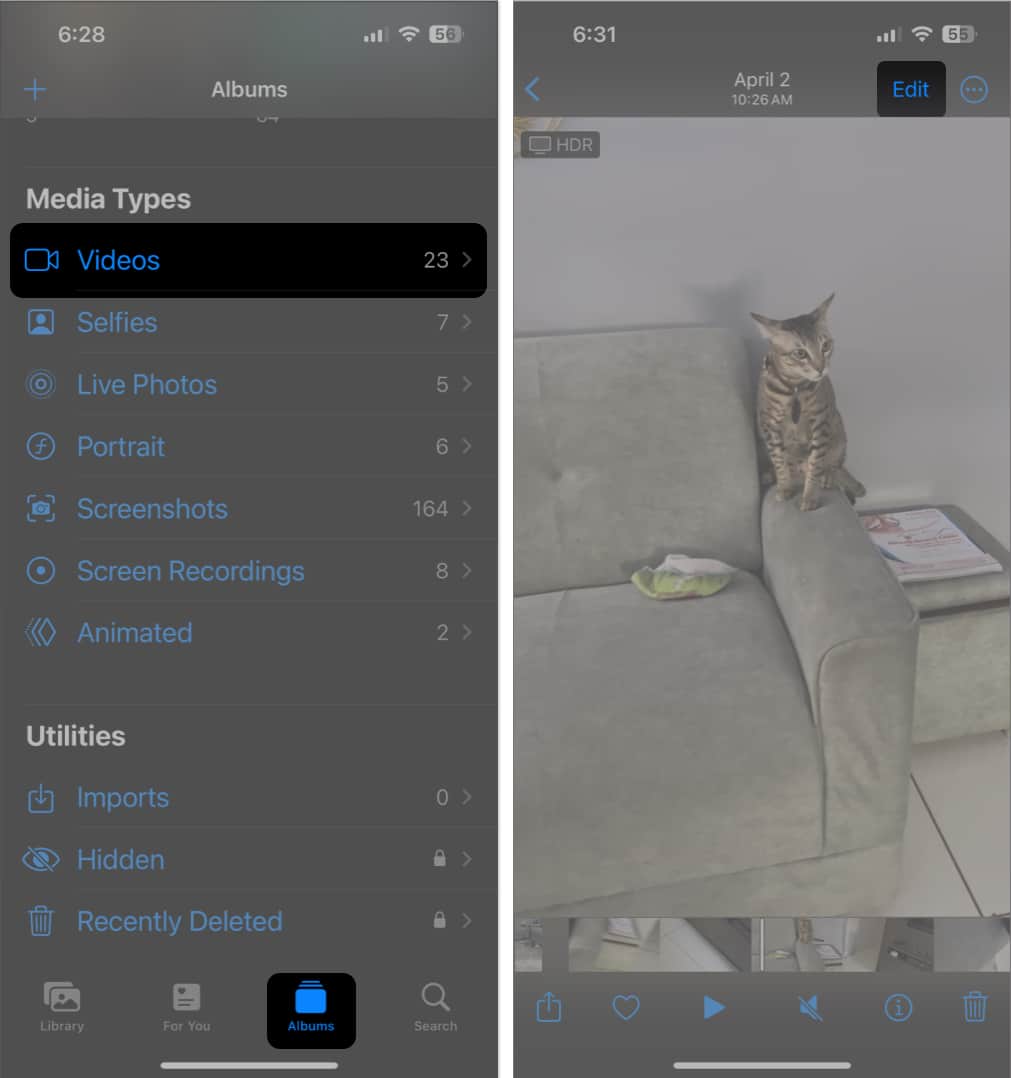
- Select Crop from the list of editing tools.
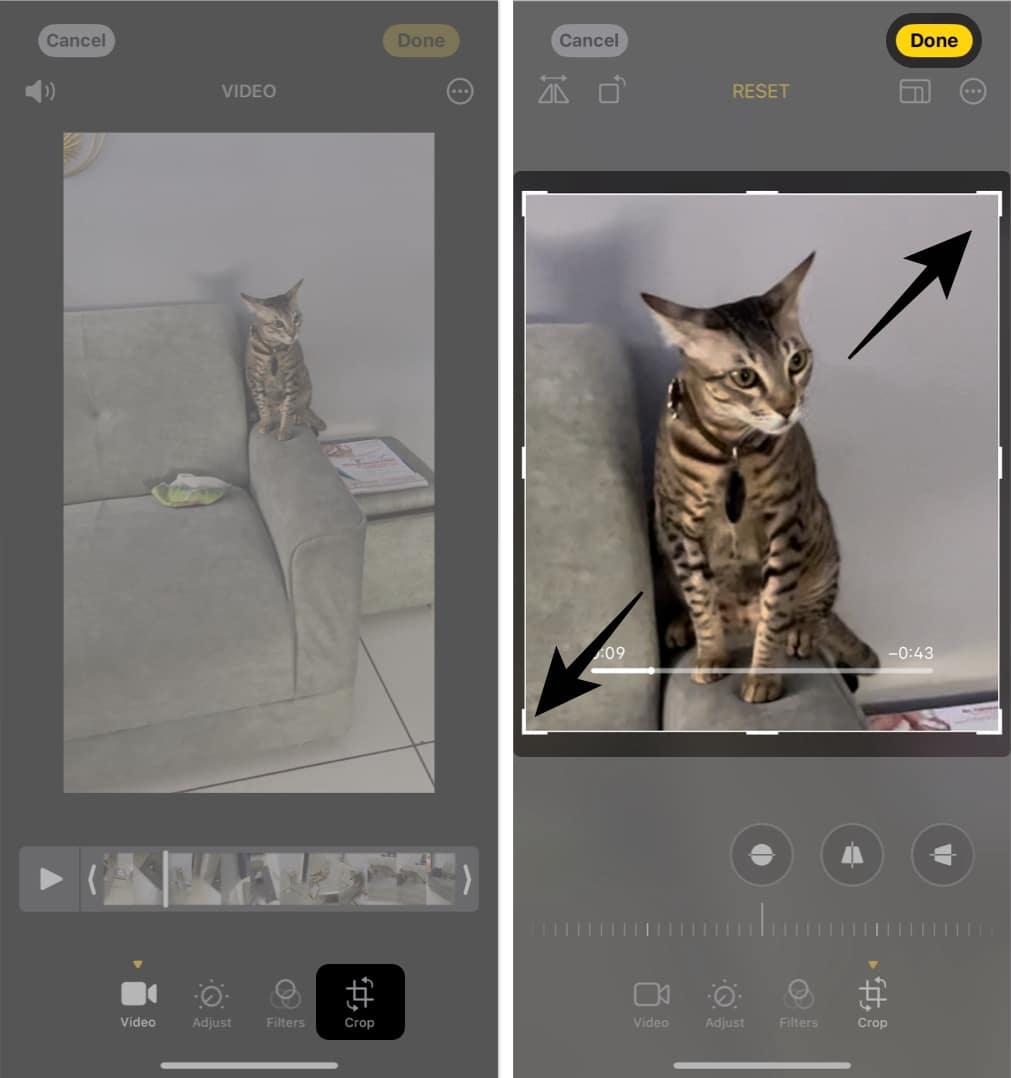
- Now, pinch out to zoom in or pinch in to zoom out of the video.
- Use the guides to resize the video as per your preference → Tap Done.
See the finer details in your videos!
Zooming into your videos can help you see the finer details and enhance your video-watching experience on your iPhone or iPad. That’s how you can enhance your video watching experience on your iOS device! Have any feedback for us? Feel free to share it with us in the comments.