
You Can Now Use Apple Music Inside ChatGPT: Here’s How
Apple Music now works inside ChatGPT, letting you discover music, build playlists, and preview tracks with simple prompts. Here’s how it works, what’s free, and how to set it up fast.
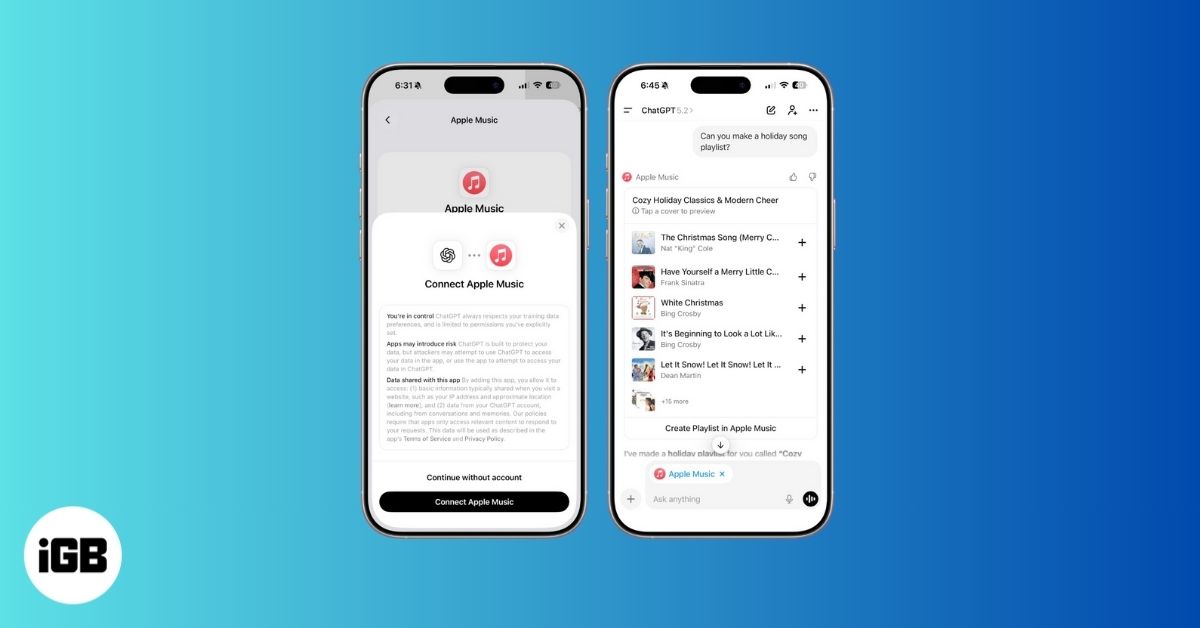
Apple Music is now available inside ChatGPT. While it does not generate music on demand, it can create playlists that match your vibe and play songs you vaguely describe. Here’s how to use Apple Music in ChatGPT and what you can do with it.
Understanding Apple Music Integration with ChatGPT
First, this does not fully integrate music streaming inside ChatGPT. The implementation is similar to the Spotify integration that launched earlier this year. You can ask ChatGPT to suggest songs or create playlists that match your mood using natural language. It searches Apple Music’s catalog to do this. When you select a song or playlist, it opens in the Apple Music app itself. ChatGPT works more like a thinking layer here.
That said, its playlist creation is far more impressive than the generic mood-based playlists Apple Music usually suggests. It can handle complex prompts and create playlists with songs only from the last five years, exclude specific artists, stick to a particular genre and mood, or even focus on songs about a specific topic. You just need to connect your Apple Music account and start prompting.
You don’t need a subscription to explore or preview songs. But if you do have Apple Music, you get more features, like saving tracks to your library or opening playlists directly in the Apple Music app.
Prerequisites for Apple Music Integration
Before you start, here’s what you need:
- A free OpenAI account (ChatGPT).
- Access to ChatGPT on web, iOS, macOS, or desktop.
- Optional: An active Apple Music subscription for full features.
- Your Apple ID is used to authorize the connection.
How to Use the Apple Music App on ChatGPT
I am using the web version here, but the steps are nearly the same on the ChatGPT app for iPhone or Android. The setup takes less than a minute. Here is how to do it.
- Go to chatgpt.com/apps or open the “Apps” tab in ChatGPT (web, iOS, or Mac app).
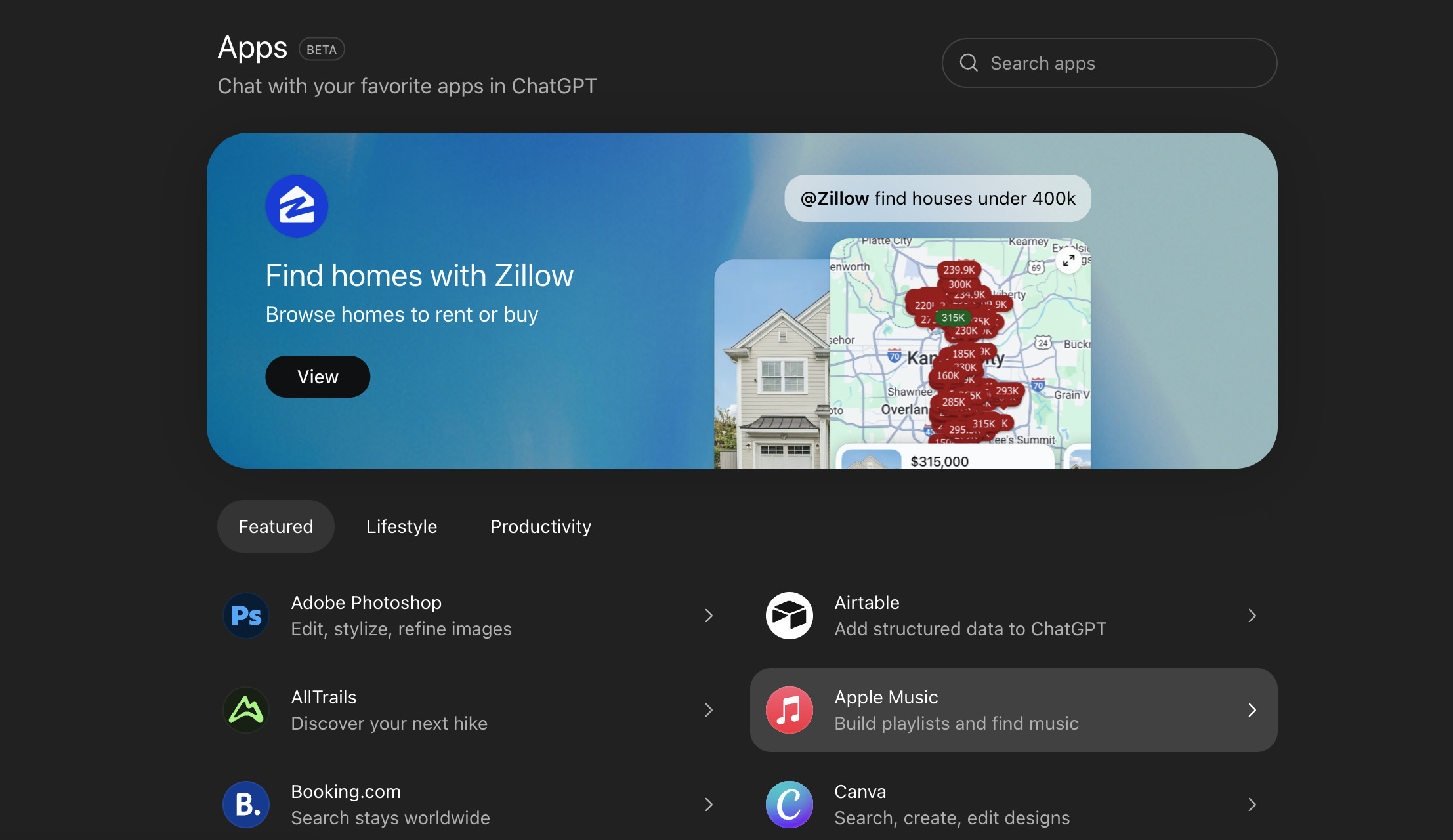
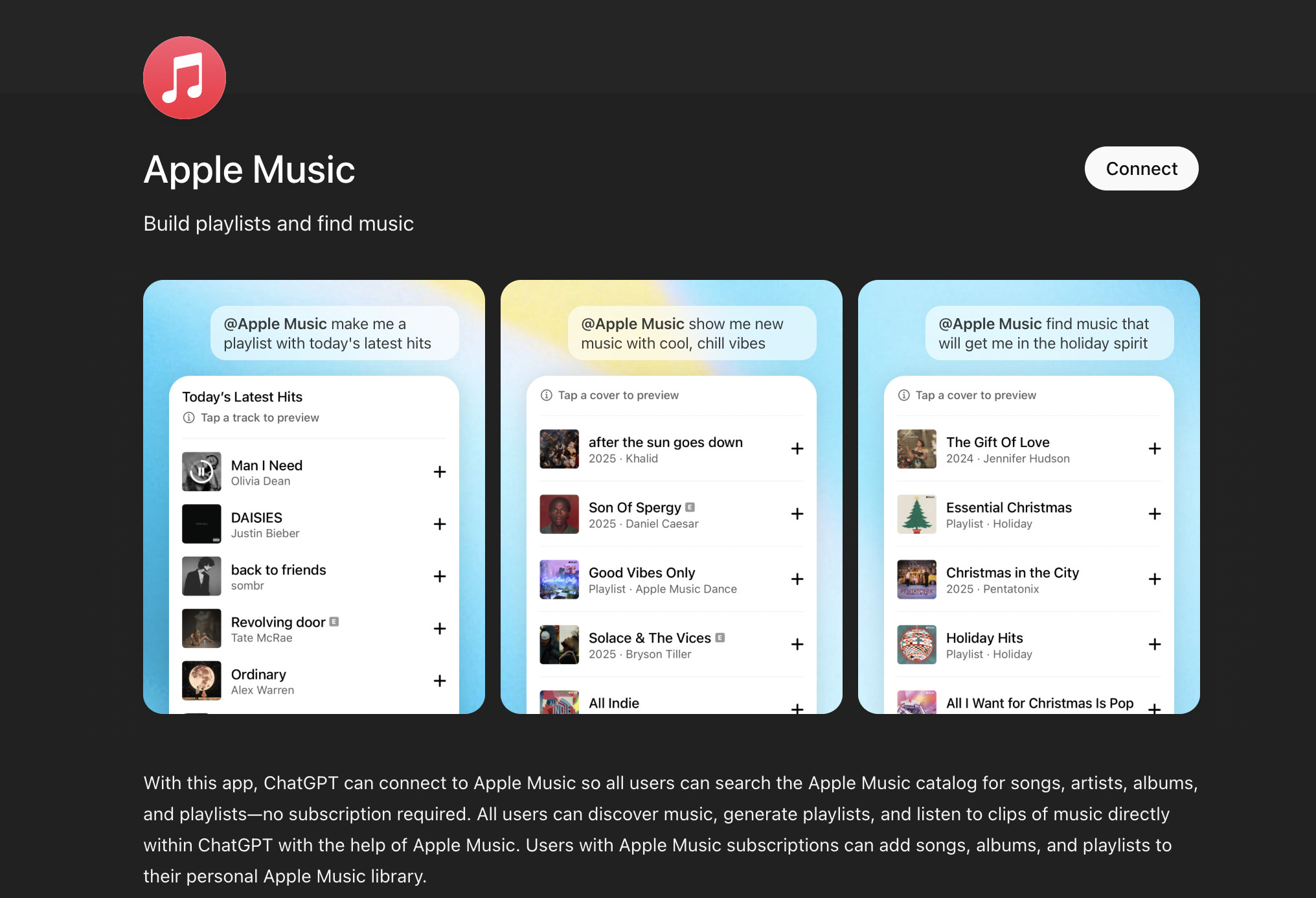
- Find Apple Music and tap to connect.
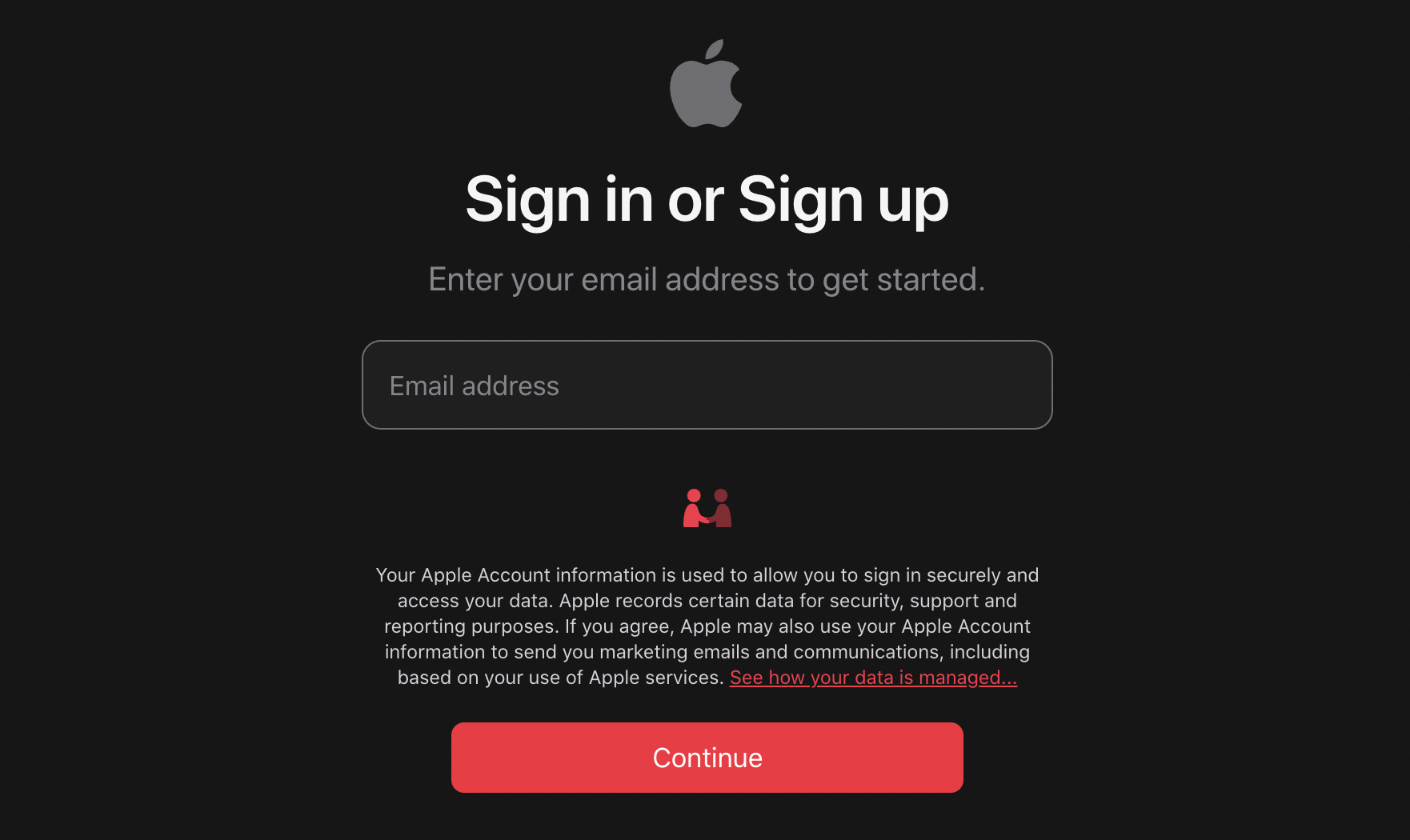
- Sign in with your Apple ID to authorize ChatGPT.
- You’re done! Now you can:
- Use “/Apple Music” to begin prompts
- Or just select it from the app list inside ChatGPT
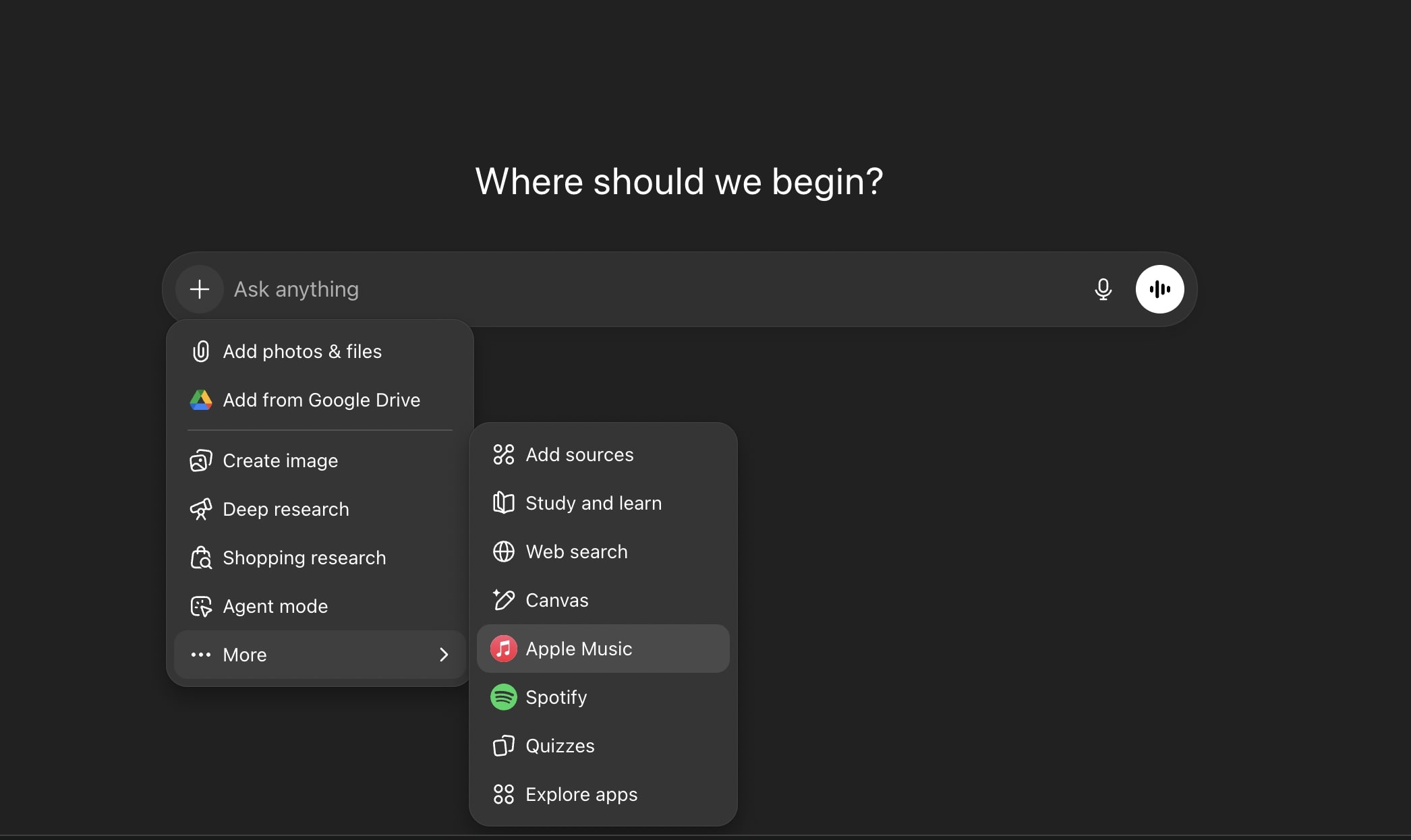
Once connected, ChatGPT may automatically use Apple Music when your prompt includes music; there’s no need to specify it explicitly each time.
Features and Benefits of Using Apple Music Inside ChatGPT
Apple Music inside ChatGPT is built around intent. Instead of browsing or relying on algorithms, you tell ChatGPT exactly what you want, and it uses Apple Music’s catalog to do the work for you.
- Discover music by describing a mood, vibe, similar song, ad, movie scene, or theme.
- Create playlists using detailed prompts like genre, mood, BPM, release period, language, or artist exclusions.
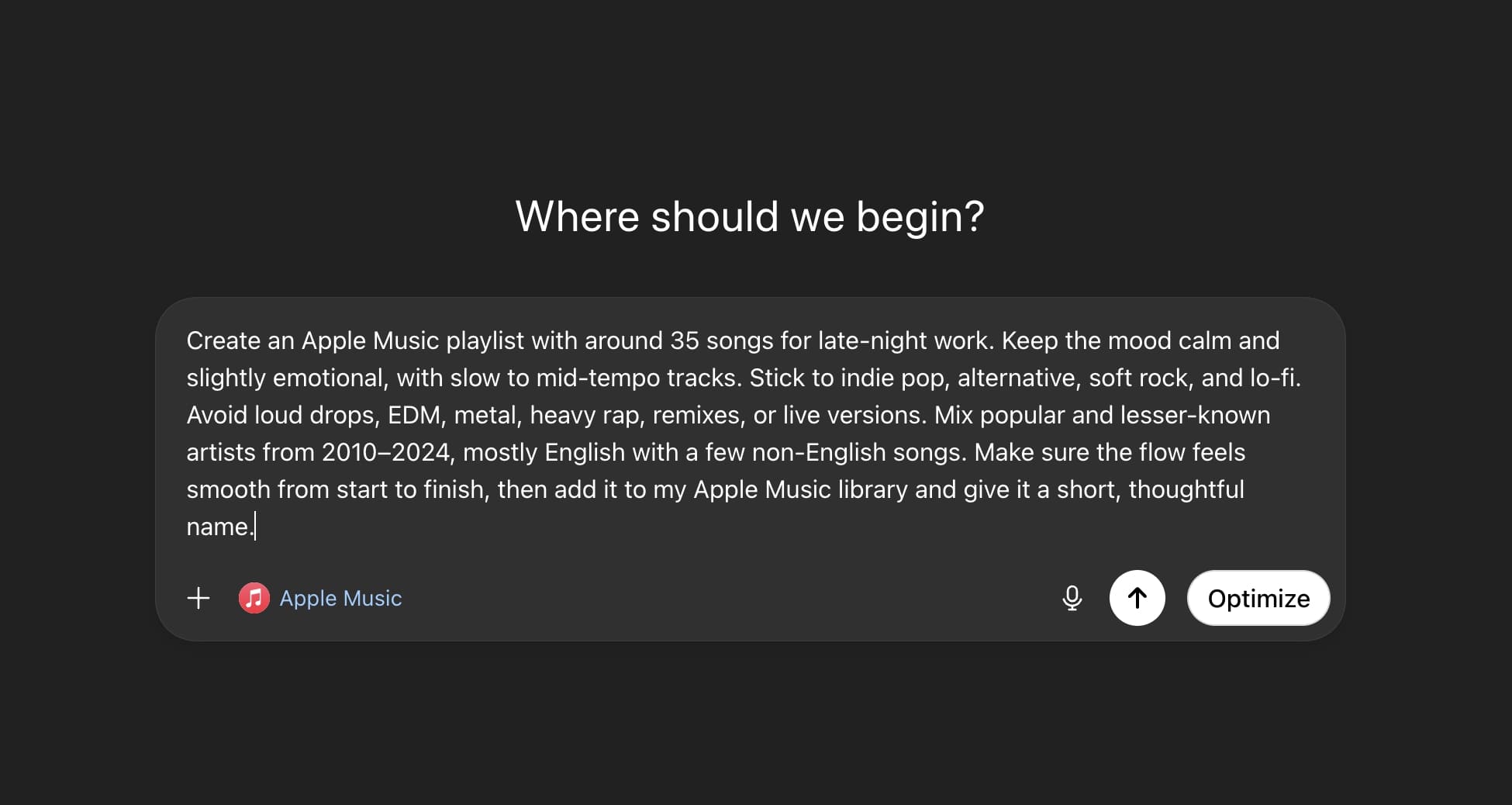
- Refine playlists in the same chat by changing the vibe, adding or removing songs, or renaming them.
- Save songs, albums, or full playlists to your Apple Music library if you have a subscription.
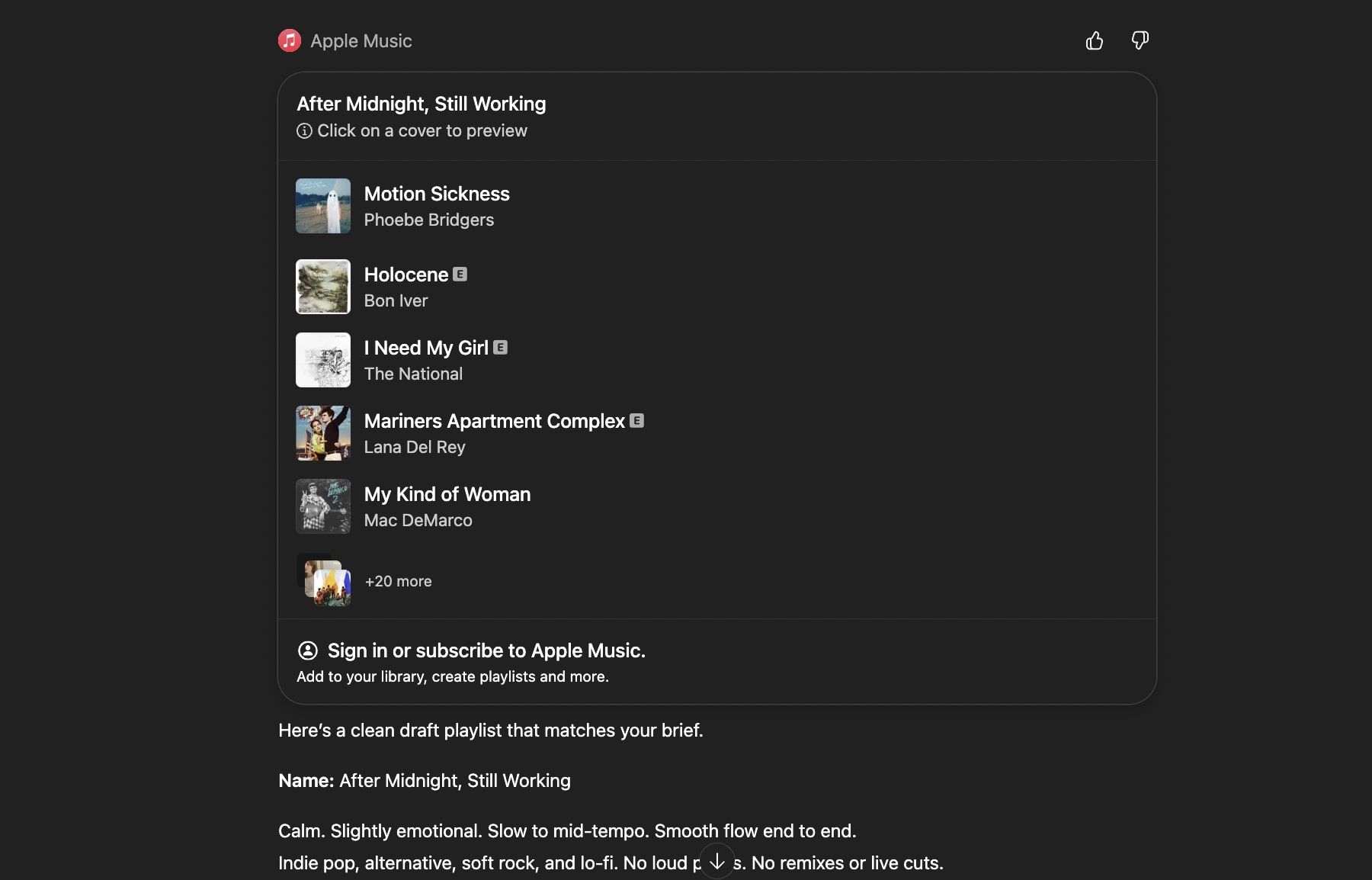
- Listen to 30-second song previews directly inside ChatGPT without a subscription.
- Open and play full songs and playlists in the Apple Music app if you are a subscriber.
- Use generated playlists across iPhone, iPad, Mac, CarPlay, and HomePod without extra setup.
- Built on a structure that can later support features like lyrics, credits, shared playlists, and collaboration.
There is no extra setup beyond linking your Apple Music account. Playback stays native to Apple Music, so your listening history, recommendations, and downloads continue to work as usual.
Best Practices for Using Apple Music with ChatGPT
If you want more accurate playlists and song suggestions, how you prompt matters. A few small tweaks can noticeably improve the results.
- Be specific with prompts. Instead of saying “chill music,” try something like “lofi jazz for late night study sessions.”
- Add clear filters. Mention genre, mood, tempo, release period, or artists you want to include or avoid.
- Use previews before saving. Listen to the short clips to make sure the playlist matches what you want.
- Keep your accounts connected. Make sure ChatGPT stays linked to your Apple Music account for saving and playback.
- Review permissions when needed. You can disconnect Apple Music from ChatGPT at any time through settings.
How to Fix Apple Music Not Showing in ChatGPT
If you don’t see Apple Music in the Apps tab:
- Make sure you’re on the latest version of ChatGPT (web or app)
- Check your region to see if feature rollout may vary
- Restart ChatGPT or log out and back in
- Try accessing from chatgpt.com/apps directly
- If still missing, wait a bit. OpenAI is still rolling this out globally
Conclusion
Apple Music inside ChatGPT changes how you find and build playlists. Instead of searching manually, you describe what you want and let ChatGPT handle discovery using Apple Music’s catalog.
You can explore and preview music without a subscription. With a subscription, you can save playlists and start listening instantly in the Apple Music app.
If you already use Apple Music, this integration is worth trying for faster discovery and more control over your playlists.
Frequently Asked Questions
Topics

Written by
Ravi Teja KNTSI’ve been writing about tech for over 5 years, with 1000+ articles published so far. From iPhones and MacBooks to Android phones and AI tools, I’ve always enjoyed turning complicated features into simple, jargon-free guides. Recently, I switched sides and joined the Apple camp. Whether you want to try out new features, catch up on the latest news, or tweak your Apple devices, I’m here to help you get the most out of your tech.
View all posts →