While Apple’s translation app is getting better, it still has limitations. So, you might need a third-party app to get the job done. But which one? We have laid down some of the best iPhone and iPad translation apps to help you make a smart choice; let’s get going.
1. iTranslate Translator
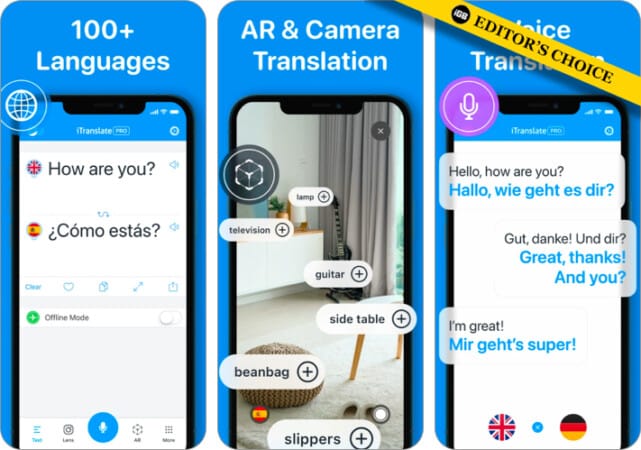
One of the most popular Translation apps, iTranslate can translate words, phrases, and text in over 100 supported languages. You can listen to translations both in male and female voices. Switch between different dialects.
The voice-to-voice conversation feature can be beneficial, especially when you are traveling abroad. The dictionary with synonymous and different meanings enables you to understand any text easily. There is also the offline mode to let you use the app without any disturbance.
Price: Free
2. Microsoft Translator
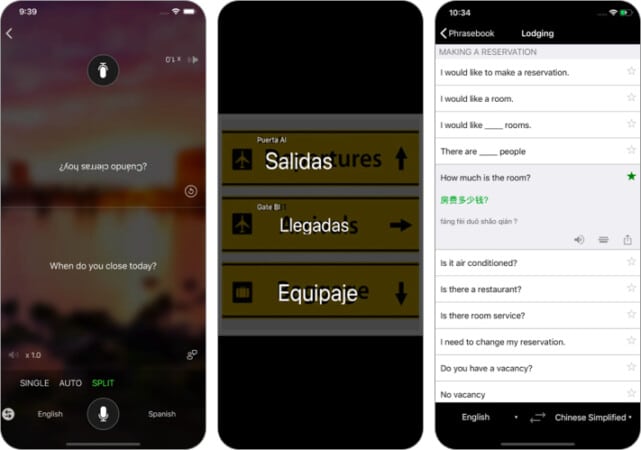
As far as accuracy and efficiency are concerned, Microsoft Translator is second to none. The biggest highlight of this app is the multi-person conversation translation. Precisely speaking, you can have an in-person conversation with up to 100 people in several languages.
With this powerful app, you can translate text into more than 60 languages. Use the camera translations to translate words into photos quickly. Furthermore, it also comes with phrase books for verified translations as well as pronunciations, which are immensely useful.
Price: Free
3. Google Translate
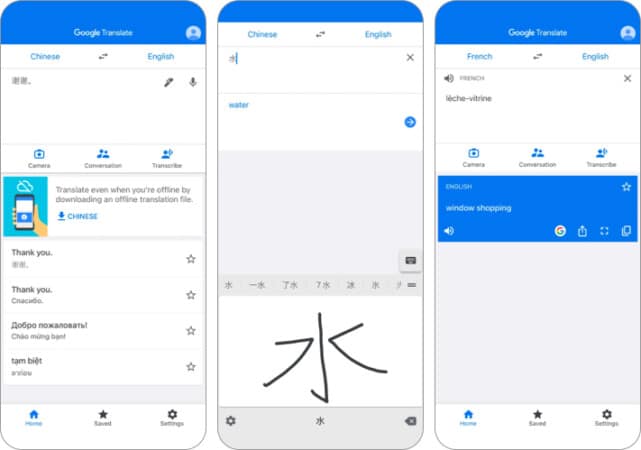
Google Translate offers free instant translation between 103 languages. The app translates words, sentences and web pages between any combinations of supported languages. You can even translate words or sentences without an internet connection in as many as 59 languages.
Don’t want to type text? No problem. Simply point your device camera to the text to quickly translate it into 37 languages. Overall, it’s a one-stop shop for all translations.
Price: Free
4. Speak & Translate
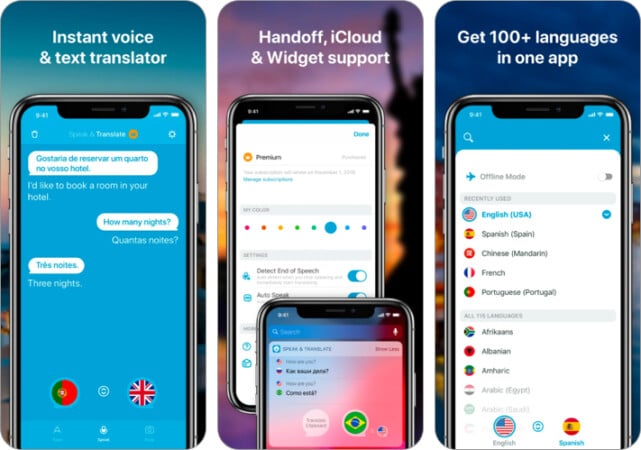
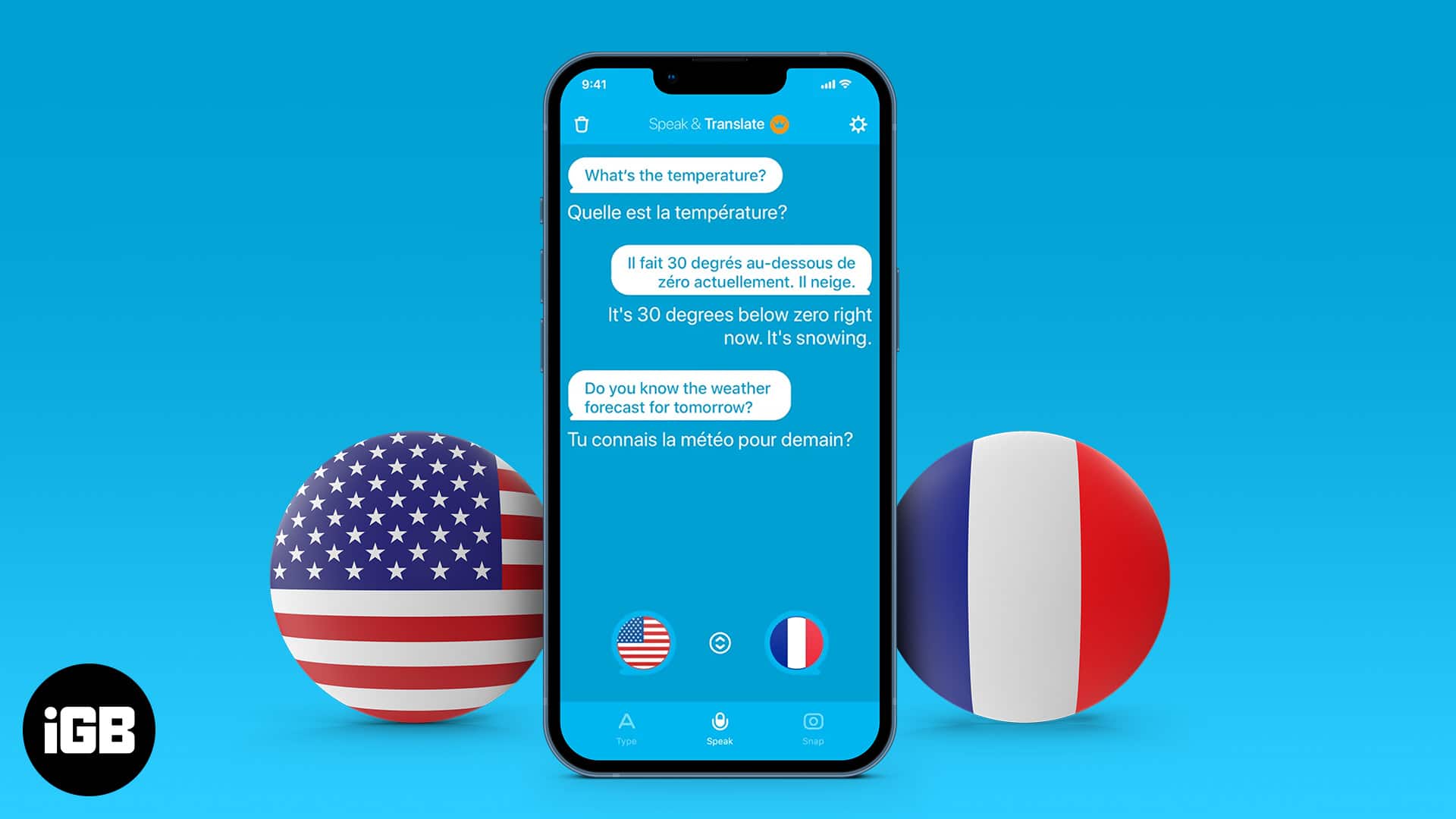
What separates Speak & Translate from the rest is its versatility and accuracy. Using this app, you can comfortably communicate in several languages. To be more precise, it allows you to speak in as many as 54 languages.
You can make written conversations in over 100 languages. Depending on your need, you will choose to translate text in a male or female voice. On your iPad, you can carry out interpretation while using other apps.
Price: Free
5. Translate Free – Language Translator & Dictionary
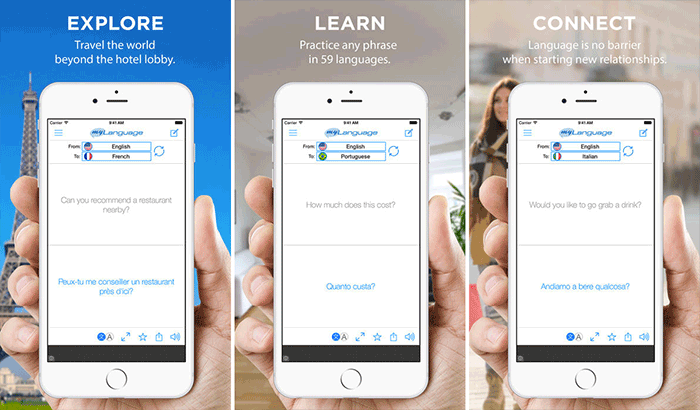
It’s the simplicity and easy-to-use features that make this app so handy for travelers. With the support of 59 languages, it provides you the needed flexibility to translate the text. You can quickly access your translated text to use them offline.
It allows you to translate and listen to it in 20 languages. Since it works fast and accurately, you won’t have difficulty communicating with any person while traveling abroad. What’s more, you can also quickly find out the meaning of any particular dialect to ensure your conversation remains a pleasing affair.
Price: Free
6. Dialog – Translate Speech
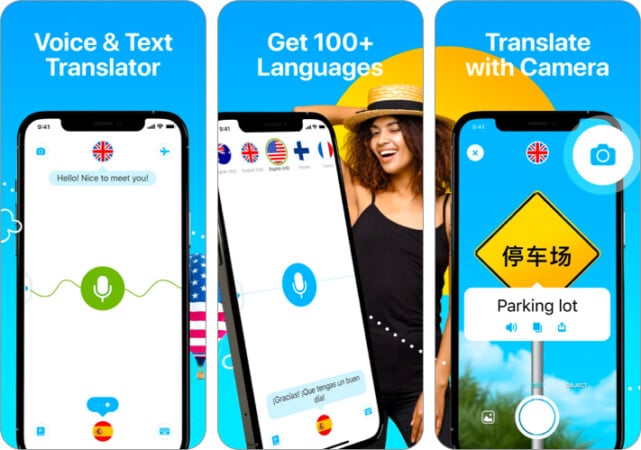
Perhaps the most accessible translator app on the App Store, Dialogue, translates your speech into your preferred language in winks. Suitable for travel purposes, it can conveniently catch foreign phrases and instantly convert them into your native ones.
Besides the voice-to-voice conversions, it also acts as a text translator that can accurately convert unfamiliar words into your mother tongue. Just select your language, tap the button, and you’re quickly served with a translation!
Price: Free
7. Language Translator’

If you find speaking and translating text a bit complicated task, you shouldn’t miss out on Language Translator Pro. It works flawlessly in letting you instantly convert any text into your preferred language. The app enables you to translate your voice into more than 50 languages.
Take complete advantage of full conversations between two languages while traveling, and never let any foreign language become a hindrance. Since it has a simple user interface, you will find it very familiar right from the word go!
Price: $6.99
8. Worldictionary

This multiple award-winning app is simple and creative! All you do is point the iPhone’s camera at a word, and Worldictionary will instantly define and translate it. You really don’t need to type words or take pictures manually.
This app will be your indispensable travel tool, primed to give you translation on the go. It works just like WordLens, but it has more features on it. Moreover, it is compatible with several international languages like French, German, English and many more.
Price: $2.99
Your Pick?
So, now you know how to communicate in many different languages smartly! Which one of these apps is going to be your translator? It would be nice to know its name.
You shouldn’t miss out on these posts as well: