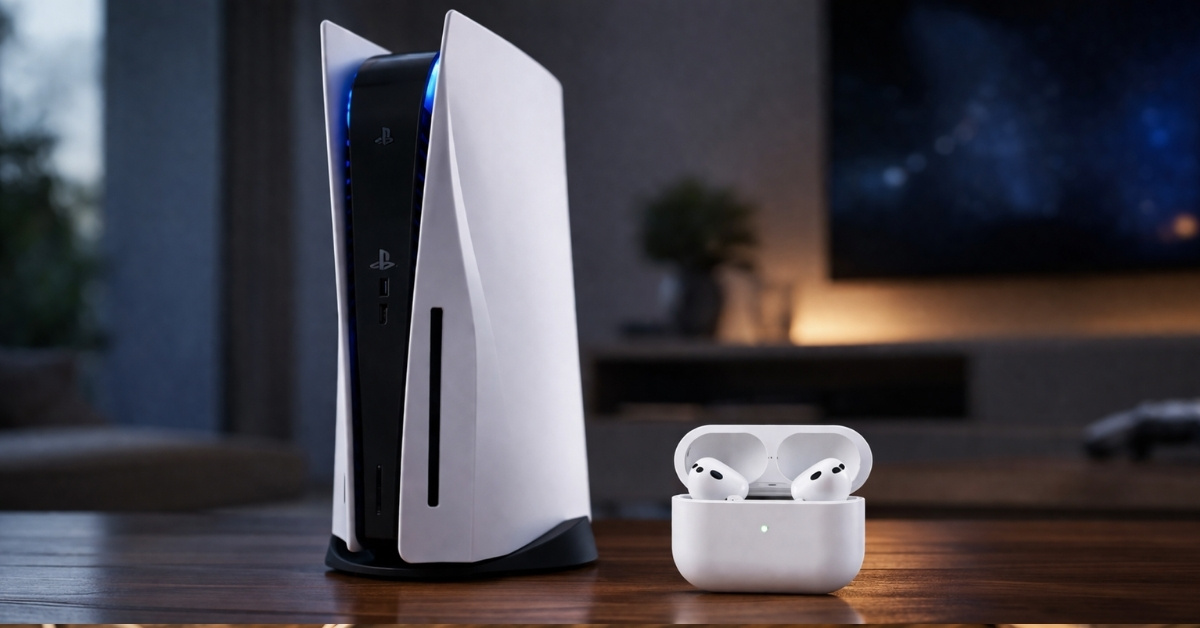
There’s a moment every PS5 owner with Apple AirPods goes through. You open Bluetooth settings, expecting the same effortless pairing you get with your iPhone. The console sees your earbuds, gives you hope for a second, and then refuses to complete the connection.
I went through the same loop. Tried after a long day, just wanted late-night gaming without disturbing anyone. What I got instead was a reminder that Sony still treats Bluetooth audio like an afterthought.
Here’s how the PS5 handles Bluetooth audio, along with the workarounds that actually make AirPods usable.
Why AirPods don’t work properly on PS5
At first glance, this feels confusing. The PS5 clearly supports wireless headphones. Sony even sells its own options that connect instantly and work without any friction. So the problem is not wireless audio itself.
The difference comes down to how that wireless connection works.
The Sony PlayStation 5 does not rely on standard Bluetooth audio for headphones. Instead, it uses a custom wireless system that runs through USB transmitters. Headsets like Sony’s Pulse series connect via a dedicated dongle, which allows the console to control latency, audio quality, and microphone input much more tightly.
AirPods, on the other hand, are built on standard Bluetooth audio protocols like A2DP. That works perfectly with phones and laptops, but it does not align with how the PS5 handles audio.
When you try to connect AirPods, the console can detect them because Bluetooth exists at a basic level. The problem starts right after that. The PS5 does not fully support those audio profiles, so the connection fails.
Latency is a big part of this. Even a slight delay between on-screen action and audio can break immersion in games. Sony avoids that entirely by limiting support to its own controlled wireless ecosystem.
There is also the matter of bandwidth and stability. The PS5 is already maintaining a constant low-latency connection with the DualSense controller. Adding open Bluetooth audio into that mix introduces variables Sony has chosen not to deal with. That is why AirPods feel like they should work, but don’t.
It is not a bug, and it is not something that gets fixed with a software update. It is a design decision that prioritizes performance and consistency over universal compatibility.
Best ways to use AirPods with PS5 (Tested workarounds)
Once you understand why AirPods don’t work on PS5, the need for workarounds makes a lot more sense.
1. Using a Bluetooth adapter via USB
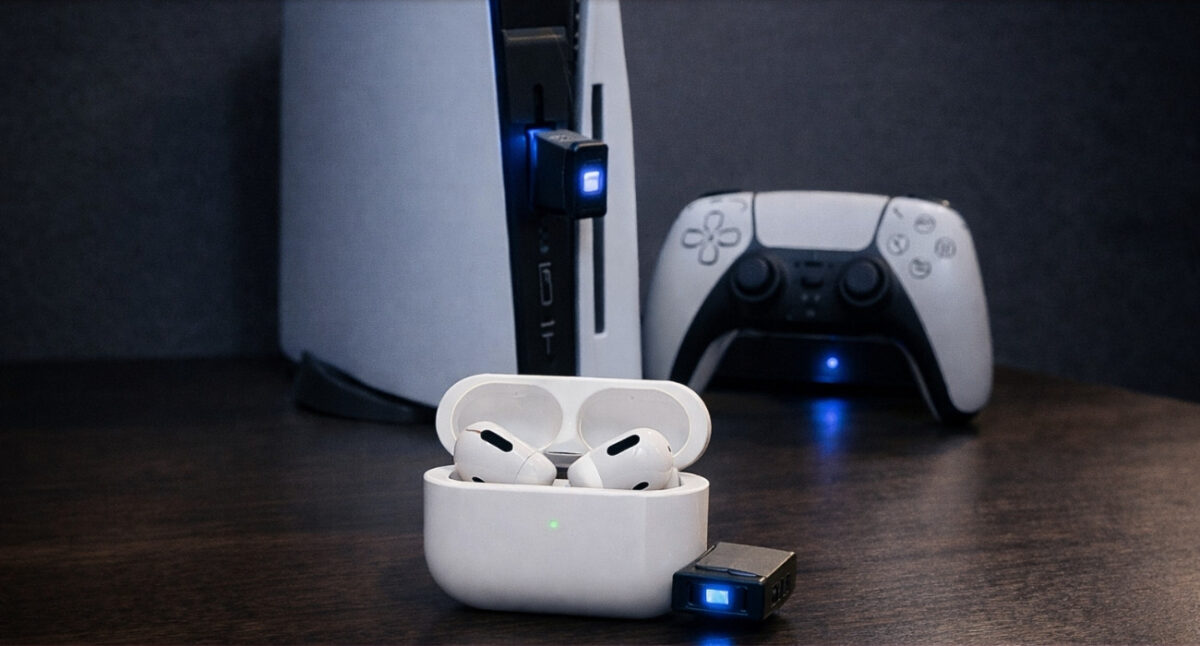
This is the setup I resisted at first because it felt like an unnecessary purchase for something that should have been built in. After using it, I understood why almost every experienced PS5 user recommends it.
A Bluetooth adapter plugs into the PS5’s USB port and handles audio transmission independently of Sony’s internal Bluetooth system. Once paired, your AirPods connect to the adapter, not the console.
In actual use, the difference is immediate. Audio is stable, reconnections happen automatically, and latency drops to a level that feels natural in most games. Story-driven titles, open-world games, and even moderate multiplayer sessions feel perfectly playable.
There are still compromises. You cannot get microphone input from AirPods, so voice chat won’t work.
2. Connecting AirPods to your TV
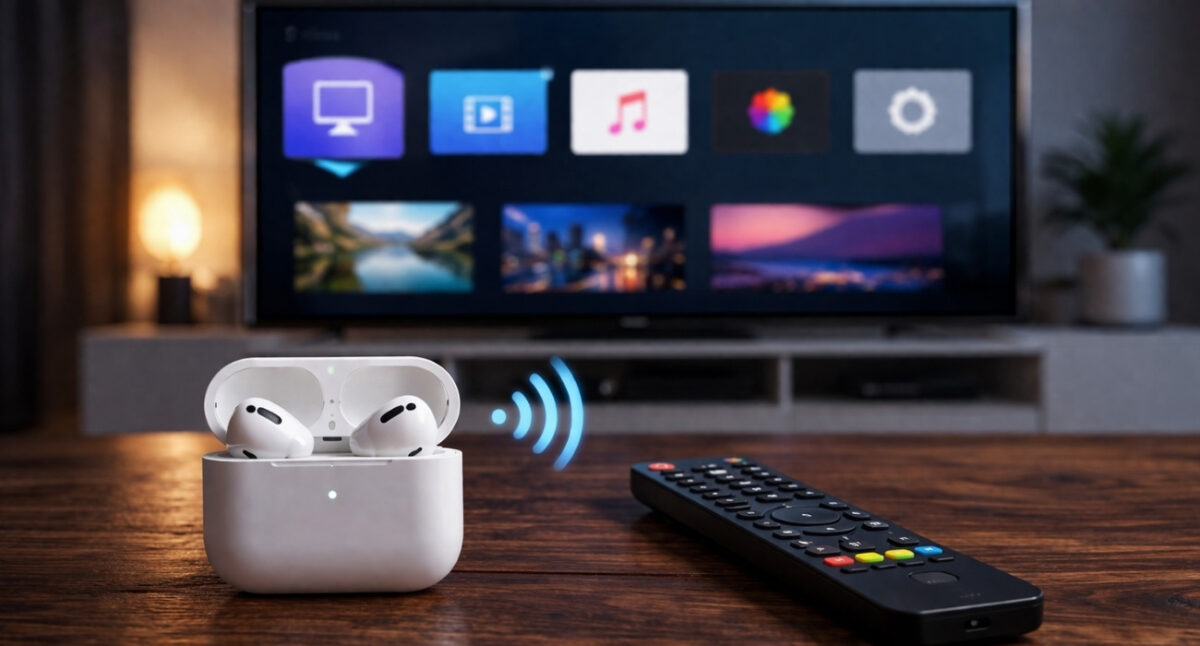
If your TV supports Bluetooth audio, you can connect your AirPods directly to the TV instead of the PS5. The console sends audio through HDMI, and the TV forwards it to your earbuds.
What stood out here was convenience. There is no extra device, no adapter, and no switching between inputs once it is set up. For casual gaming, streaming apps, or late-night sessions, this approach feels clean.
The trade-off comes down to latency. Some TVs handle Bluetooth audio better than others. On a good TV, the delay is barely noticeable. On others, it becomes distracting in competitive gameplay.
I found myself using this method more for watching content on the PS5 than for serious gaming. It fits that use case well.
3. Wired connection through controller (only for AirPods Max)

If you are using Apple AirPods Max, this is the most complete setup you can get on the PS5.
Using a 3.5 mm cable with the Sony DualSense Wireless Controller gives you zero latency, stable audio, and full support for in-game systems, including voice chat. That last part matters because most wireless workarounds don’t properly handle microphone input.
In actual use, everything just works the way you expect. No pairing issues, no dropouts, no audio delay, and no compromises on chat.
The only real trade-off is the cable. You lose the convenience of wireless audio, which is the main reason most people reach for AirPods in the first place.
That said, if your priority is performance and reliability over convenience, this setup holds up better than anything else on this list.
What doesn’t work with AirPods on PS5
Let’s be direct here.
- Pairing AirPods directly through PS5 Bluetooth settings does not work.
- Using standard Bluetooth pairing tricks.
- Expecting firmware updates to fix it.
None of this works in any meaningful way. Even Sony’s own documentation confirms that AirPods aren’t supported devices.
Limitations of using AirPods with PS5
Once you get AirPods working with the Sony PlayStation 5, the experience settles in, but a few compromises quietly shape how usable it feels.
- No reliable voice chat: Most wireless workarounds do not support microphone input, so in-game chat either breaks or needs a separate device.
- No proper 3D audio support: AirPods run in standard stereo, missing out on Sony’s spatial audio tuning.
- Inconsistent latency: Bluetooth adapters keep latency low, but it can still affect competitive gameplay. TV connections vary even more.
- Extra hardware dependency: Adapters add another layer to your setup, increasing the risk of disconnections or pairing issues.
- Not a seamless experience: It works, but never feels as smooth or integrated as using supported gaming headsets.
The setup I actually use
After trying every combination, I stopped looking for a perfect solution and focused on what worked consistently in real use.
For single-player games and casual play, I rely on a Bluetooth adapter. It offers the best balance between convenience and stability. Once paired, my AirPods connect automatically, and the experience stays predictable across sessions.
When I am just watching content or playing something slower-paced, I switch to my TV’s Bluetooth connection. It removes the need for extra hardware and feels cleaner in those moments. The slight delay doesn’t affect those scenarios much, so the trade-off feels acceptable.
I keep the wired option as a fallback when I need absolute reliability or plan to use voice chat for longer sessions. It is not something I reach for daily, but when I do, it delivers the most complete experience without any technical friction.
At this point, it is less about finding a single perfect setup and more about knowing which option fits the situation. Once you approach it that way, using AirPods with the PS5 becomes far less frustrating and far more predictable.
The practical way forward…
Using AirPods with the PS5 still feels like forcing two ecosystems to work together when they were never meant to. If you want something reliable, a USB Bluetooth adapter is the most consistent option. If convenience matters more, your TV can handle the job in many cases. If performance is your priority, wired audio still delivers the best results.
None of these options feel as seamless as they should. And that is the real issue.
Are you using AirPods with your PS5 or did you switch to a different setup? Drop your experience in the comments.